2.
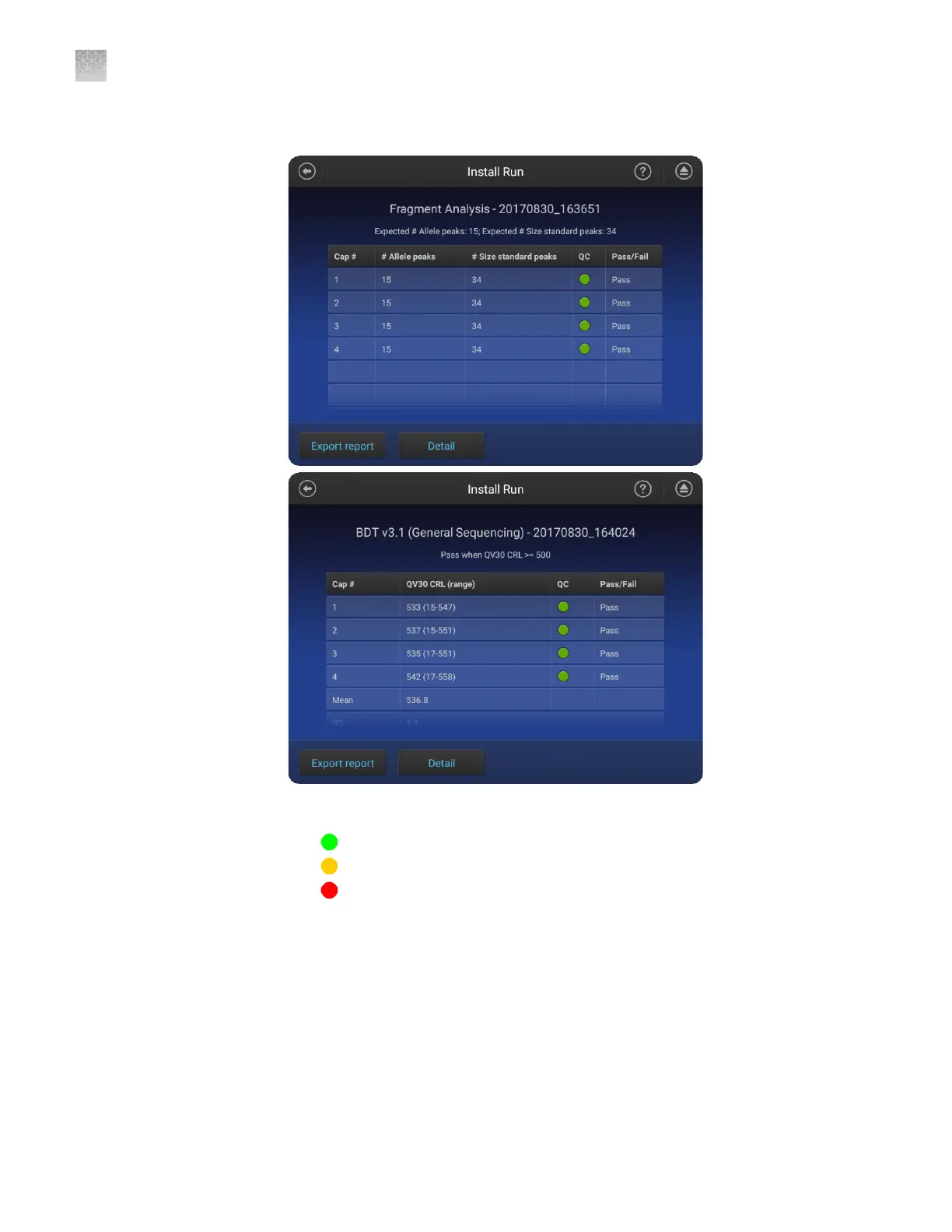
Touch an install run to display the results, including the pass/fail results.
Each injection group displays a QC color for each capillary:
• —All QC tests passed.
• —At least 1 warning quality alert was triggered.
• —At least 1 failing quality alert was triggered.
For information on quality alerts, see:
• “Data quality alerts“ on page 119
• “Sizecalling and basecalling quality alerts“ on page 119
Appendix C Dye calibration and install standard checks
Perform an install run
C
206
SeqStudio
™
Genetic Analyzer Instrument and Software User Guide













 To Next Page