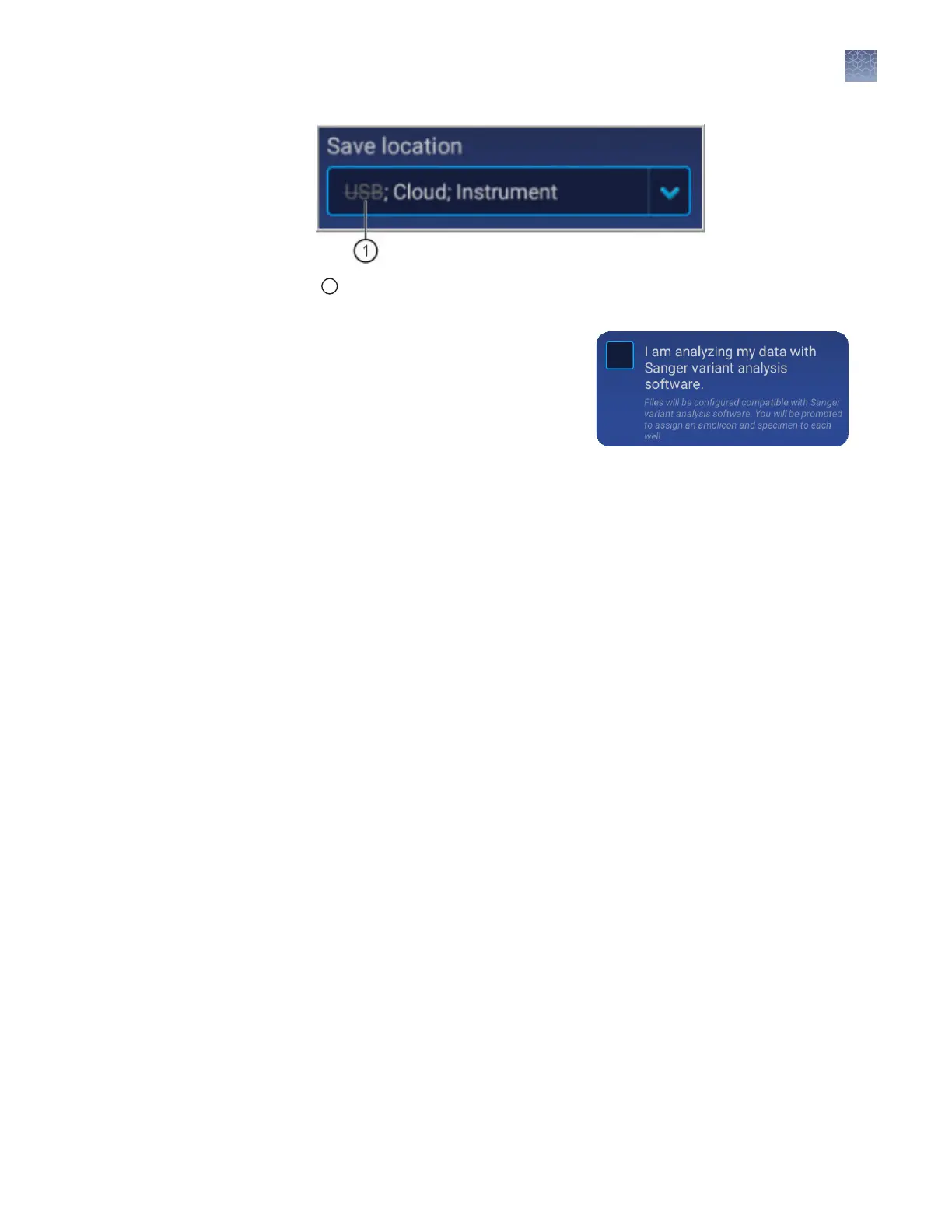
1
Original location to which the plate was saved, but is no longer accessible by the
instrument.
8.
(Optional for Sequencing or Mixed
plate) Touch the I am analyzing my
data with Sanger variant analysis
software checkbox.
The amplicon and specimen elds
are added to the Plate view, and the
aributes are automatically added to
the default le name conventions (see “Modify the default le name
convention“ on page 88).
This feature is useful in secondary analysis software applications that organize
les based on amplicon and specimen information (Connect cloud-based
platform applications: Variant Analysis (VA) module, Next-generation
Conrmation (NGC) module; desktop applications: SeqScape
™
Software,
Variant Reporter
™
Software, Minor Variant Finder Software).
Chapter 6 Create or modify a plate setup from the instrument
Set up a plate using default settings (instrument)
6
SeqStudio
™
Genetic Analyzer Instrument and Software User Guide
83













 To Next Page