TH2829X Series Operation Manual Chapter 10 HANDLER
DISPlay :PAGE MEASurement
BNUMber
BCOunt
LIST
MSETup
CSETup
LTABle
LSETup
TSSEtup
TSMEas
SYSTem
FLISt
TTSet
TLSet
TMDisp
TJDisp
TSDisp
:LINE “<string>”
:RFONt LARGe
TINY
OFF
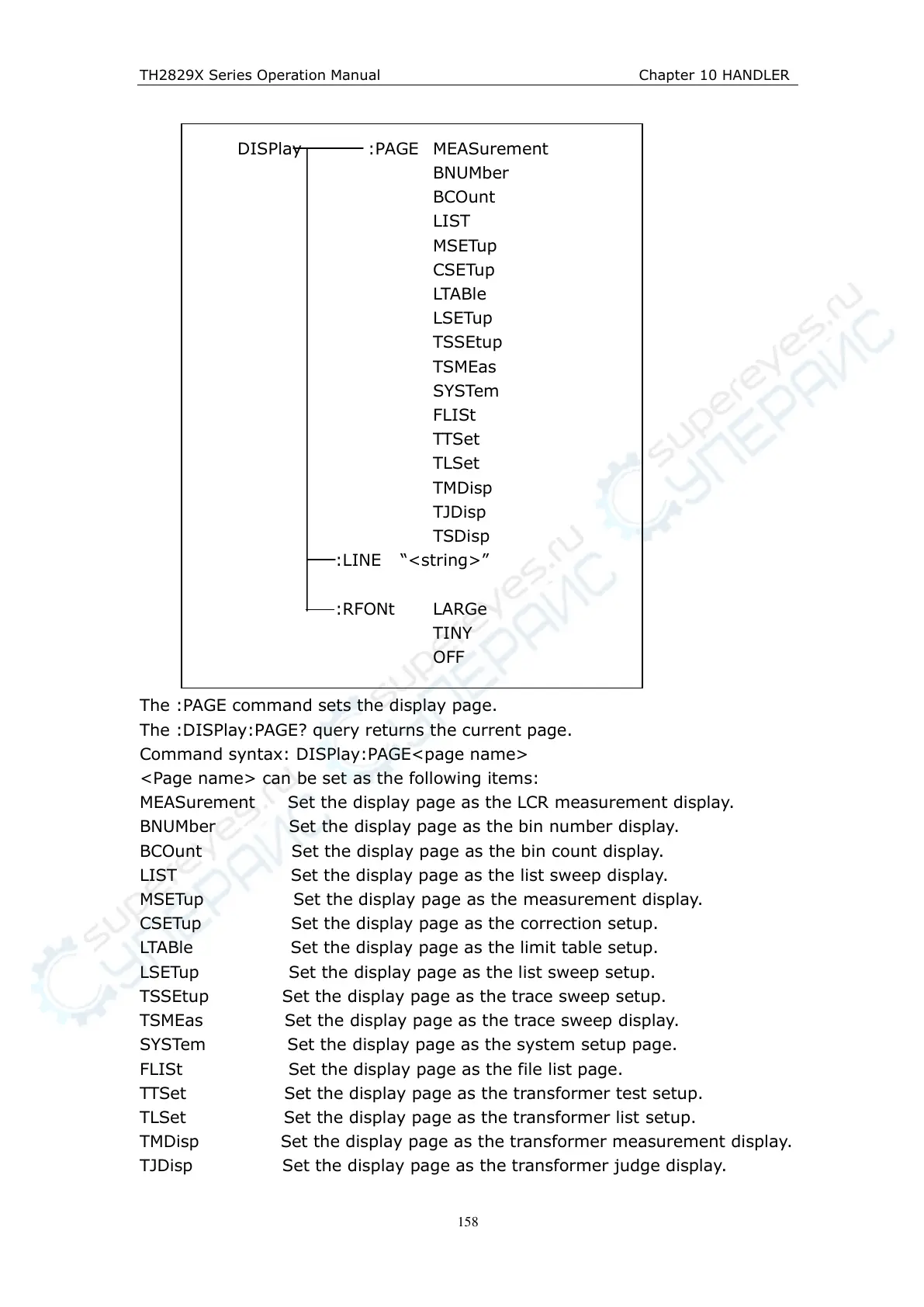
The :PAGE command sets the display page.
The :DISPlay:PAGE? query returns the current page.
Command syntax: DISPlay:PAGE<page name>
<Page name> can be set as the following items:
MEASurement Set the display page as the LCR measurement display.
BNUMber Set the display page as the bin number display.
BCOunt Set the display page as the bin count display.
LIST Set the display page as the list sweep display.
MSETup Set the display page as the measurement display.
CSETup Set the display page as the correction setup.
LTABle Set the display page as the limit table setup.
LSETup Set the display page as the list sweep setup.
TSSEtup Set the display page as the trace sweep setup.
TSMEas Set the display page as the trace sweep display.
SYSTem Set the display page as the system setup page.
FLISt Set the display page as the file list page.
TTSet Set the display page as the transformer test setup.
TLSet Set the display page as the transformer list setup.
TMDisp Set the display page as the transformer measurement display.
TJDisp Set the display page as the transformer judge display.



 To Next Page