DRIVE SYSTEM
7-3TX525 Service Manual Rev. 000
Track Guide Alignment
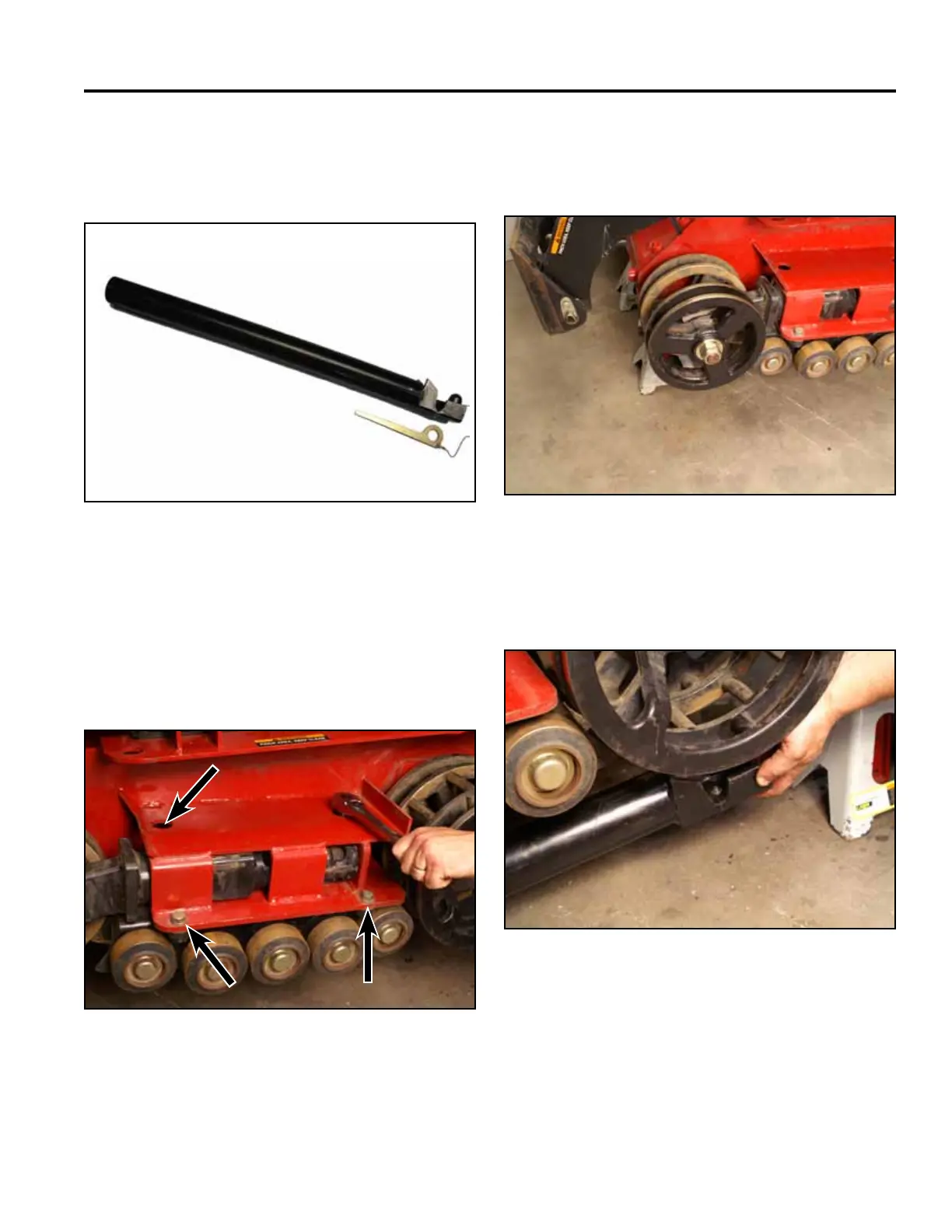
Alignment Tool (Toro p/n: 110-0069) (Fig. 1268):
3. Wide track models only: Slide a washer/tensioner
wheel assembly onto the tensioner arm wheel shaft.
Install a nut to secure (Fig. 1270).
Fig 1268 DSC-0624
Fig 1270 PICT-4483
4. Insert the notched end of the alignment tool into the
drive wheel spacer (Fig. 1271).
1. Remove the track. Refer to “Wide Track Removal”
on page 7-68 or “Narrow Track Removal” on page
7-72.
2. Loosen the 4 bolts securing the track guide to the
mainframe (Fig. 1269).
Fig 1271 PICT-4485
Fig 1269 PICT-4482



 To Next Page