BRAKES
8-35TX525 Service Manual Rev. 000
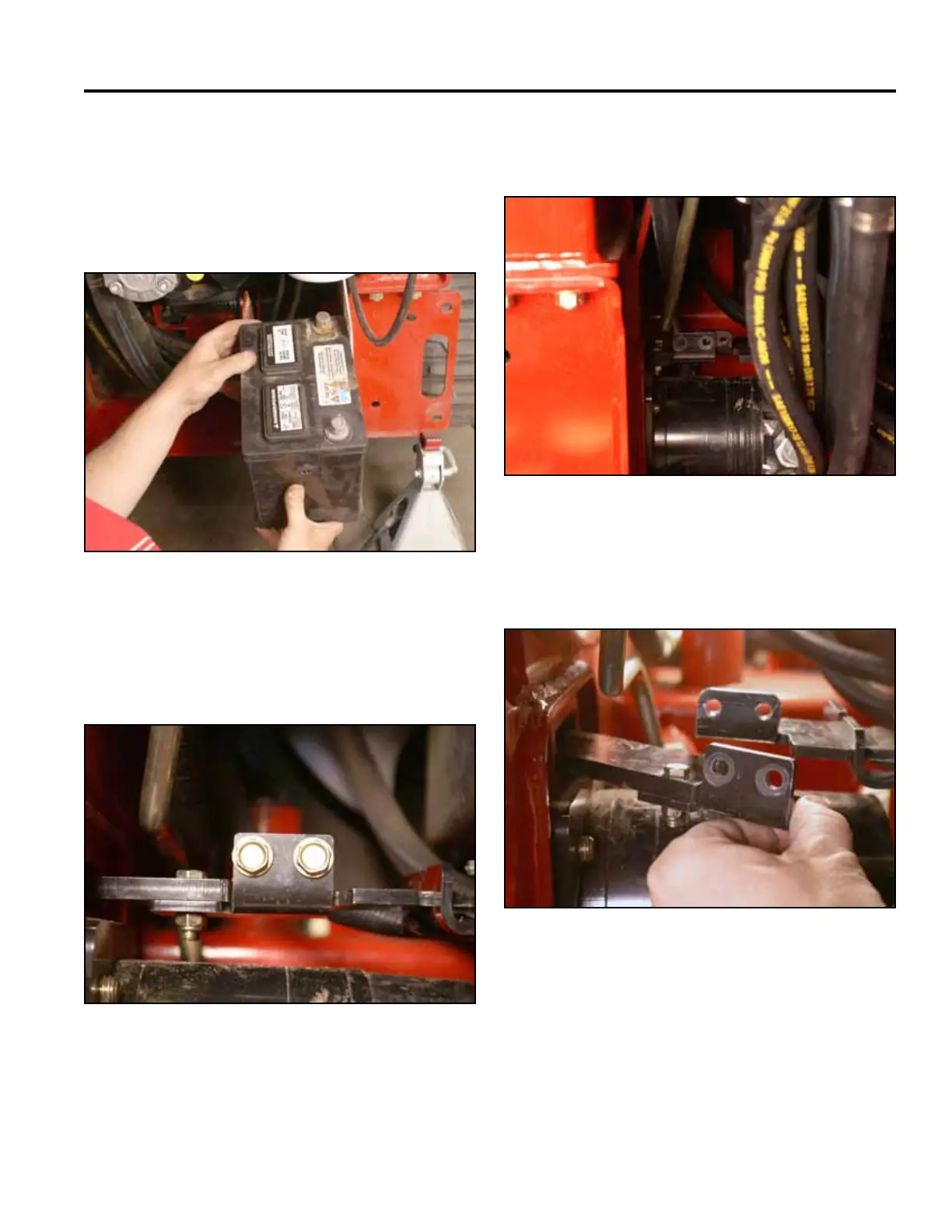
13. Using a 1/2” socket, remove the 2 bolts holding
the brake plate to the brake mounting bracket (Fig.
1764).
Fig 1764 PICT-4365a
14. Push the brake plate outward toward the drive wheel
(Fig. 1765).
12. Slide the battery partially out of the battery mount.
Disconnect the negative battery cable from the
battery. Slide the battery out to access the positive
battery cable terminal. Disconnect the positive
battery cable. Remove the battery and battery guard
from the battery mount (Fig. 1763).
Fig 1765 PICT-4367
Fig 1763 PICT-4312a
15. With the brake handle in the off position, slide the
brake plate assembly out of the frame (Fig. 1766).
Fig 1766 PICT-4387a



 To Next Page