Program Mode 6-51
The Lock Symbol
The lock appears in top right corner of the display when a password exists. If the
symbol is shown as locked, a logon is required to access Program Mode features.
The symbol displays unlocked status whenever a numeral (1, 2, or 3) is
superimposed on it.
Setting a Password
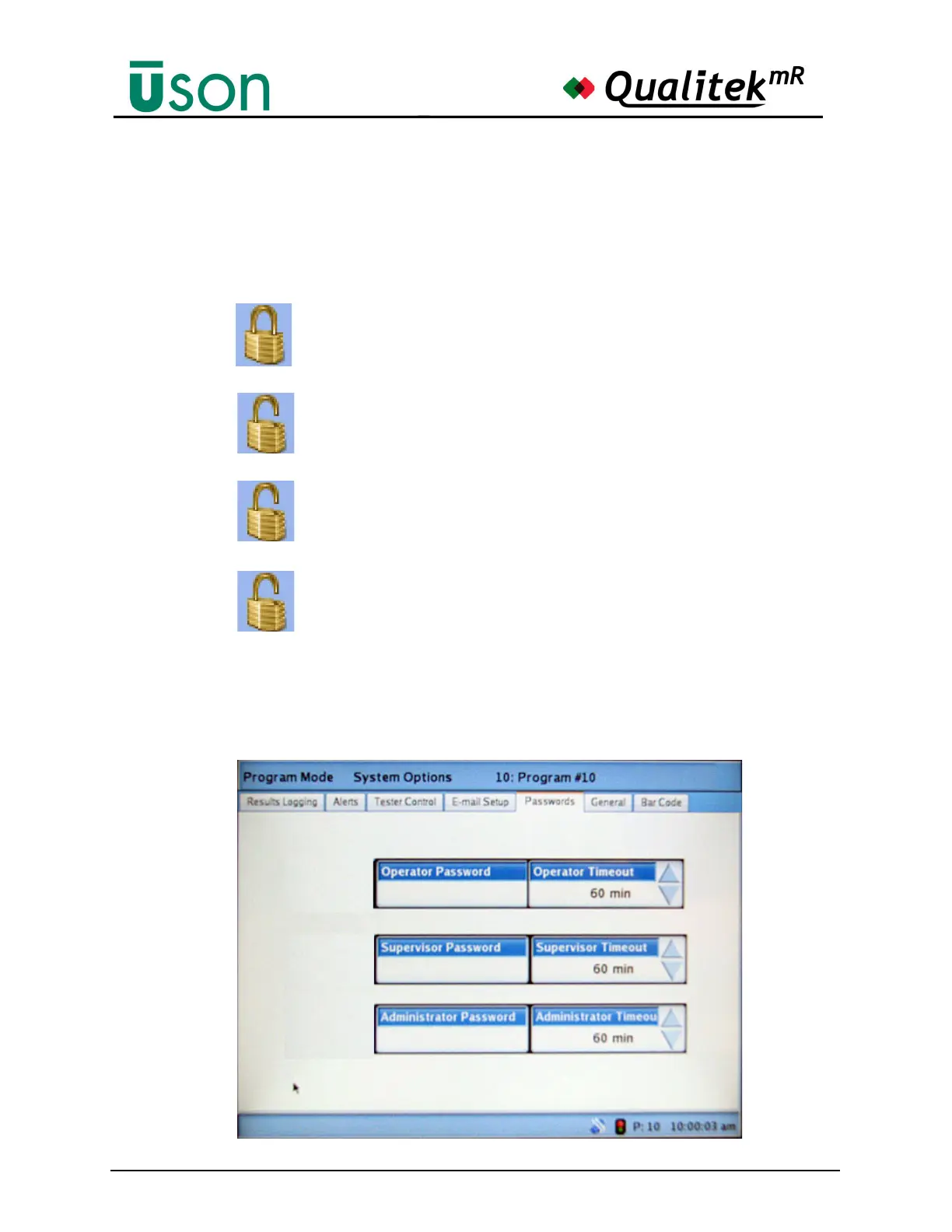
The Passwords tab is the control center for passwords. Once a password has been
set, only supervisors and administrators can reach this tab.
1
2
3
A password has been setup and no user is logged on. No tests can
be run and only Run Mode features can be accessed.
The Operator is logged on. Tests may be run. No Program Mode
features are available. Test programs can’t be changed.
The Supervisor is logged on and has full tester access except for
network settings.
The Administrator is logged on and all tester features are avail-
able.



 To Next Page