6-52 Qualitek mR Owner’s Guide
To Set a Password
Press Operator Password, Supervisor Password, or Administrator Password
to make the keypad visible.
Enter the password using the keypad and select OK and automatically return to the
previous screen.
The password is set and the Set Password button will change to the Clear Password
button.
Operator Timeout
This feature controls how long the tester may sit idle before the user is
automatically logged off. Operators may be granted up to 60 minutes. Supervisors
and Administrators may be granted up to 480 minutes.
To Clear a Password
Press the Clear Password button to clear the password. (The Clear Password
button is not visible until a password has been set.)
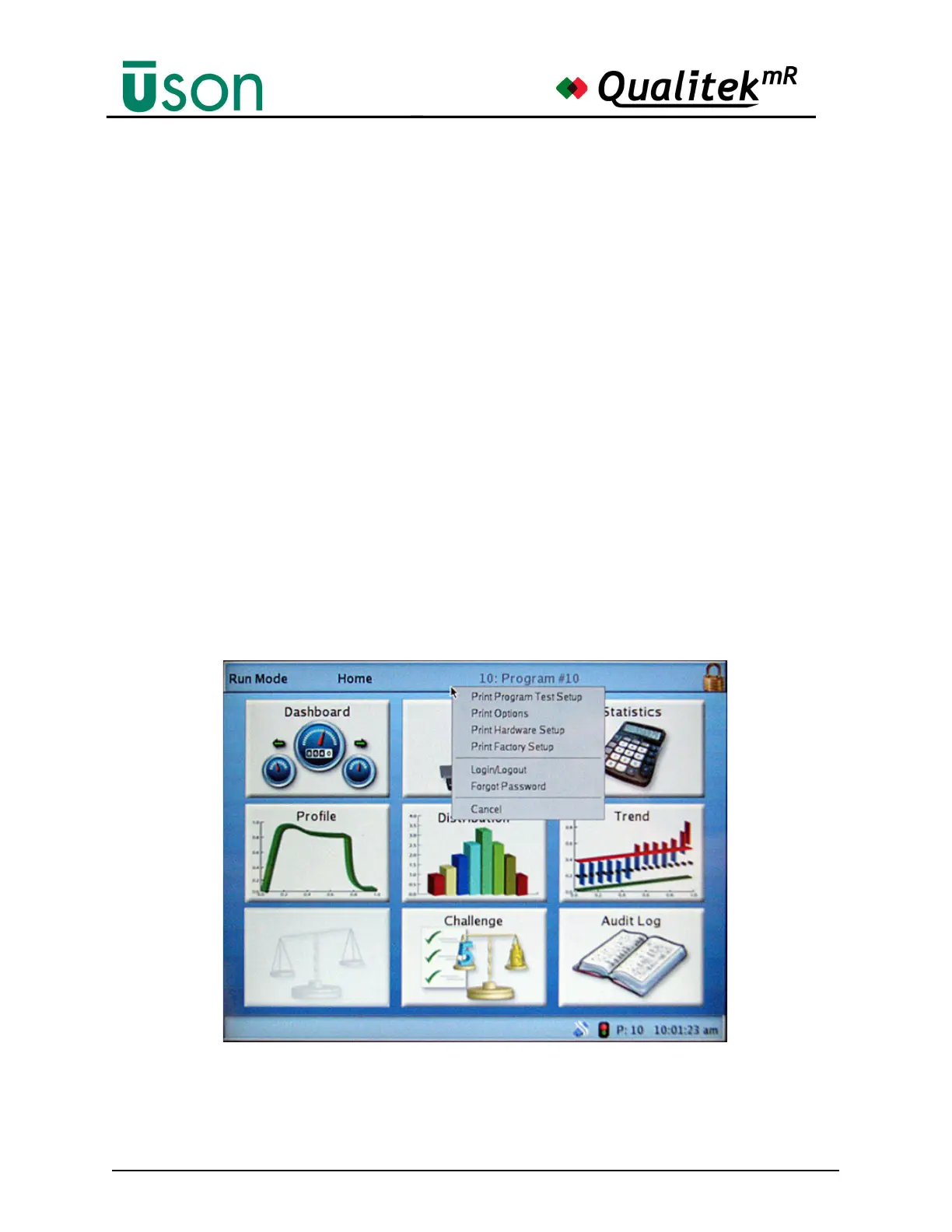
How to Logon
Touch the status bar and the pop-up menu will appear as shown below. Select
Login/Logout.
Forgotten Password
Call Uson to obtain a reset code. Select Forgot Password from the pop-up menu
and enter the code and select OK. This action clears all passwords.



 To Next Page