Program Mode 6-65
Windows Server
Qualitek mR audit logging can be set to the “Windows Network.” Before this can
happen, the Windows Server parameters must be entered and a network connection
made. Also, before we can connect to a Windows Network, all preceding steps
regarding network setup must be done, saved, and the tester powered off and back
on.
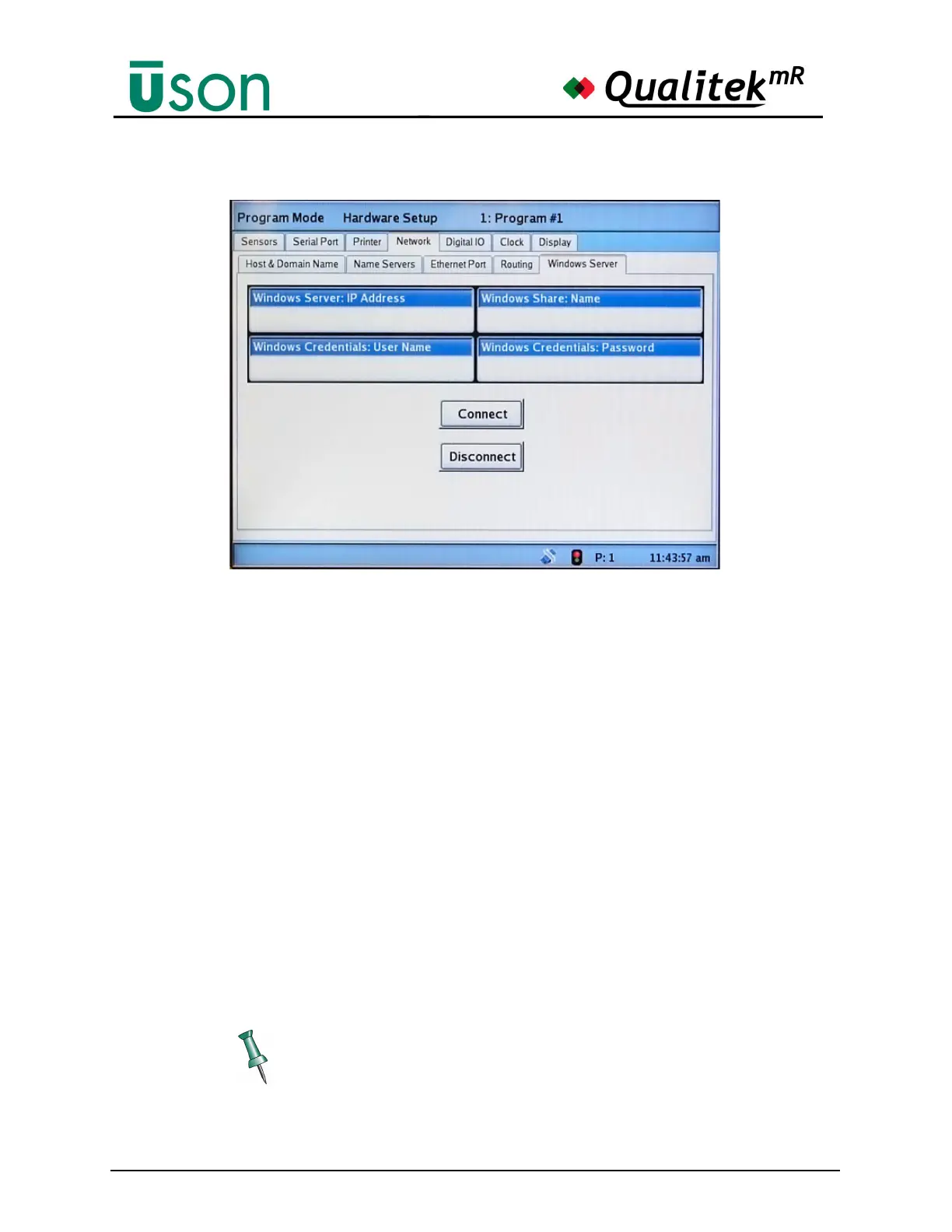
There are four parameters that must be entered relative to the Windows Network
we want to connect to. These are:
1. Windows Server: IP Address
2. Windows Share: Name
3. Windows Credentials: User Name
4. Windows Credentials: Password
The network administrator can provide the information for each of these
parameters.
After the above parameters are entered, they are validated by pushing the Connect
button located on the page. Successful connection is announced in a dialog box.
All four parameters must be entered. If a password is not required, the field
cannot be left blank, i.e., enter something. This is used to inform the tester that
the operator has entered all parameters.



 To Next Page