Ethernet Operation, Administration and Management 802.1ag CFM
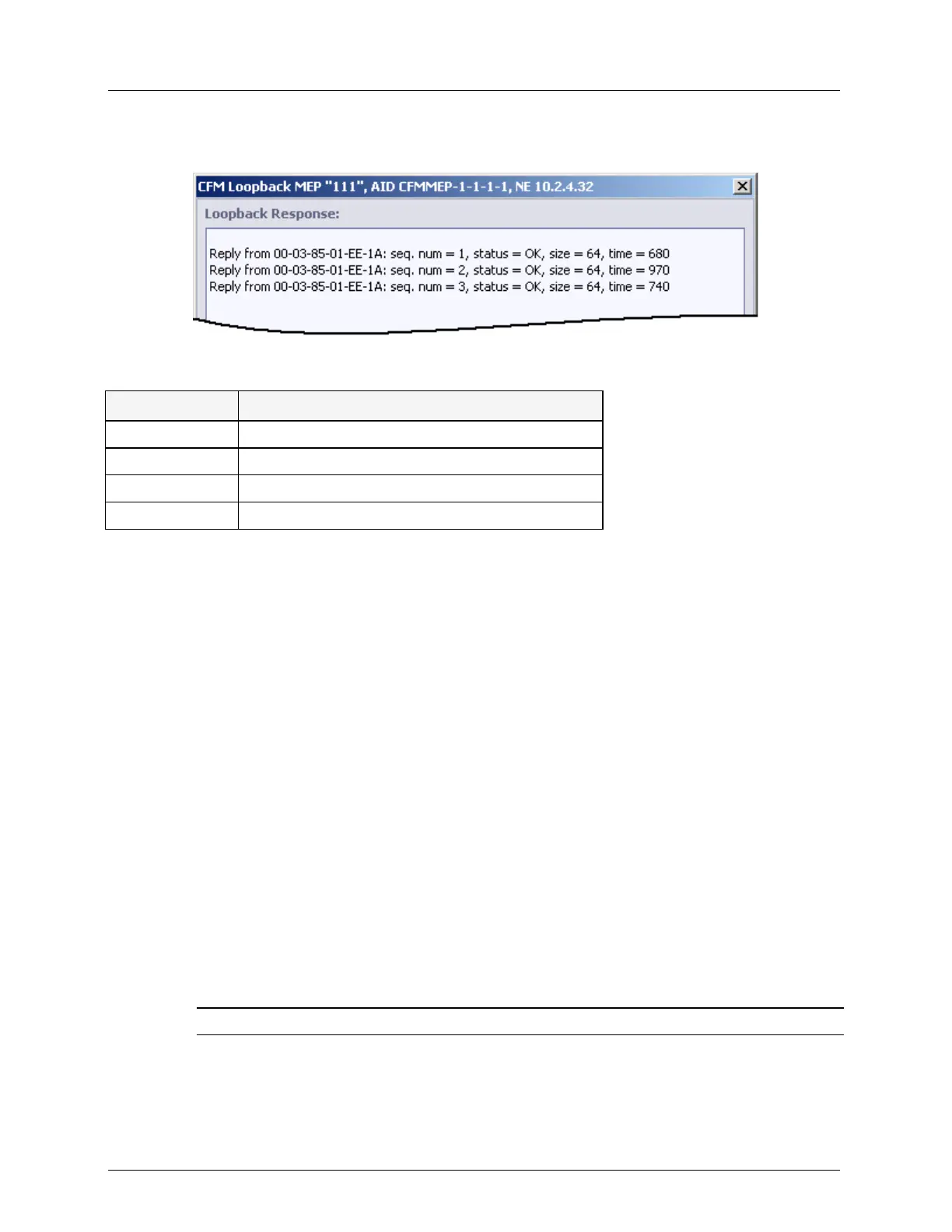
5. Click Send. If connectivity is available (at some level), the returned message will be
displayed. The quality of the message can be induced from the response.
Table 50: Loopback Tab buttons
clear currently displayed data.
save the test results to a user defined text file
CFM Link Trace
Link trace is used to locate a connection failure by following a path (tracing a link) between
the local MEP and a destination MEP (or any other Unicast destination). This is implemented
by the CFM link trace message - a multicast message which requests all CFM domain
participants (MEP and all MIPs along the path) to respond and forward (re-build) the request.
The report used for analyzing the connectivity for the path includes a list of all the domains
through which a message would need to pass, along with their current status, link type,
address, etc. The messages are forwarded only through the active topology (on ETH ports
which are considered as Traffic Forwarding by STP/RSTP, when enabled).
Timeout of error messages is not displayed; the successful result should be found manually
by analyzing the Terminal MEP = MEP and Rx Flag = 0 (which means the MEP destination
was achieved) or by Rx Flag = 0 only (which means the addressed MIP destination was
achieved).
A linktrace message is terminated (dropped) on an NE whose level is higher than that of the
CFM level defined in a message. For example, a CFM domain of level=4 will only answer
and forward messages of equal and higher levels (4, 5, 6, 7), dropping level 1, 2, 3 messages
that are out of boundaries of allowed CFM domain. Up to total of 10 LinkTrace operations
can be applied at the same time on NE.
NOTE: The display can be saved to a text file.
To run link trace between two MEPs
1. In the Network Element tree, under Service CFM, select the relevant MEP. The MEP
pane is invoked.



 To Next Page