Description and Basic Operation of the SDA-5500 and 5510: Basic Modes of Operation
245
13
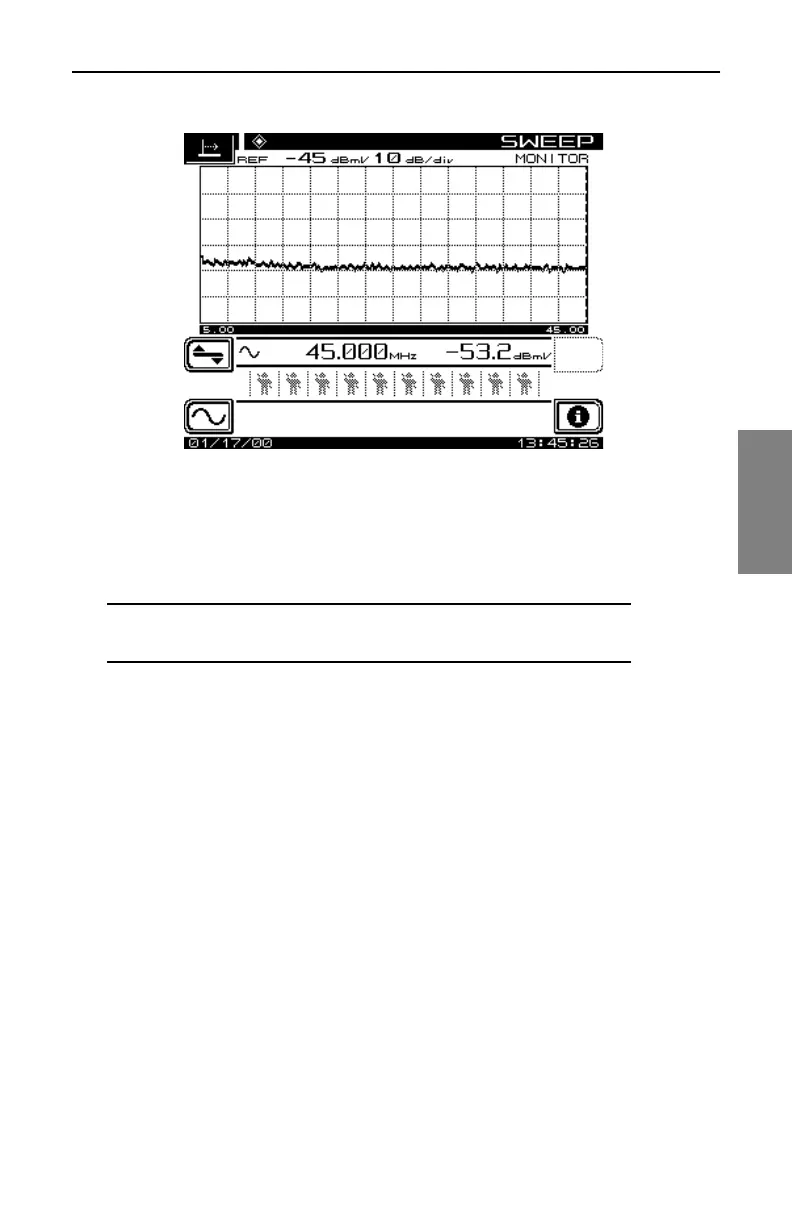
Fig. 13-20 The SWEEP Mode Screen (SDA-5510)
The number of active users accessing return sweep information is indicated
by the number of icons displayed below the level information. The SDA-5510
can handle up to 10 different technicians on the same headend unit.
NOTE: Sweep telemetry will cease when another mode is
selected.
SDA-5510 operator information can be accessed by pressing the INFO soft
key (Fig. 13-21). The information screen displays the active user names,
instrument serial numbers, and the reverse telemetry level reaching the
SDA-5510.



 To Next Page