Channel Plans: Setting Channel Plan Parameters
41
3
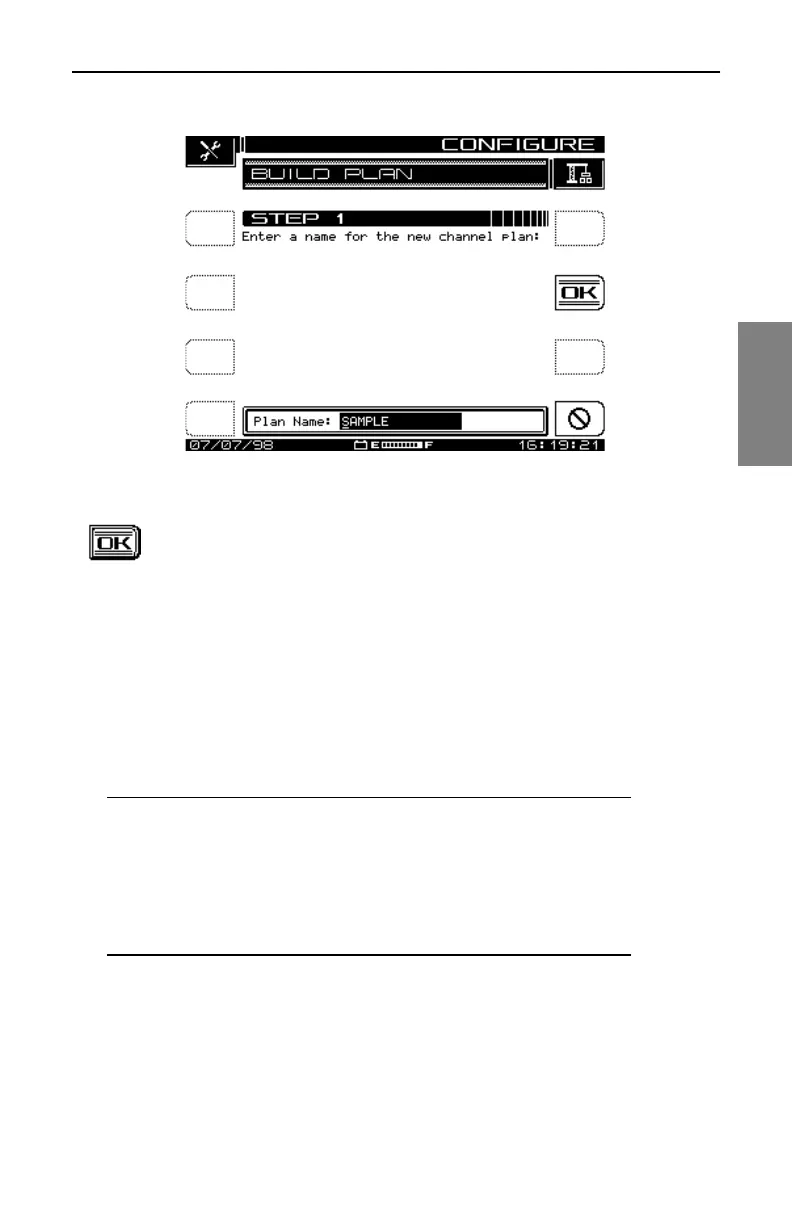
Fig. 3-5 The BUILD PLAN STEP 1 Screen
2. The screen prompts you to name the plan. Use the
alphanumeric keys and the diamond keys to make your
entry, then press the OK soft key to accept it. The screen
warns you if there is already a plan with that name entered
in the unit. After you enter a name for the plan, the BUILD
PLAN STEP 2 screen appears (see Fig. 3-6).
See Also
½ For help using the alphanumeric keypad for text entry, see
the section “Alphanumeric Keypad” in Chapter 2 (page 16).
NOTE: If you make a mistake or change your mind about
the name you entered, you can press the OK soft key
again to overwrite it.
Pressing the Stop soft key before you press OK discards
any entry you made in the edit box and returns you to the
STEP 1 screen.



 To Next Page