Channel Plans: Setting Channel Plan Parameters
42
3
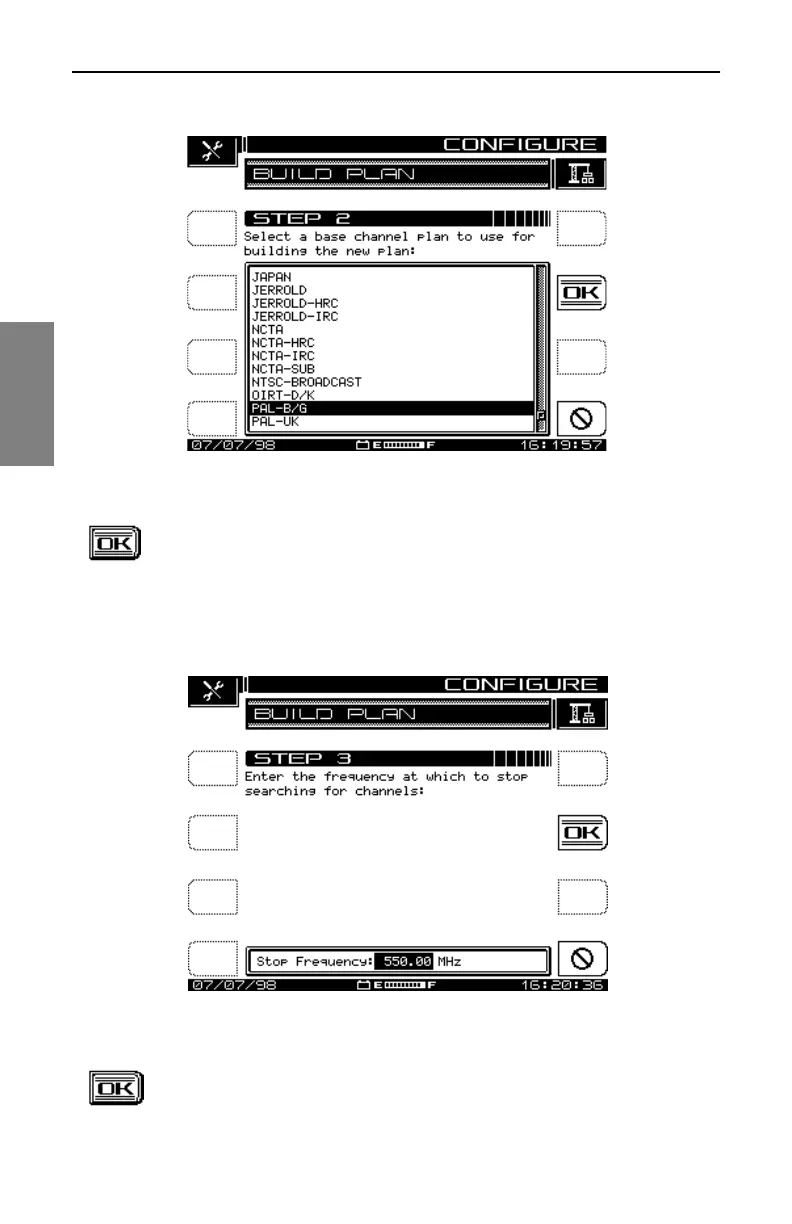
Fig. 3-6 The BUILD PLAN STEP 2 Screen
3. At the STEP 2 screen, use the up and down diamond keys
to select a base channel plan to use for building the new
plan. Press the OK soft key to accept your selection. The
screen shown in Fig. 3-7, BUILD PLAN STEP 3, is
displayed.
Fig. 3-7 The BUILD PLAN STEP 3 Screen
4. At the STEP 3 screen, enter the upper frequency at which to
stop searching for channels. Use the keypad or the up and



 To Next Page