Audio Measurements Testing using Remote Loopback
MT8852B Operation Manual PN: 13000-00205 Rev. N 14-3
Linear PCM bit Posn: Set the EUT Baseband sample offset within the 16 bit field. Specify
a value within the range of 0 to 7.
5. Press [3 of 3] to return to page 1 and press the [TX power] soft key.
6. Press and enter the "TX power level" of packets transmitted from the MT8852B
RF test port. The power level can be set to a value between 0 and -90 dBm.
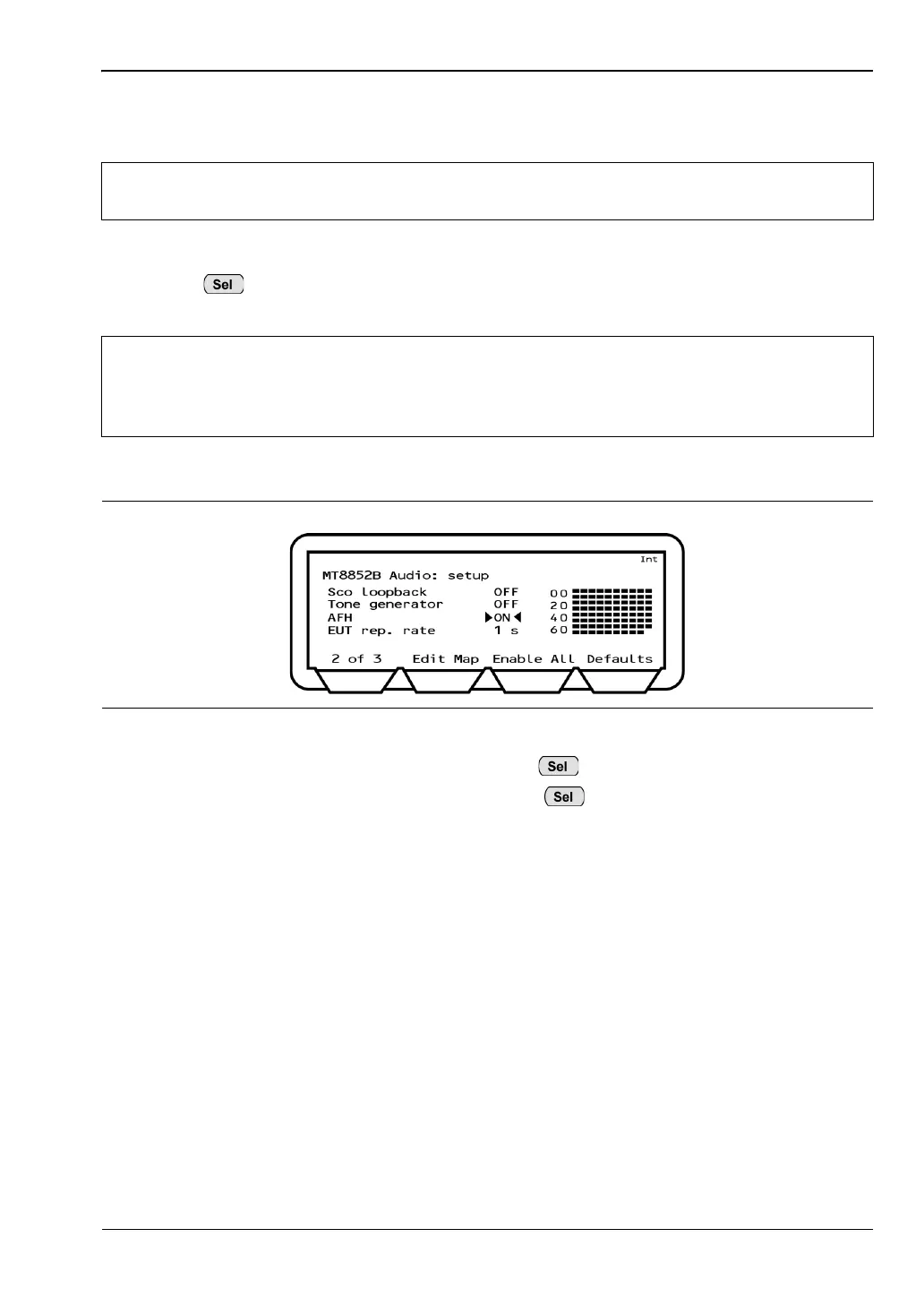
7. Press the [1 of 3] soft key to display the second page.
8. Move the cursor to "SCO Loopback" and press to turn remote loopback "ON".
9. Move the cursor to "Tone Generator" and press to turn this ON or OFF as
required. Setting the tone generator to ON results in the creation of a 1 KHz tone by
the MT8852B that is transmitted over the SCO channel.
10. The "AFH" and "EUT rep. rate" settings on this page are used for audio verification of
EUT adaptive frequency hopping. Refer to chapter 15, Adaptive Frequency Hopping,
for a full explanation of this variant of AFH testing.
Note
When these settings are complete it will not be necessary to repeat this procedure
unless the EUT is changed.
Note
An ACL connection must be made before an SCO link can be established. When
a device makes an ACL connection, it reports within its "Supported Features"
response whether or not it supports SCO connections, and if so, which HV packet
types it can support. Do not establish a SCO connection at this stage.
Figure 14-4. MT8852B Audio Setup














 To Next Page