13. User Settings and other options - Page 235
TitanUniversal_Man_v10_QU.doc 15 March 2016
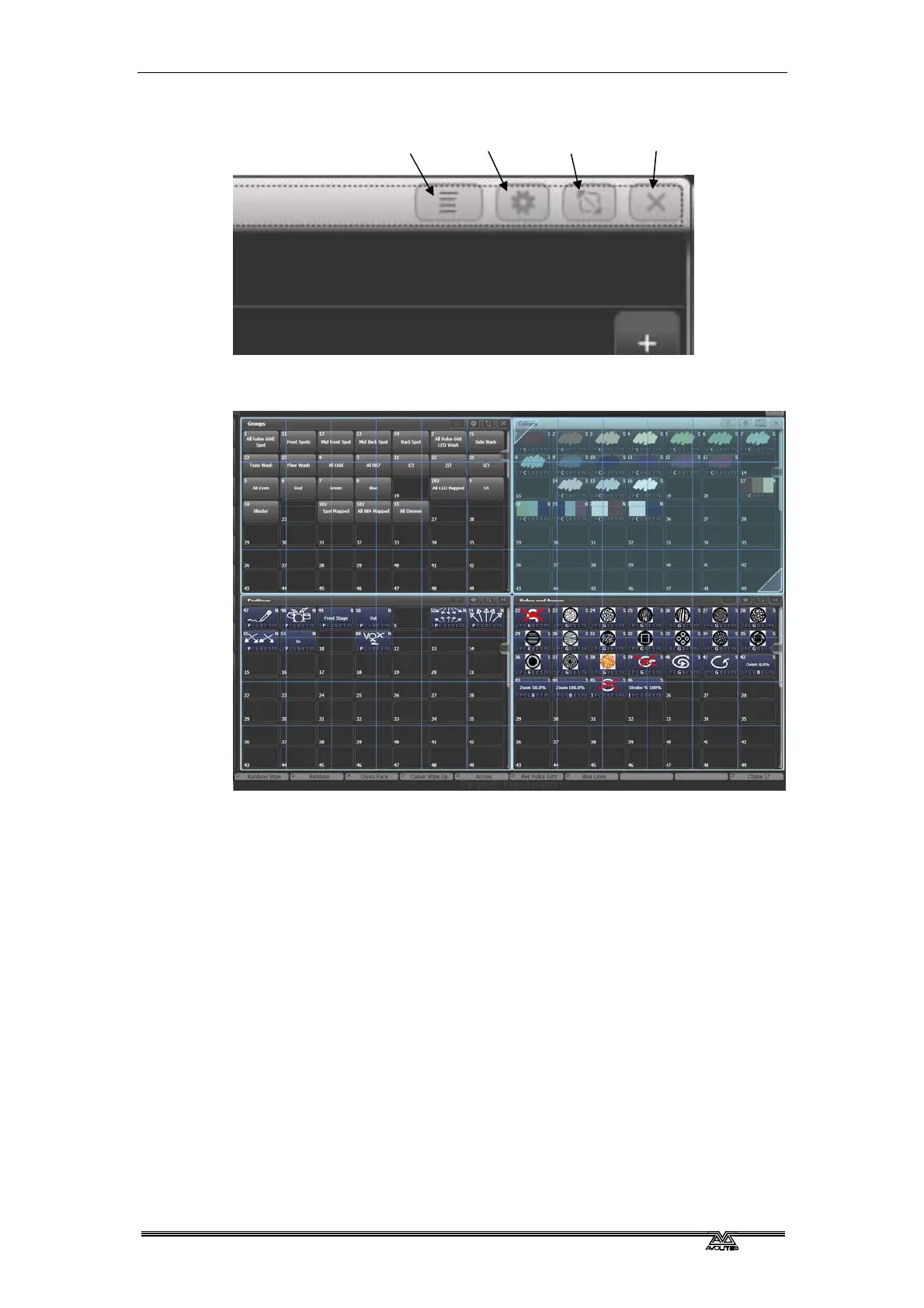
For adjustable sizing, click the Window Layout button at the top of
the window. A grid screen will open.
With the softkey [Edit All Windows] set to Off, you just set the size of
the selected window.
Touch and drag the top left or bottom right corners to resize the
window. Touch and drag anywhere else to move the window.
Tap on a corner to set a start corner position – the window will
highlight in red and ask you to tap to set the opposite corner position.
If the softkey [Resize Neighbours] is set to On, surrounding windows
will resize to make room for the window you are editing. If Off, the
other windows will stay the same size and go behind the current
window.
If [Edit All Windows] is set to On, corner arrows will appear in all
windows and you can adjust the size of all the windows together.
Press Enter, Exit or [OK] to finish.
Context
menu
Window
options
Resize
window
Close
window



 To Next Page