Page 236 – 13. User Settings and other options
TitanUniversal_Man_v10_QU.doc 15 March 2016
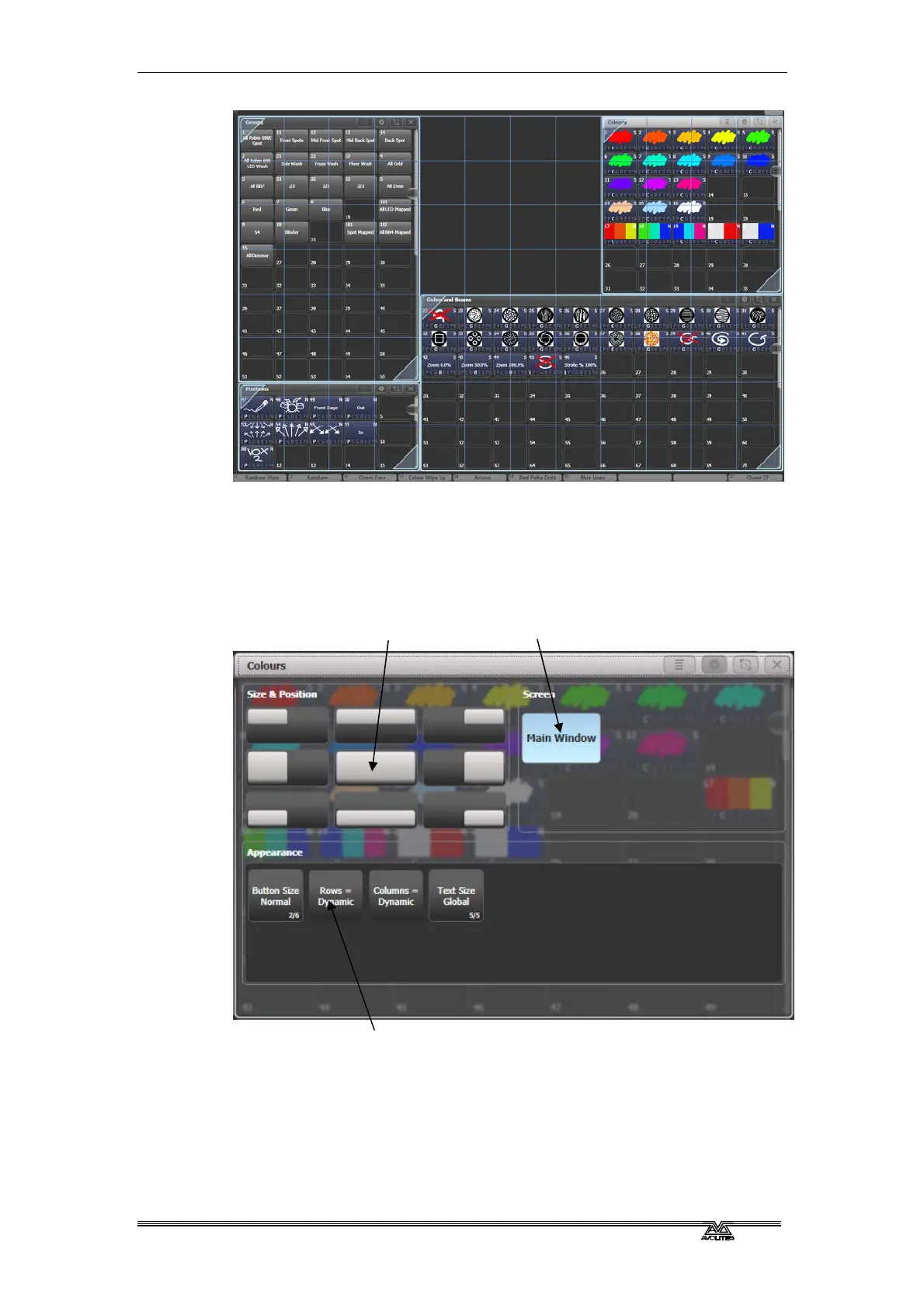
To set one of the standard sizes, open the Window Appearance menu
using the Cog button at the top of the screen. Some consoles also
have hardware buttons for Min/Max (toggle the window between full
and quarter size) and Size/Position (move the window around the
possible positions and screens).
Some possible standard window sizes/positions are shown below.
Standard window
positions
screen selection
Appearance options



 To Next Page