Page 52 – 3. Patching
TitanUniversal_Man_v10_QU.doc 15 March 2016
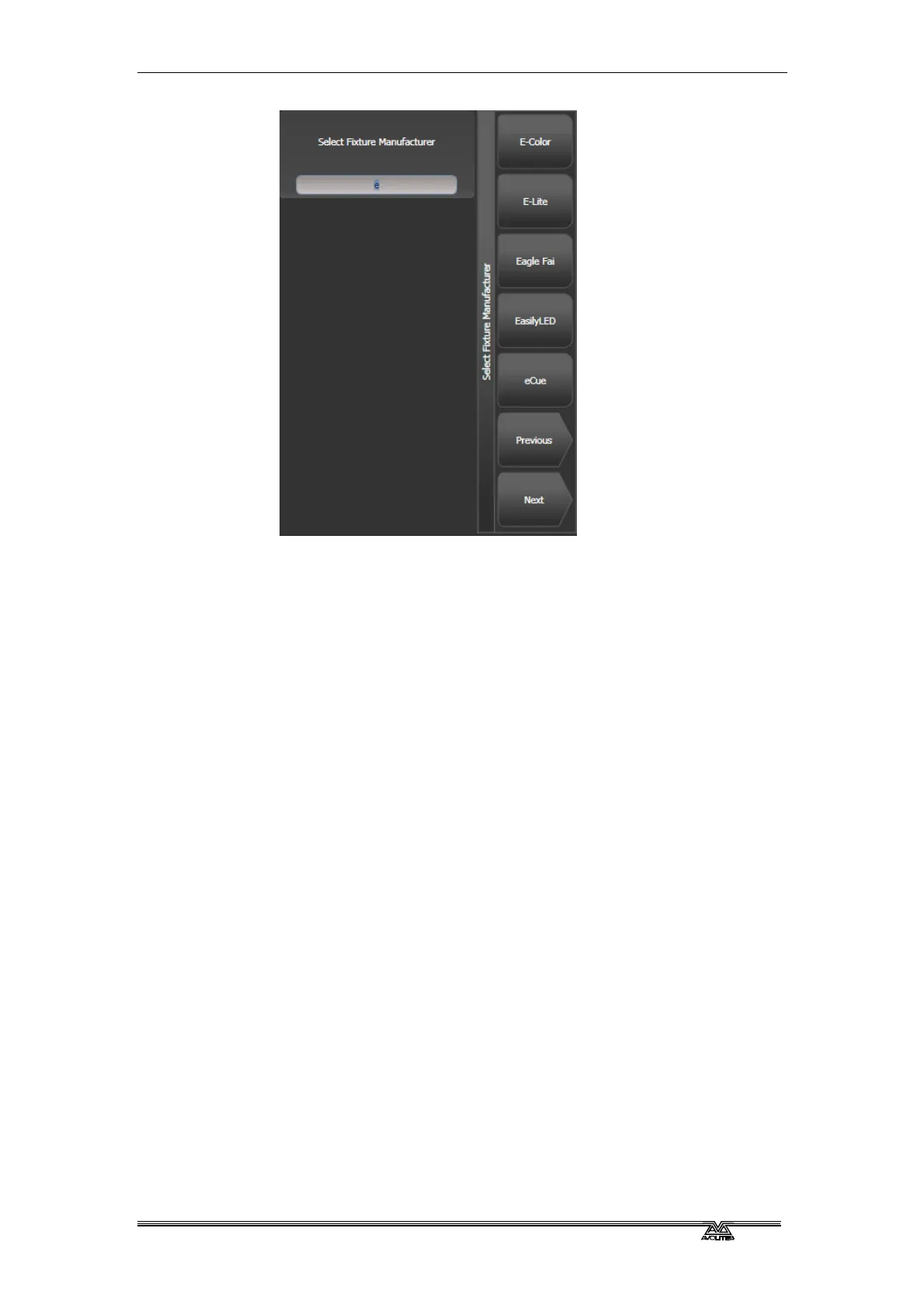
3> Select the correct fixture manufacturer from the softkeys
([Previous] and [Next] page through the list of manufacturers).
Or use Quick Search and type the first few letters of the
manufacturer’s name on the keyboard to find the one you want.
4> Select correct fixture from the softkeys (F and G show other
pages). You can use Quick Search here as well.
5> Select the correct fixture operating mode from the softkeys.
6> [Address =] shows the first free DMX address. Type the new
address on the numeric keypad if you want a different one.
[DMX line=xx] lets you patch to a different DMX line, or you
can enter the address as [line].[address], e.g. 2.45 would set
address 45 on line 2.


 To Next Page