2000X energy Power Supply Chapter 6: Operation
Instruction Manual Setting Primary Parameters
011-003-991 EN 6-13
Selecting a Weld Mode
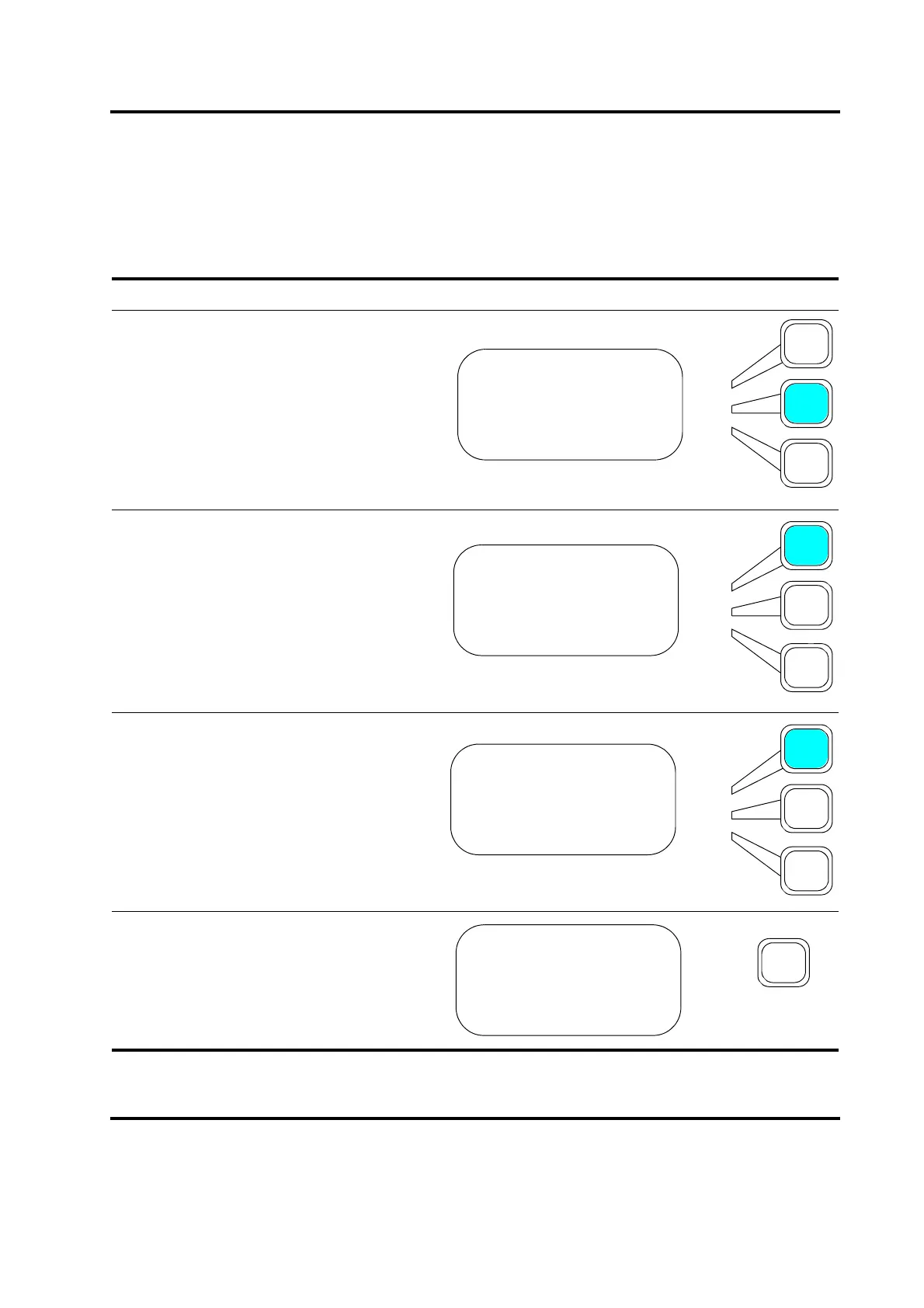
To select a Weld Mode, use the keys adjacent to the LED display on the front panel of the Power Supply.
Take this action… To get this result…
Press the Select key that corresponds to
Weld Setup or press the Weld Setup key.
The mode that appears is always the mode
that you used most recently.
Press the Select key that corresponds to
Weld Mode>.
Use the up and down arrow keys on the
Display Control panel to scroll through the
Weld Mode menu. Press the Select key
that corresponds to the Weld Mode that you
want to use.
Press Enter on the numeric keypad to save
the new weld mode, or press Go Back/Esc
to make no change to the weld mode.
MAIN MENU Pg1of6
Run Screen>
Weld Setup>
Save/Recall Presets
WELD SETUP Pg1of19
Weld Mode> Time
Weld Time(s) = 0.010
Hold Time (s) =0.010
WELD MODE Pg1of4
Time =On
Energy =Off
Peak Power =Off
TIME MODE Pg1of19
Weld Mode> Time
Weld Time(s)=30.000
Hold Time(s) = 0.010










 To Next Page