Chapter 6: Operation
Printing
6-76 011-003-991 EN
Setting Up Your Printer
Take this action… To get this result…
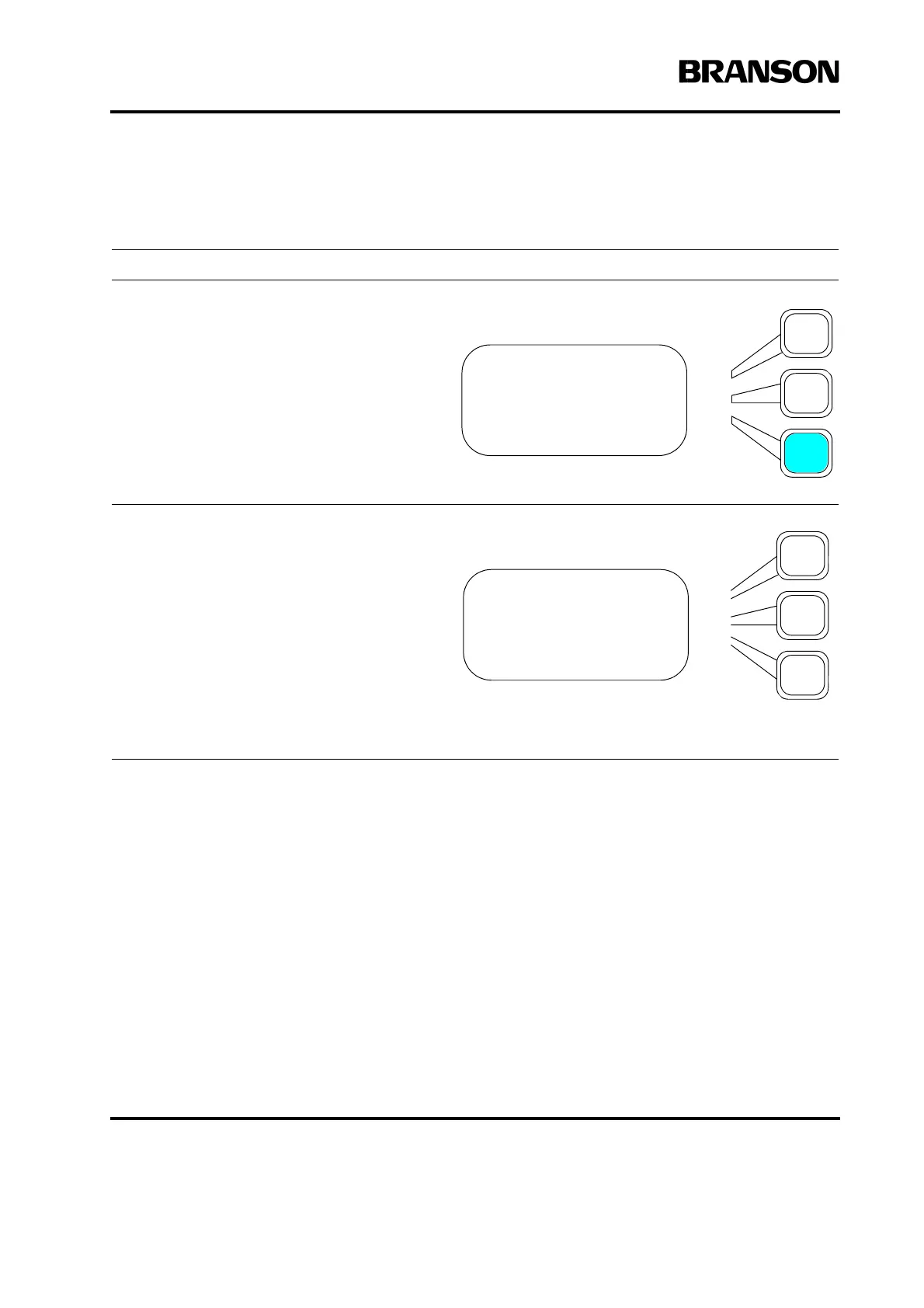
Press the Select key that corresponds to
Setup Printer on the Print menu.
You will see a submenu from which you can
select and set up your printer.
Take one of the following steps:
PRINT MENU Pg3of3
Abort Printing
Choose Printout>
Setup Printer>
PRINTER Pg1of1
Printer> OKI520/320
Page Size> 11”
Welds per Page =50










 To Next Page