Chapter 6: Operation
Saving and Recalling Presets
6-64 011-003-991 EN
Clearing a Preset
You can clear a Preset from the memory of your Power Supply. You might want to do this
if you have changed the parameters for a given part and have saved them as a new Pre-
set, or if you will no longer be processing a particular type of part.
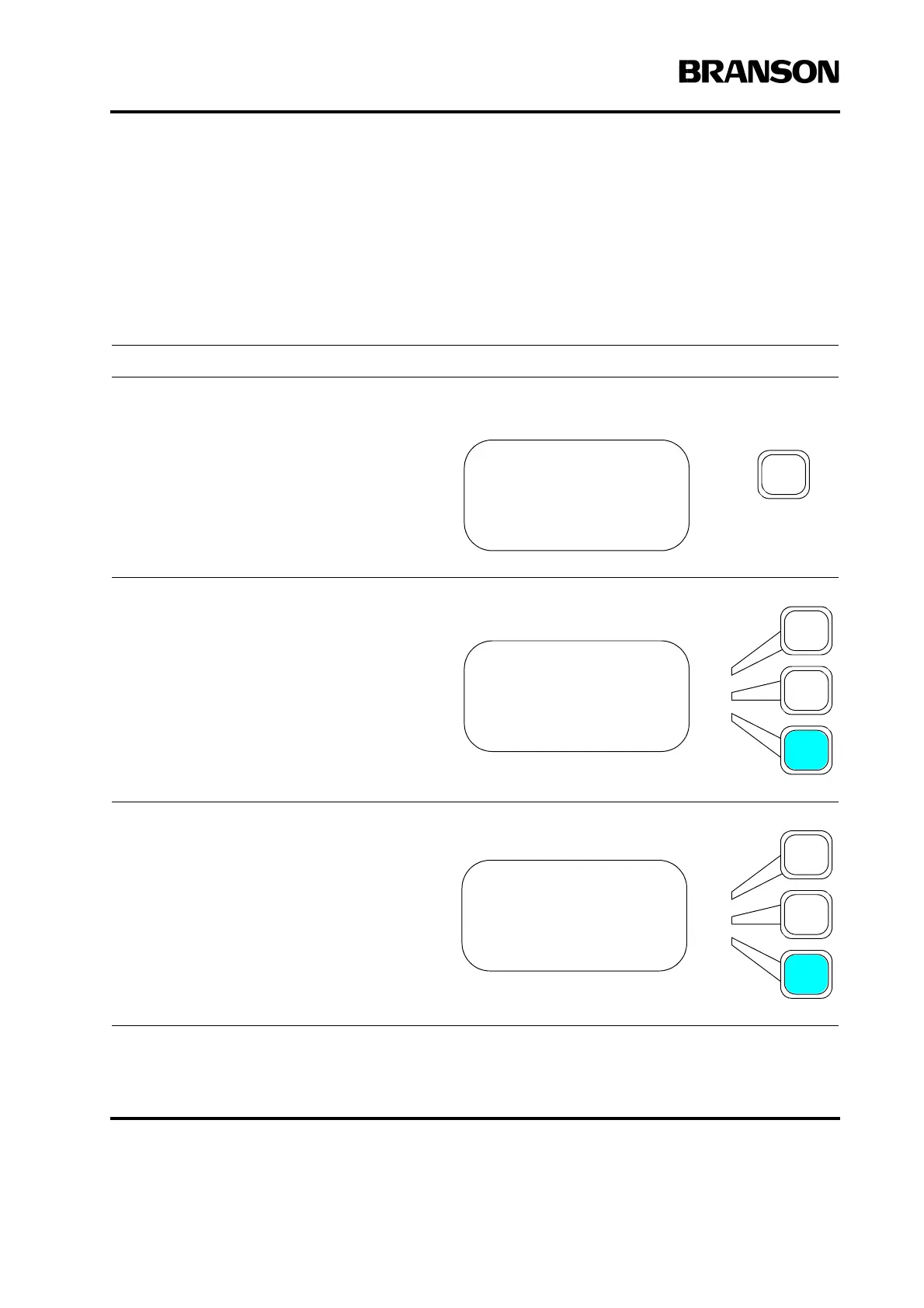
Take this action… To get this result…
Press the Main Menu key.
Press the Select key that corresponds to
Save/Recall Presets.
Press the Select key that corresponds to
Clear Preset.
MAIN MENU Pg1of6
Run Screen
Weld Setup
Save/Recall Presets
MAIN MENU Pg1of6
Run Screen
Weld Setup
Save/Recall Presets
PRESETS Pg1of1
Recall
Save
Clear










 To Next Page