Chapter 6: Operation
Saving and Recalling Presets
6-66 011-003-991 EN
Preset Information
The Information submenu provides the date and time the preset was last saved. It also shows whether the
preset has been verified or not, the preset name and the number of cycles run so far.
Take this action… To get this result…
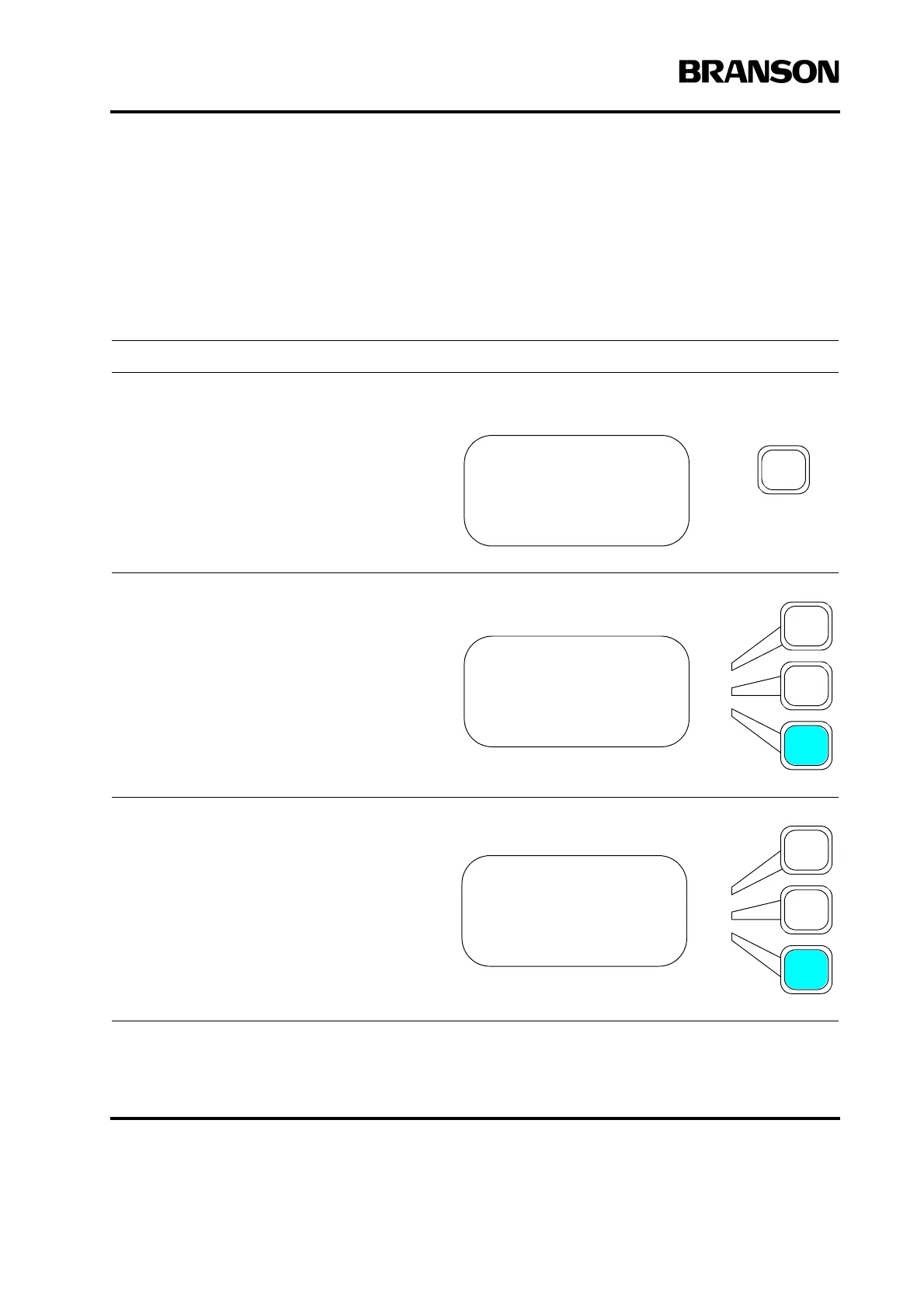
Press the Main Menu key.
Press the Select key that corresponds to
Save/Recall Presets.
Scroll and Press the Select key that corre-
sponds to Information. The screen will
then show the 2 presets. Selecting the pre-
set of interest will bring up a screen detail-
ing the information listed at the top of the
page.
MAIN MENU Pg1of6
Run Screen
Weld Setup
Save/Recall Presets
MAIN MENU Pg1of6
Run Screen
Weld Setup
Save/Recall Presets
PRESETS Pg1of1
Save
Clear
Information>










 To Next Page