2000X energy Power Supply Chapter 6: Operation
Instruction Manual Saving and Recalling Presets
011-003-991 EN 6-67
Verify Presets
The Verify Preset menu allows preset to be verified instantly without wainting for the next weld cycle. To
verify a preset, you first select the preset of interest. After selecting the preset, a pop-up window will display
a message for about 2 seconds, declaring whether it is verified or not.
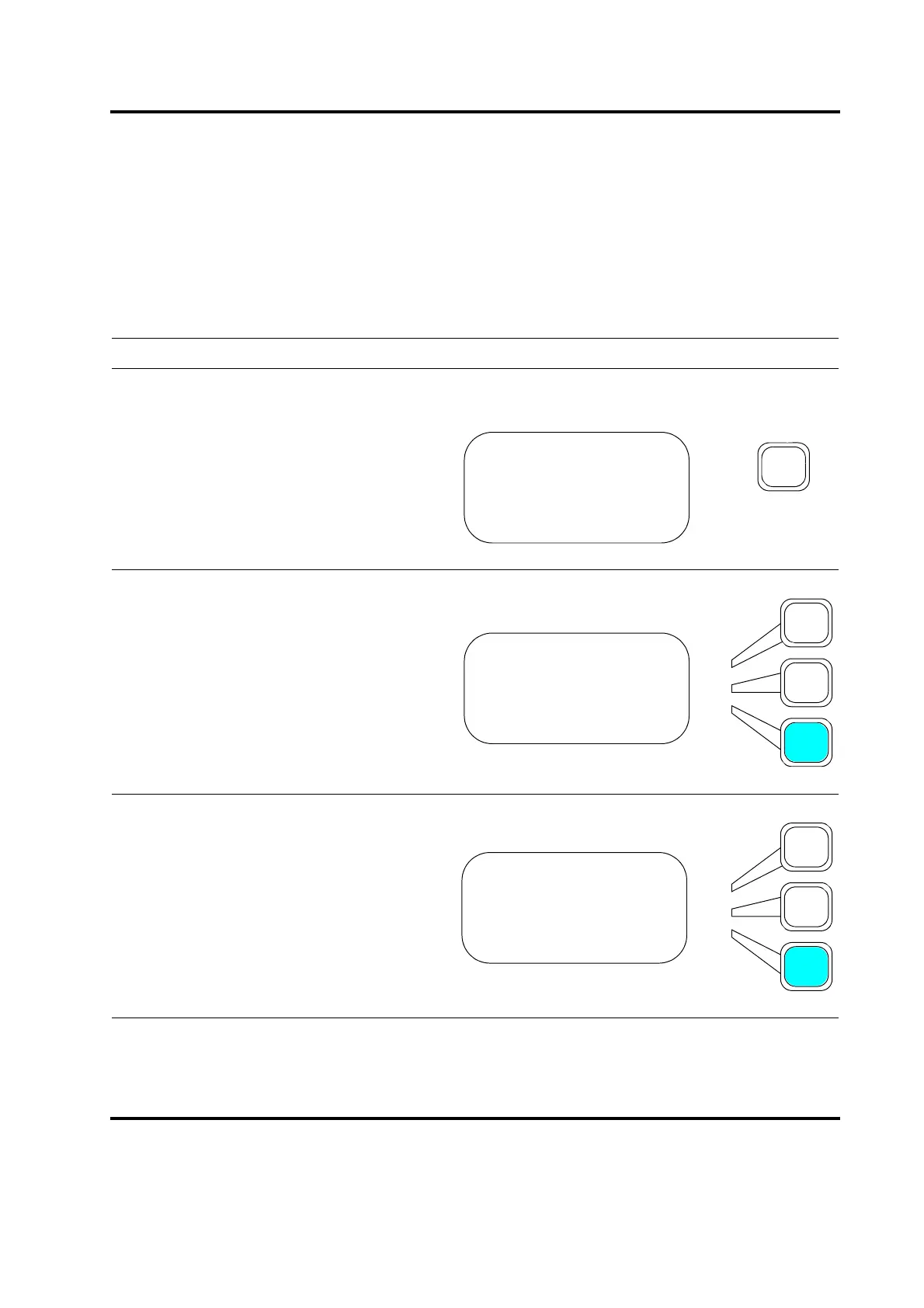
Take this action… To get this result…
Press the Main Menu key.
Press the Select key that corresponds to
Save/Recall Presets.
Scroll and Press the Select key that corre-
sponds to Verify. The screen will then show
the 2 presets. Selecting the preset of inter-
est will bring up a message indicating
whether the preset is verified or not.
MAIN MENU Pg1of6
Run Screen
Weld Setup
Save/Recall Presets
MAIN MENU Pg1of6
Run Screen
Weld Setup
Save/Recall Presets
PRESETS Pg1of1
Clear
Information>
Verify>










 To Next Page