Chapter 4: Installation and Setup
Start Switch Connection (Automation)
4-32 011-003-991 EN
4.6.5 User I/O DIP Switch (SW1)
DIP switch SW1, for the user I/O is located next to the J3 on the back of the 2000-series power supply, as
shown in Figure 4.9 on page 4-20
. The settings of these switches affect the user I/O signals. Factory default
setting is for all dip switches is set to ON (closed: switch position closest to number designation).
• If the dip switch is set to the ON (closed) position, the corresponding Output pin will be configured as the
current source, 25mA max, Active low, Logic 1=24VDC, Logic 0=0VDC.
• If the dip switch is set to the OFF (open) position, the corresponding Output pin will be configured as an
“open collector”, 24VDC, 25 mA max. current sink.
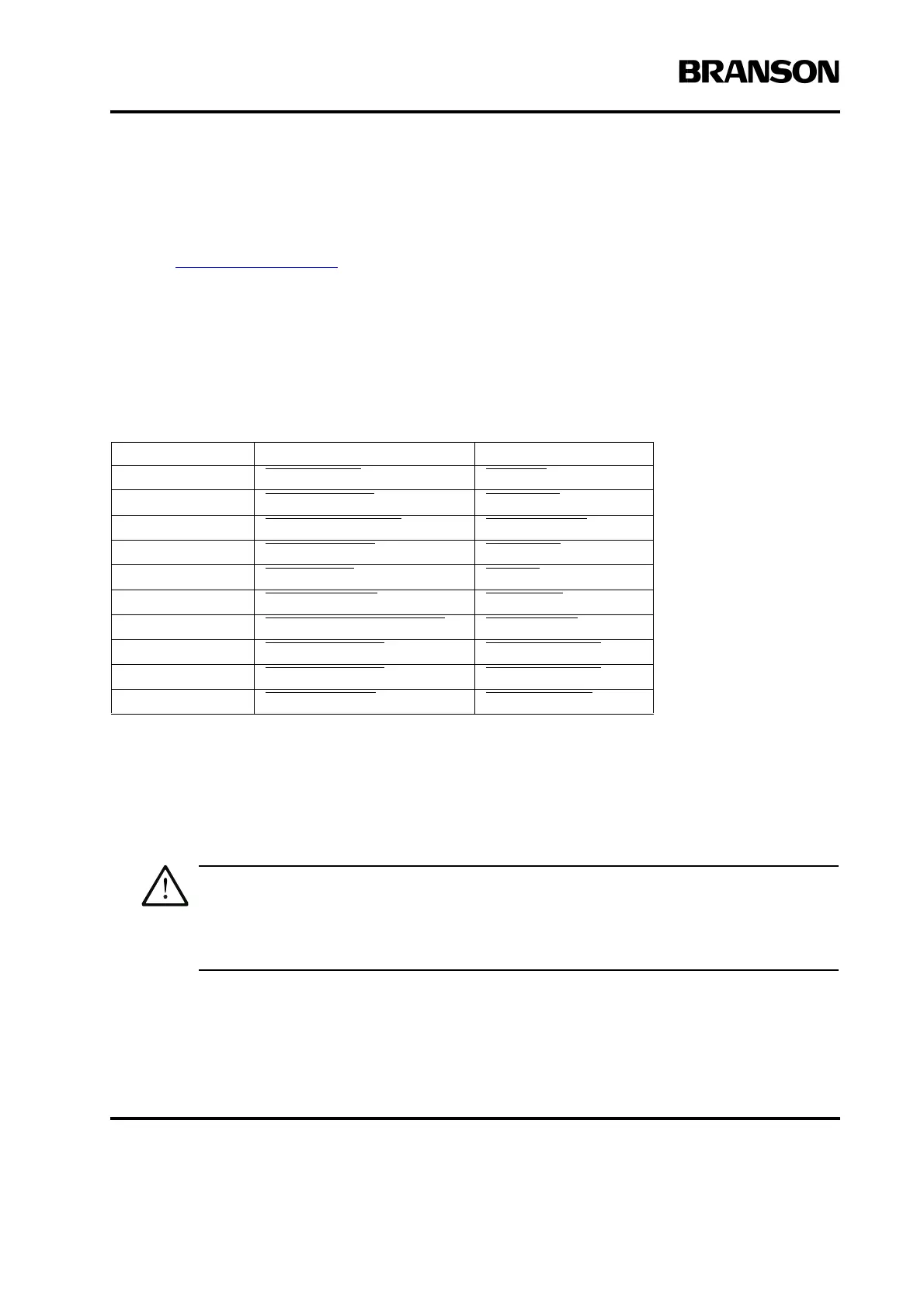
Table 4.8 User I/O DIP Switch Functions
4.6.6 Power Supply Module Options DIP Switch
When using the Digital UPS in automated configurations, it might be necessary to open the Power Supply
and change the DIP (Dual In-line Package) switches on the power module. DIP switches change the Seek
and Start functions and can affect the Amplitude Control functions. Operations using the Digital UPS are
software controlled.
The components in the Power Supply are subject to damage from electro-static discharge.
When working inside the Power Supply, use a grounded wrist strap and minimize your move-
ment to reduce the possibility of damage due to static electricity.
Switch Position Signal Description Output Signal
1 REJECT_SIG REJECT
2 SUSPECT_SIG SUSPECT
3 PB_RELEASE_SIG PB_RELEASE
4 G_ALARM_SIG G_ALARM
5 READY_SIG READY
6WELD_ON_SIG WELD_ON
7 ACTUATOR_CLEAR_SIG ACT_CLEAR
8 J3_22_OUT_SIG J3_22_OUTPUT
9 J3_36_OUT_SIG J3_36_OUTPUT
10 J3_8_OUT_SIG J3_8_OUTPUT










 To Next Page