Chapter 6: Operation
Setting Other Weld Parameters
6-46 011-003-991 EN
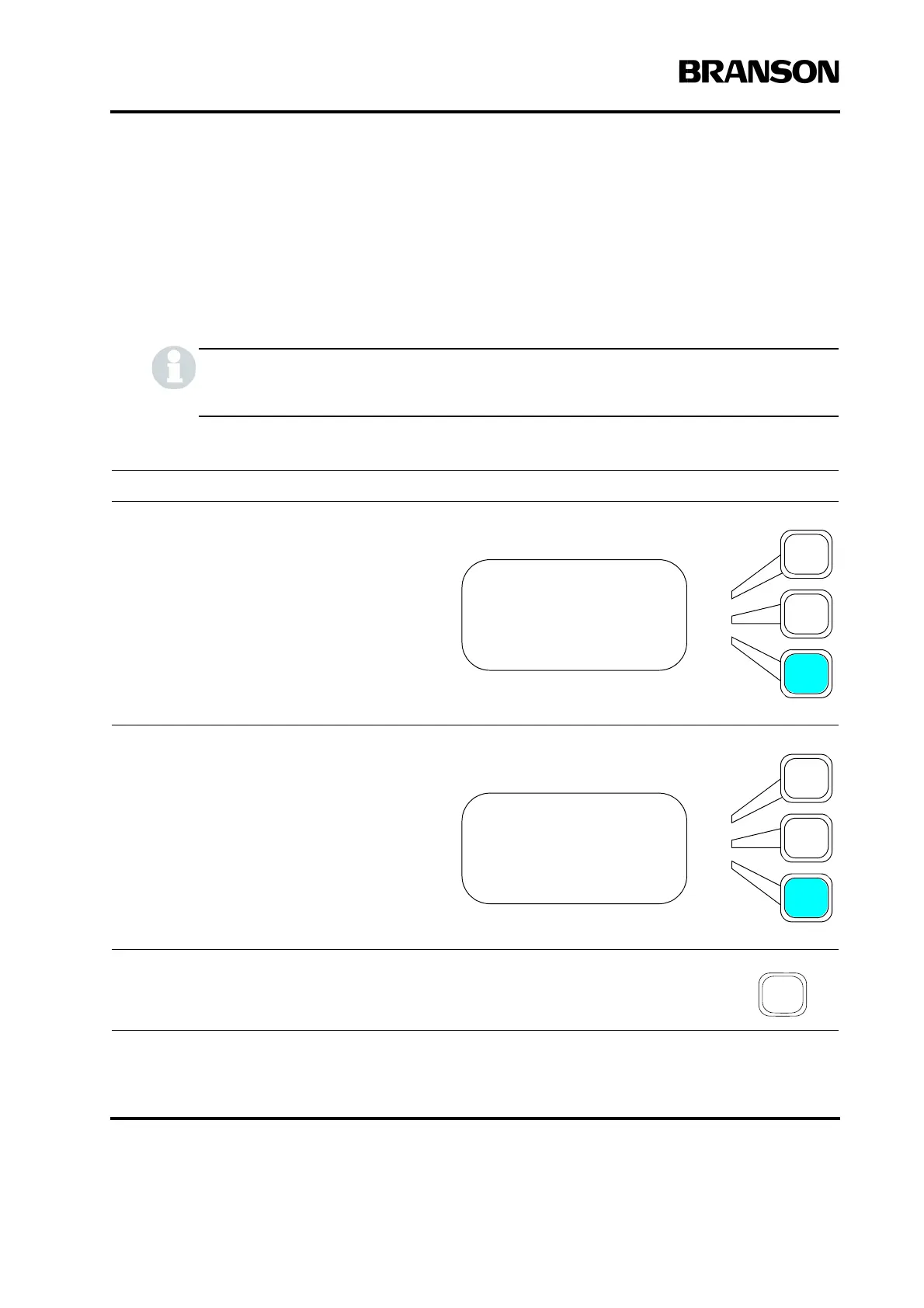
Setting the Timeout
You select the duration (in seconds) of the maximum allowable time for the primary param-
eter to be reached during the weld in modes other than time. If the primary parameter has
not been reached, the ultrasonic energy will be turned off and the Hold Time will start at
the set timeout value.
This feature is not available when in time mode.
Take this action… To get this result…
Using the arrow keys, scroll downward
through the menu until you see Timeout.
Press the Select key that corresponds to
Timeout.
Use the numeric keypad to enter the time-
out, in second(s) that you want to use, or
press the same select key again to toggle
between the minimum value, 0.050 sec-
ond(s) and the maximum value, 30.000
second(s) for Timeout.
Press Enter on the numeric keypad to save
the new value, or press Go Back/Esc to
make no change to the value.
WELD SETUP Pg11of14
Frequency Offset>Off
Cycle Aborts> Off
Timeout(s)= 6.000
WELD SETUP Pg11of14
Frequency Offset>Off
Cycle Aborts> Off
Timeout(s)= 6.000










 To Next Page