Chapter 6: Operation
Using the Test Feature
6-126 011-003-991 EN
6.12 Using the Test Feature
You can use the Test key on the Power Supply to view the status of a test cycle. You can view information
on the power and frequency of the test cycle and change the amplitude directly to determine its impact on
the other settings through a test cycle.
Using the Test Feature
You can use the Test key to view information about a test cycle.
Take this action… To get this result…
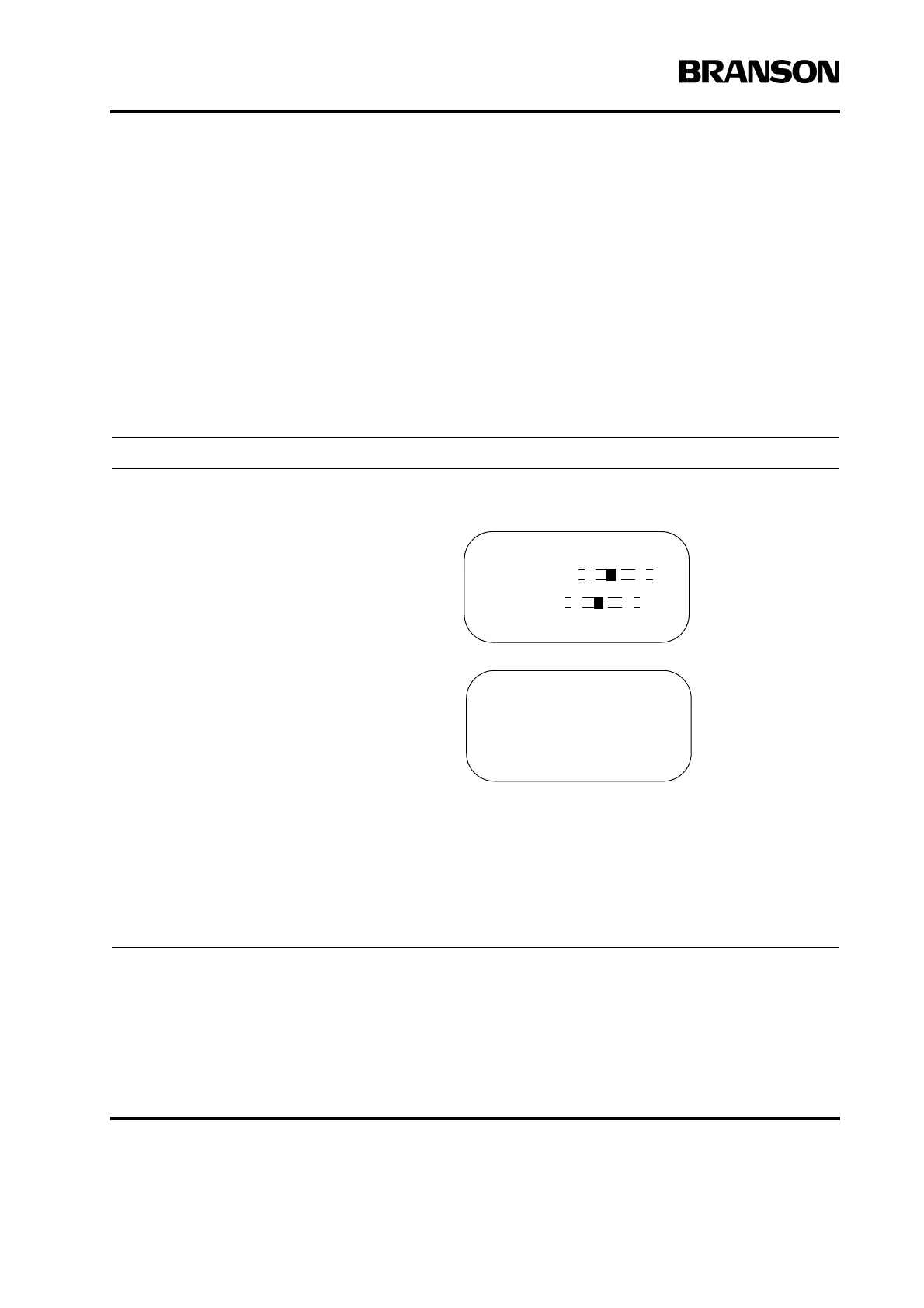
Press the Test key. You will see the Test
screen.
You can view information about the on-
board microprocessor in your Power Sup-
ply including frequency in memory and
actual frequency, as well as the Run, Seek,
Clear, and Store features.
You can use the up and down arrow keys to
scroll through this menu and view the
power, frequency, and amplitude of the
most recent cycle.
You can use the Select key that corre-
sponds to Amplitude and the numeric key-
pad to change the amplitude directly from
this screen. If you choose to do this, you
might want to run another test to observe
how the change in amplitude impacts the
other parameters.
Press the Go Back/Esc key to exit the Test
menu and return to the menu you were
viewing before you began the Test proce-
dure.
TEST Pg1 of4
F Memory
F Actual
R=[] Sk=[]C=[] St=[]
TEST Pg4 of4
Power (W) =1500
Frequency (Hz) =20000
Amplitude (%) =100










 To Next Page