Chapter 4: Installation and Setup
Testing the Installation
4-46 011-003-991 EN
4.11 Testing the Installation
1. Turn on the air supply connections with the air pressure regulator set at minimum values, and ver-
ify that the system has air pressure.
2. Ensure there are no leaks in the air supply connections.
3. Turn on the power supply. The power supply will begins its normal self-check.
4. If the power supply displays an alarm message, find the alarm message definition, cause and cor-
rection in Chapter 7 of this manual.
5. Press the Test button.
6. If the power supply displays an alarm message at this point, find the alarm message definition in
the Maintenance section of Chapter 7 of the power supply manual. If there are no alarm messages
displayed, go on to the next step.
7. Fit a test part onto the fixture.
8. Press the Horn Down key and then press and hold the two start switches. The horn will descend
to the fixture on the base of the Actuator. This verifies specifically that the pneumatic system is
working.
9. Press the Horn Down key again. The horn will retract. The system should now be functional and
can be set up for your application.
In summary, if the power supply does not display an alarm message and the descends and retracts cor-
rectly, your ultrasonic welder is ready for operation.
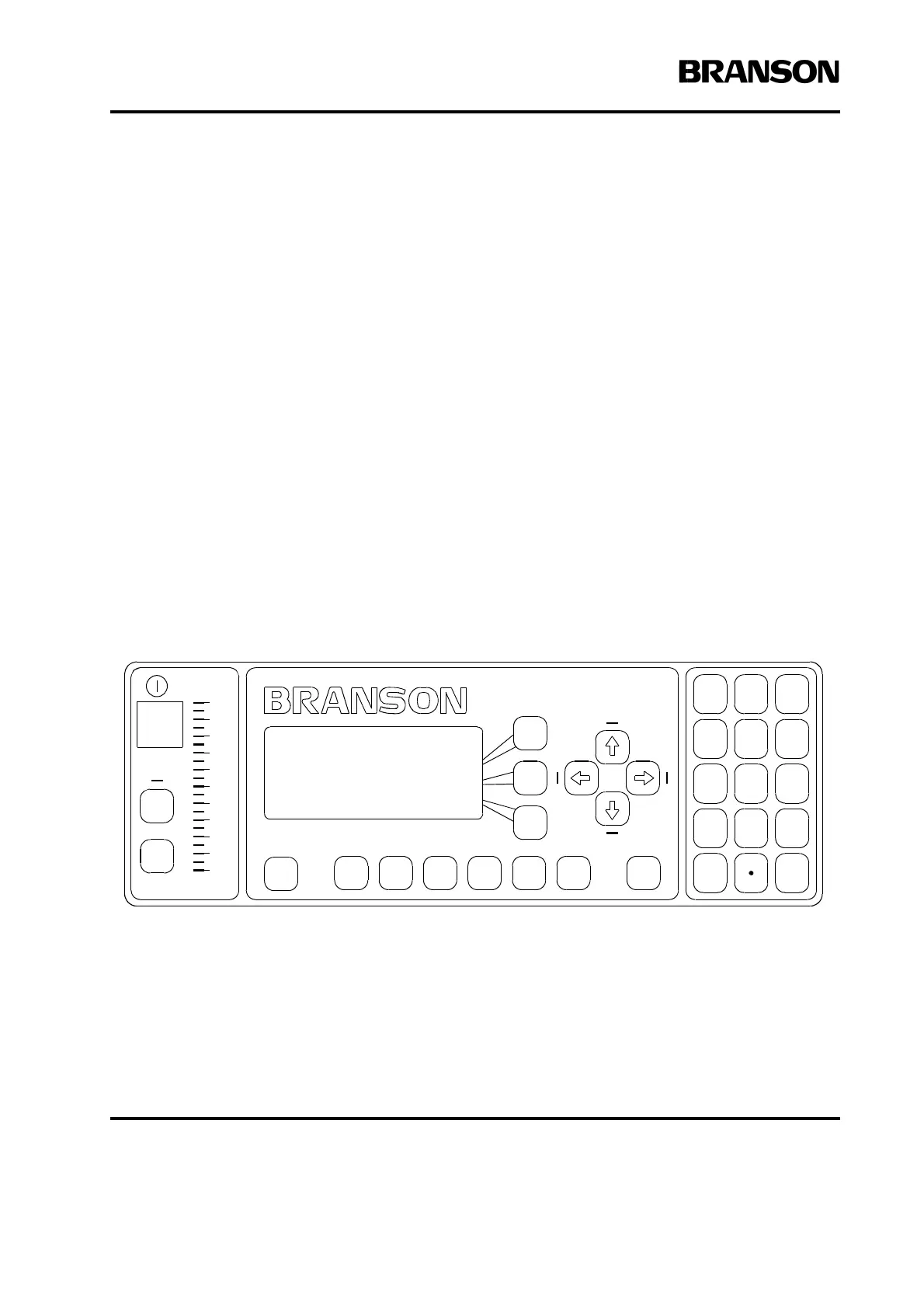
Figure 4.23 Normal Front Panel Display after Power -Up
READY:TIME= 0.010
Preset 0
Adjust Weld>
Weld Results>
Select
Select
Weld
Setup
Select
Print
Main
Menu
Horn
Down
Display Control
Increase Decrease
Clear/
Delete
Delete
Go
Back/
Escape
100
80
60
40
20
0
Te st
Reset
Power
-
+
7
8
9
0
321
456
Run










 To Next Page