2000X energy Power Supply Chapter 6: Operation
Instruction Manual Using the System Configuration Menu
011-003-991 EN 6-97
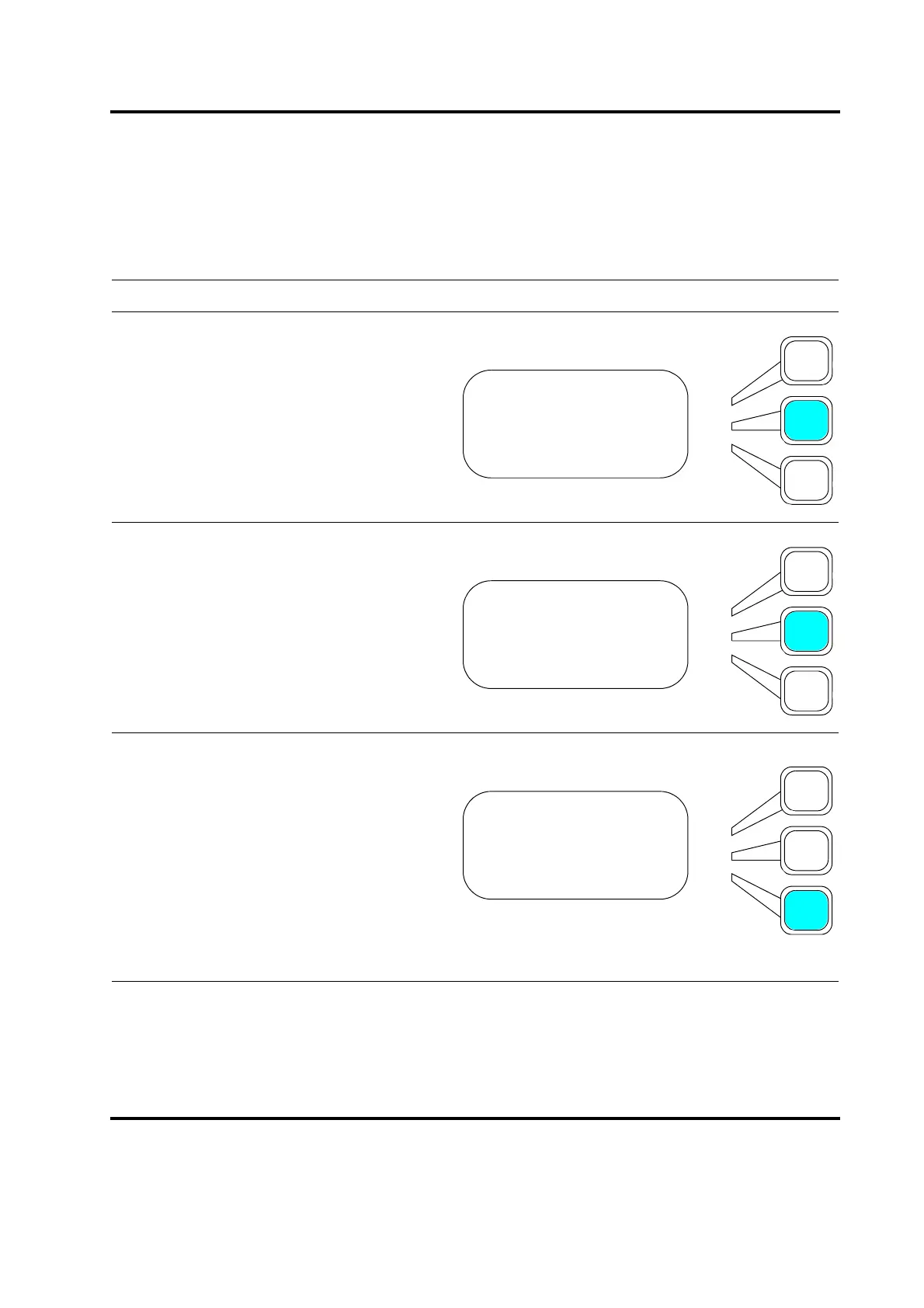
Setting a Password
You can set a password to protect your settings in the Power Supply.
Take this action… To get this result…
Press the Select key that corresponds to
Password on the System Config menu.
Press the Select key repeatedly to toggle
between Off and On. Press the Enter key
on the numeric keypad when you have set
Password to the value you want.
If you set Password to On > Enter, you will
see the TYPE PASSWORD submenu. Use
the arrow keys to scroll through the alpha-
numeric characters shown on the display
and select each character of your password
by pressing the Enter key on the numeric
keypad. You can also select a password by
using the numeric keypad. As you select a
character, you will see an asterisk dis-
played next to Password=. When you have
entered your entire password, up to six
characters, press the Select key that corre-
sponds to Done.
SYS CONFIG Pg1of19
Units =USCS
Password> =Off
Start Screen =Run
SYS CONFIG Pg2of19
Units =USCS
Password> =On
Start Screen =Run
TYPE PASSWORD Pg1of1
ABCDEFGHIJKLM./01234
NOPQRSTUVWXYZ#56789
Password=_ Done










 To Next Page