Chapter 6: Operation
Front Panel Controls
6-4 011-003-991 EN
Any time that a menu item has a caret symbol (>) shown at the end, you can press the Select key that cor-
responds to that menu item to see a submenu of further items. It is not necessary to press the Select key
next to the Weld Results line. You can scroll through this menu by using the Right or Left Display Control
keys. When a menu item has an equal sign (=) shown at the end, you can enter a numeric value for that
item using the numeric keypad, or toggle to switch/select the respective function (i.e. Post Weld Seek =
On). When you are changing a numeric value, you can either use the number keys on the numeric keypad
or the
Increase andDecrease keys on the numeric keypad. When you press the Increase and
Decrease keys, the value that you are changing will be incremented or decremented by one unit of the
smallest unit shown for that parameter.
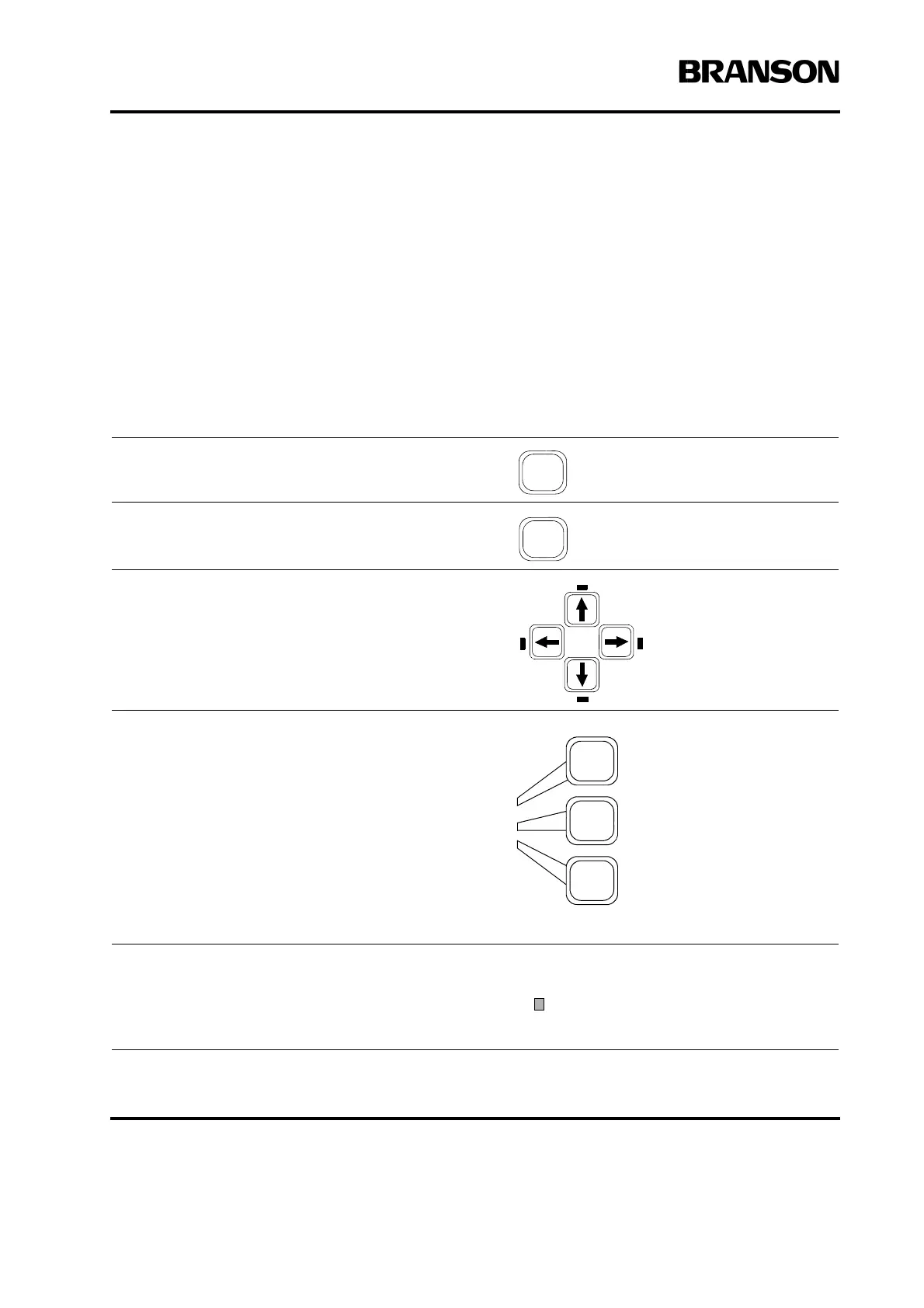
The following rules outline navigation through the 2000X Power Supply menus:
To view the Run screen on the display at any time,
press the Run key.
To view the Main menu on the display at any time,
press the Main Menu key.
To navigate through a menu that has more selections
than can be shown at one time, press one of the
Display Control Arrow keys. Any time that you can
press one of these keys, the LED next to the key is
illuminated.
There are three Select keys, each of which corre-
sponds to one of the three menu items that are avail-
able to you at any given time. To select an item on any
menu, press the Select key that corresponds to that
item.
When you have selected a particular parameter, you
will see a blinking cursor next to the value of the
parameter you selected. Press the Select key repeat-
edly to toggle between the minimum and maximum
default values and Off if it can be disabled.










 To Next Page