2000X energy Power Supply Chapter 4: Installation and Setup
Instruction Manual Handling and Unpacking
011-003-991 EN 4-7
4. Cut the packing strap securing the column support to the pallet.
The column and column support are under spring tension from the counterbalance spring. Do
NOT attempt to disassemble the column from the stand, but always keep the column
support clamped together. When making height adjustments, carefully and slowly release the
clamps to control the motion, and hold the stand to prevent sudden movements or injury.
5. Remove the block(s) of wood between the base and the support by slowly loosening the two column
clamps (allowing the stand to rise slightly) and then cutting the shipping tape on the block of wood.
RETIGHTEN THE COLUMN CLAMPS.
6. Loosen the two hub bolts (for column clamping) on the hub.
7. Remove the hub from the pallet and set it aside. Some hubs are bolted to the pallet from the top.
8. Unpack the converter, booster, cables, manuals, and toolkit that may be in the insert box. Save the
packing material, including the blocks of wood.
9. Go to Take Inventory of Small Parts
. See Table 4.1.
4.2.5 Actuator (alone)
The actuator, if shipped alone, is assembled and ready to install.
Move the shipping container close to the intended installation location, leave it on the floor.
1. Open the top of the cardboard box, remove the insert from the top of the box and set it aside.
2. The toolkit, mounting bolts, converter and/or booster, manuals and cables as ordered, are shipped
with the actuator, located in their designated pockets in the foam packing material. Unpack the con-
verter, booster, toolkit and bolts from their packages.
3. Save the packing material.
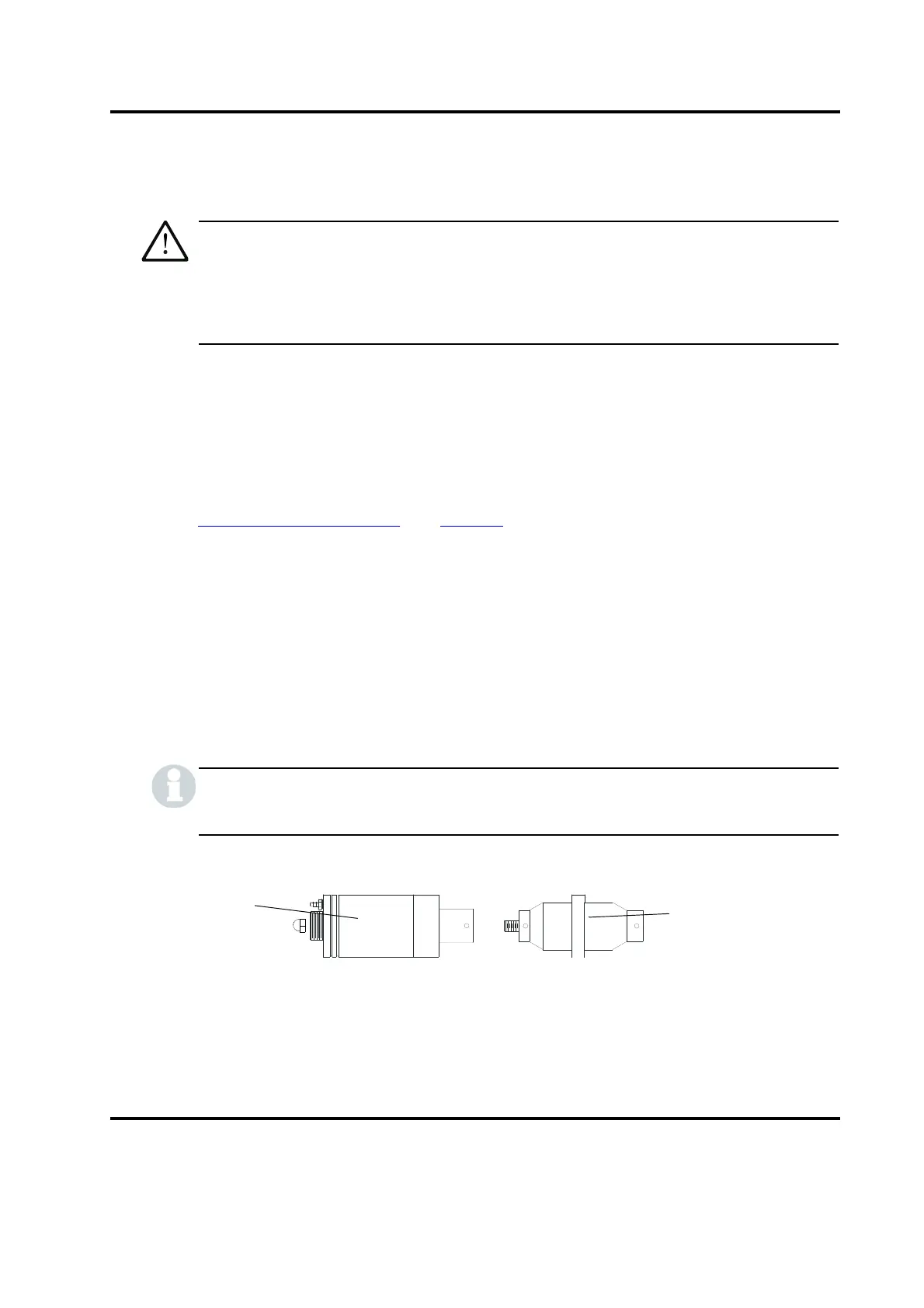
The packaging may also include the converter and/or booster, if ordered.
Figure 4.3 Ultrasonic Converter (J-Type for stand use) and Booster
Booster
Converter
(J-type shown)










 To Next Page