2000X energy Power Supply Chapter 7: Maintenance
Instruction Manual Service Events
011-003-991 EN 7-49
Performing a Cold Start
Take this action… To get this result…
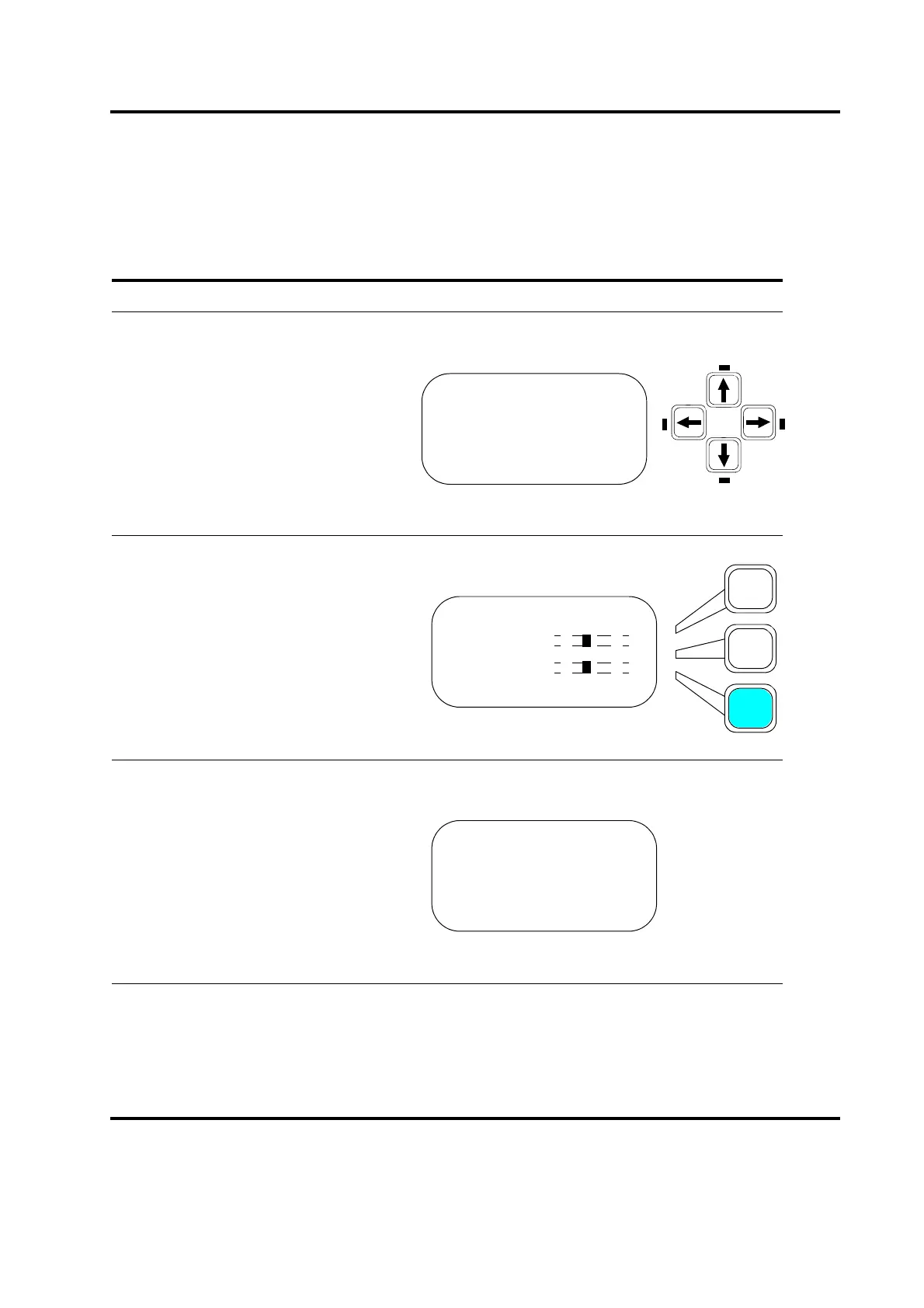
From the Main Menu, scroll down
until you see Diagnostics.
Press the Select key that corre-
sponds to Diagnostics.
You will see the DIAGNOSTICS sub-
menu.
Use the down arrow key to scroll
downward through the Diagnostics
menu until you see Cold Start.
MAIN MENU Pg3of6
Save/Recall Presets
Print Menu
Diagnostics
DIAGNOSTICS Pg1of3
F Memory
F Actual
R=[] Sk=[] C=[] ST=[]
DIAGNOSTICS Pg1of3
Digital Tune>
Horn Scan
Cold Start










 To Next Page