Appendix A Remote Terminal
Viewing Weld Data
A-6 011-003-991 EN
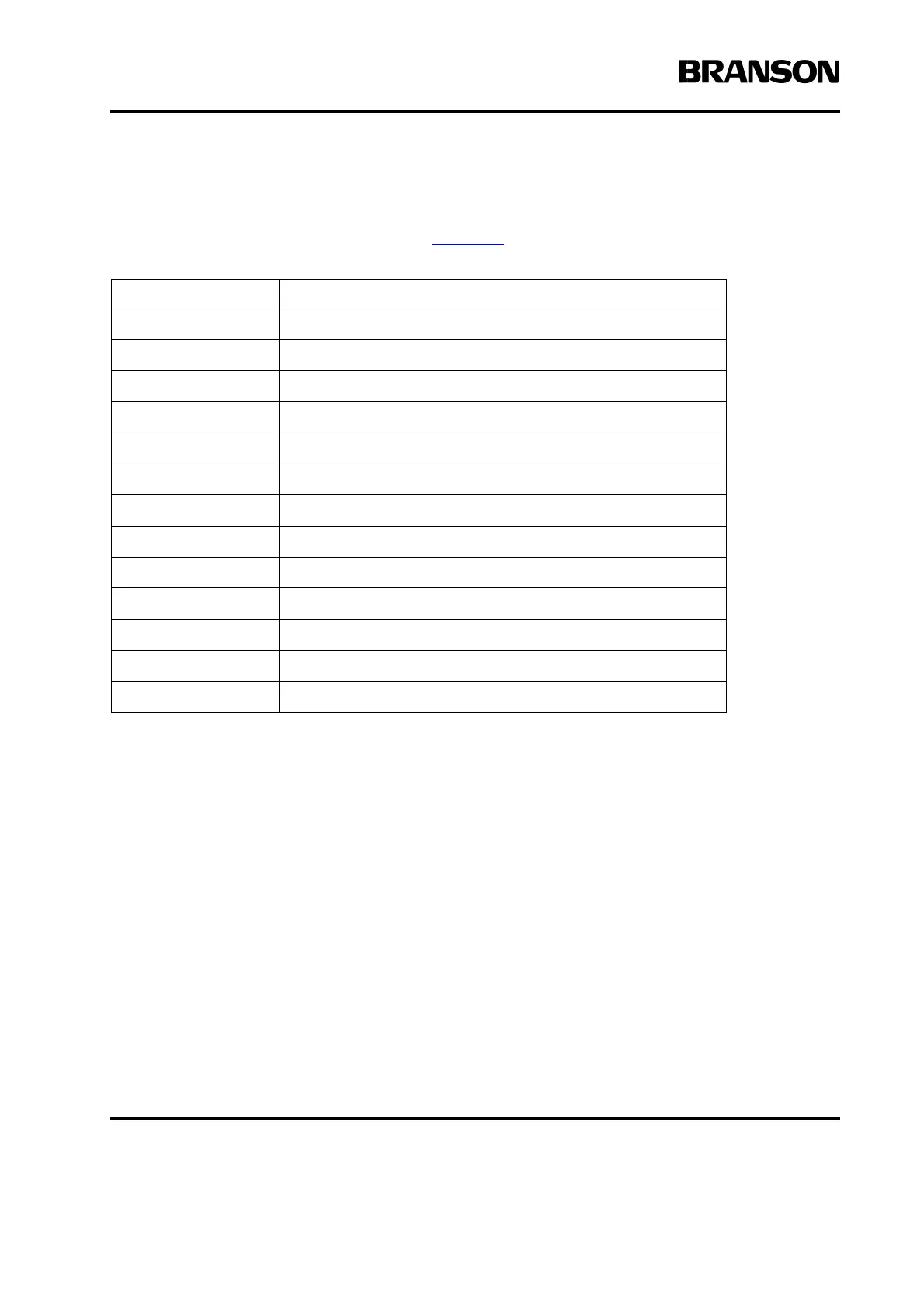
Below is a list of specific Remote Terminal keyboard functions and their equivalent on the front panel of the
Power Supply. For detailed information on the Power Supply menus, as displayed on both the Power Supply
Front Panel and the Remote Terminal, refer to Chapter 6:
.
A.5 Viewing Weld Data
Weld Data mode is the only feature of the Remote Terminal that is not available from the Power Supply Front
Panel. This mode allows you to view detailed information about welds that you have just completed. The
information displayed depends on the weld mode you are using. For each weld, Weld Data mode displays
all or some of the following information on the Remote Terminal screen (ae actuator):
•cycle number
•time
•date
• weld mode
• weld time
• peak power
Keyboard Key Front Panel Equivalent
Esc Go Back/Esc
F1 Main Menu
F2 Run
F3 Weld Setup
F12 Select
– – Decrease
+ + Increase
F6 Print
F8 Select key for Weld Data mode.
Delete Clear/Delete
Ctrl-F10 Test
Ctrl-F11 Horn Down
F9 Reset










 To Next Page