Chapter 6: Operation
Saving and Recalling Presets
6-62 011-003-991 EN
Recalling a Preset
You can recall a Preset that you had set and named at a previous time to make it easy to
begin processing a different type of part.
Take this action… To get this result…
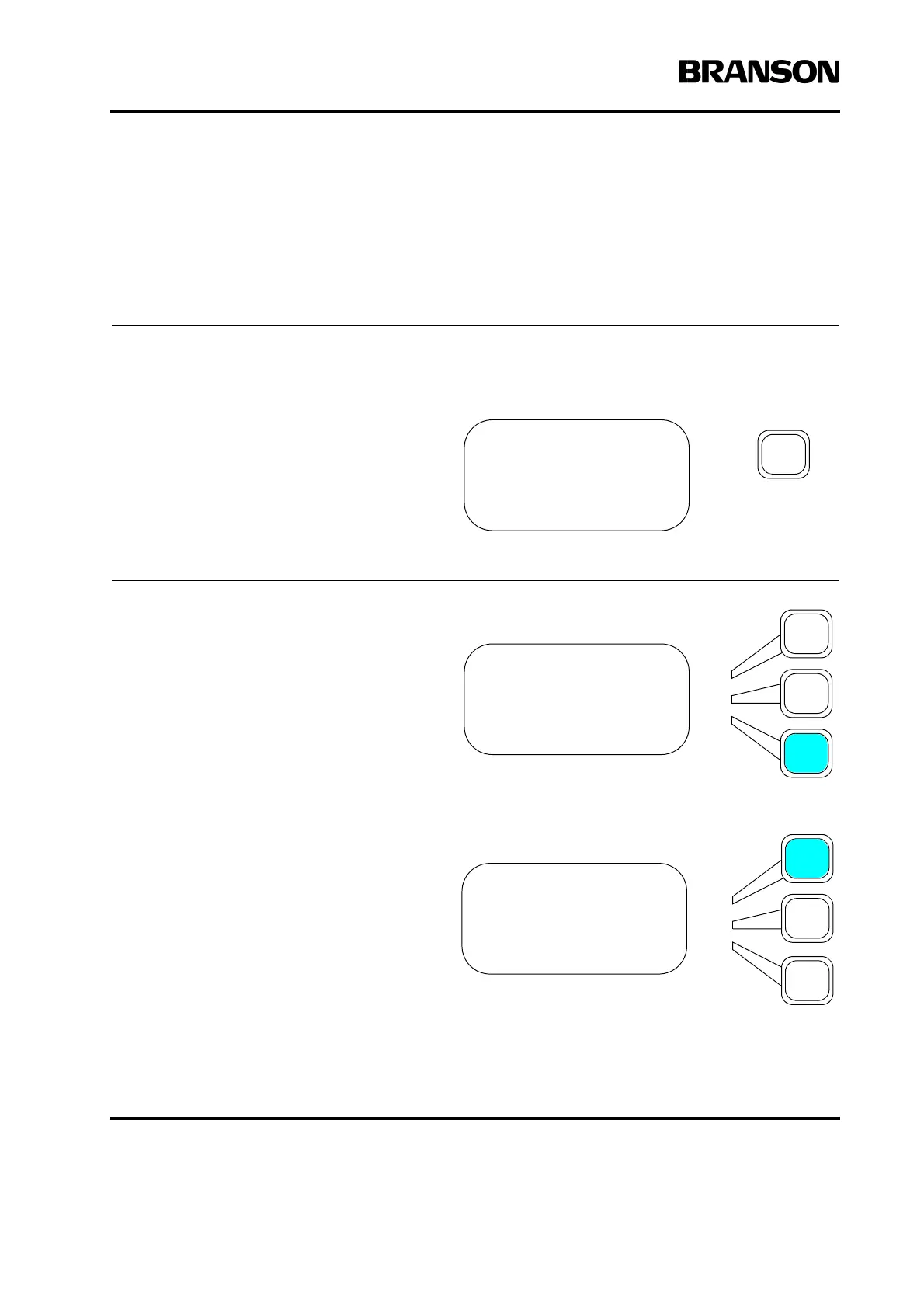
Press the Main Menu key.
Press the Select key that corresponds to
Save/Recall Presets.
Press the Select key that corresponds to
Recall Preset.
MAIN MENU Pg1of6
Run Screen
Weld Setup
Save/Recall Presets
MAIN MENU Pg1of6
Run Screen
Weld Setup
Save/Recall Presets
PRESETS Pg1of1
Recall Preset
Save Preset
Clear Preset










 To Next Page