2000X energy Power Supply Chapter 6: Operation
Instruction Manual Viewing System Information
011-003-991 EN 6-89
Viewing System Information
You can view information about your Power Supply using the System Information menu.
You should do this before calling Branson for support.
Take this action… To get this result…
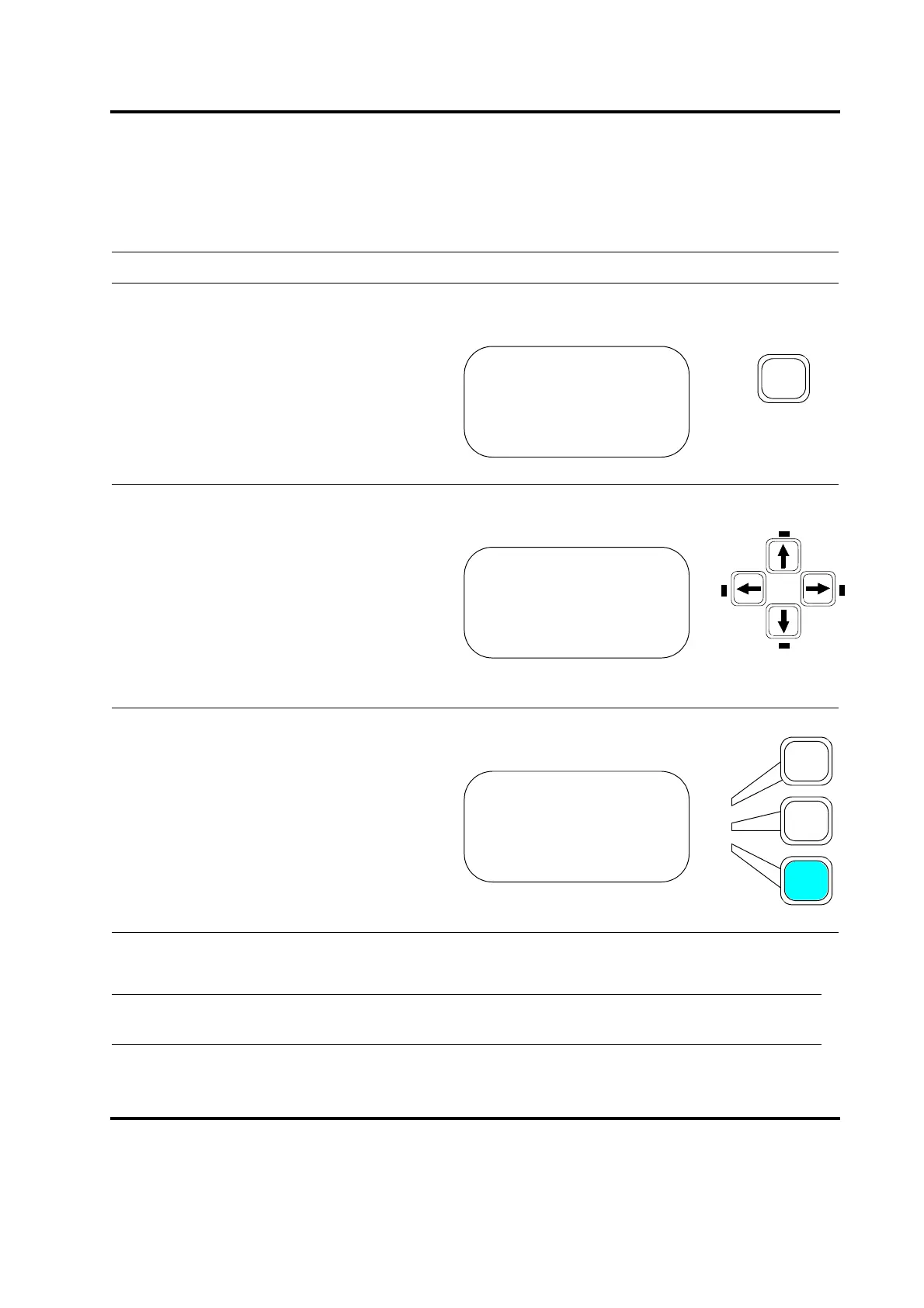
Press the Main Menu key.
Scroll downward through the Main Menu
until you see System Information.
Press the Select key that corresponds to
System Information.
You will see the SYSTEM INFO submenu, where you can scroll through the list of System Information.
This is a read-only list. Each parameter is described below:
MAIN MENU Pg1of6
Run Screen
Weld Setup
Save/Recall Presets
MAIN MENU Pg4of6
Print Menu
Diagnostics
System Information
MAIN MENU Pg1of6
Print Menu
Diagnostics
System Information










 To Next Page