Chapter 6: Operation
Setting Other Weld Parameters
6-40 011-003-991 EN
Digital UPS Setup
Use this menu to setup the DUPS and view available presets.
Take this action… To get this result…
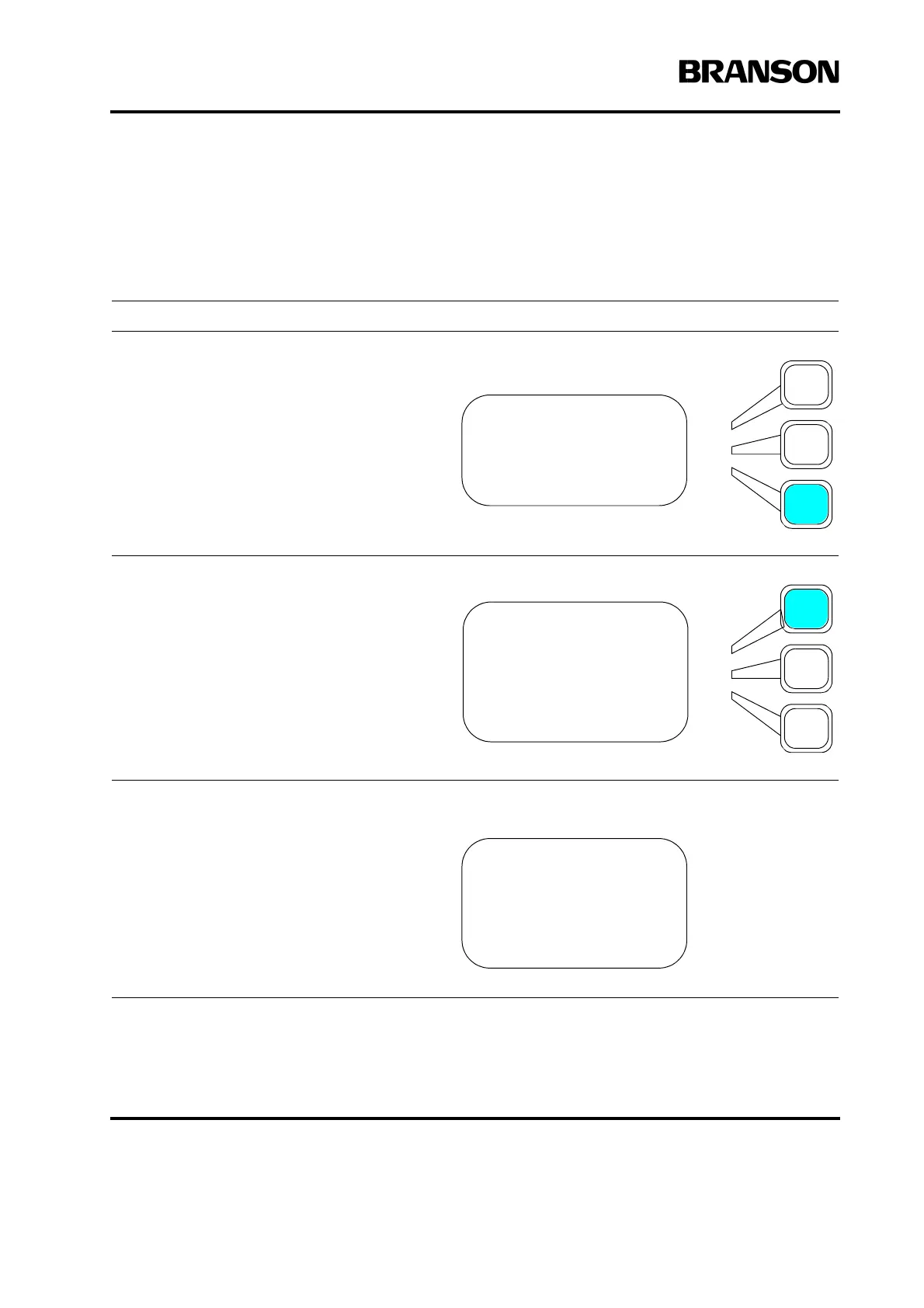
Using the arrow keys, scroll downward
through the menu until you see Digital
UPS. Press the Select key that corre-
sponds to Digital UPS.
This screen is displayed. Press the Select
key that corresponds to Setup.
The contents of the SETUP screen are dis-
played (scroll to view Timed Seek). You can
toggle to turn Memory or Timed Seek On or
Off. Ramp Time can be set from a minimum
of .010 to maximum 1.0 seconds, default is
.080. Seek Time can be set from a mini-
mum of .100 to maximum 1.00 seconds,
default is .500.
Press Enter on the numeric keypad to save
the new value, or press Go Back/Esc to
make no change to the value.
WELD SETUP Pg7of13
Pretrigger> Off
Afterburst> Off
Digital UPS>
DIGITAL UPS Pg7of14
Setup>
Weld Status = On
Preset Names>
Memory Reset = On
SETUP Pg7of13
Memory = On
Ramp Time(s) = 0.080
Seek Time(s) = 0.500
Timed Seek = Off










 To Next Page