2000X energy Power Supply Chapter 6: Operation
Instruction Manual Using the Diagnostics Menu
011-003-991 EN 6-81
Viewing Diagnostics
Using the Diagnostics menu, you can view information about the power supply module,
change the output frequency of the power supply, and set parameters back to factory
default values.
Take this action… To get this result…
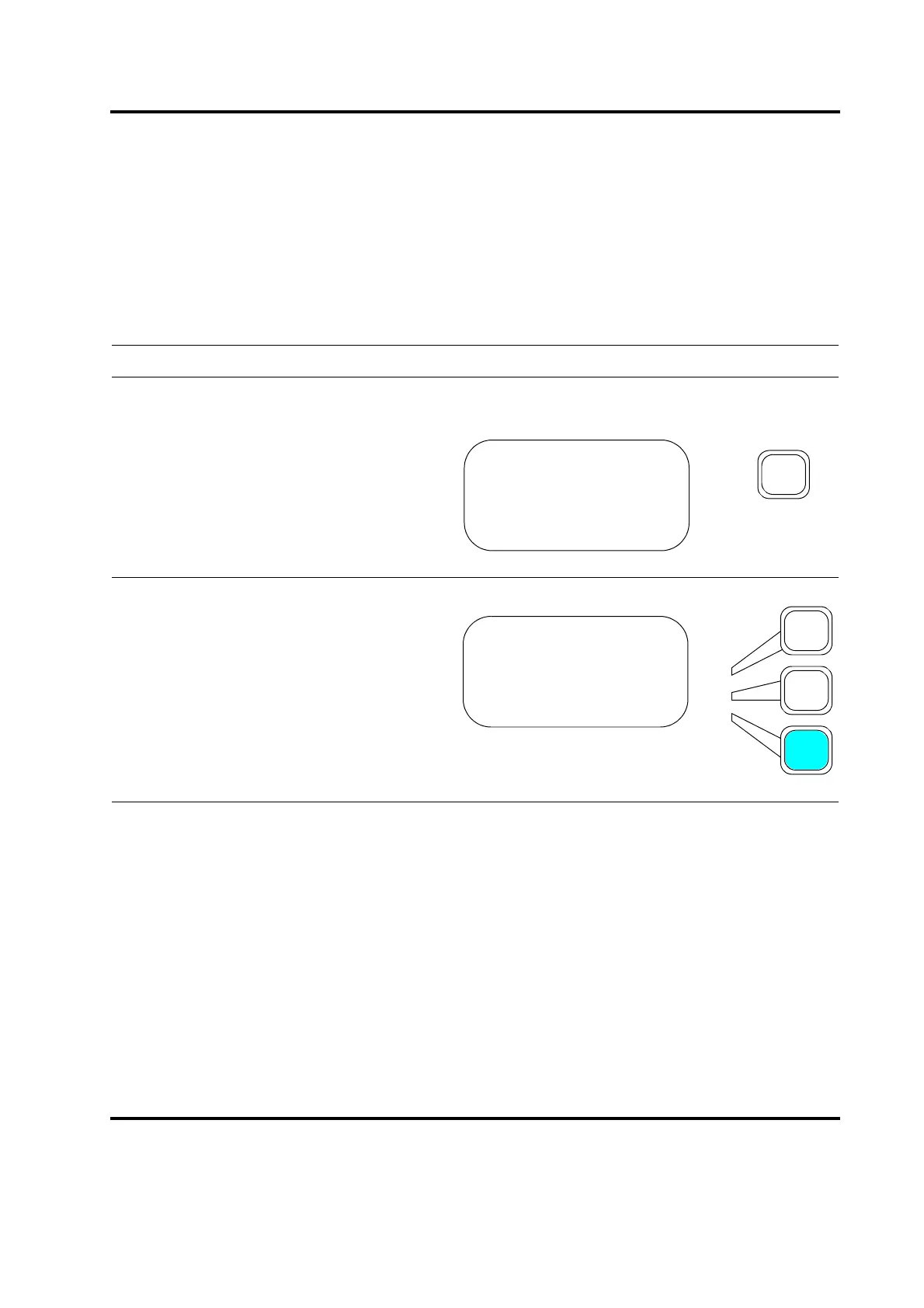
Press the Main Menu key.
Scroll downward through the Main Menu
until you see Diagnostics. Press the
Select Key that corresponds to Diagnos-
tics.
MAIN MENU Pg1of6
Run Screen
Weld Setup
Save/Recall Preset
MAIN MENU Pg3of6
Save/Recall Preset
Print Menu
Diagnostics










 To Next Page