Chapter 6: Operation
Using the Diagnostics Menu
6-82 011-003-991 EN
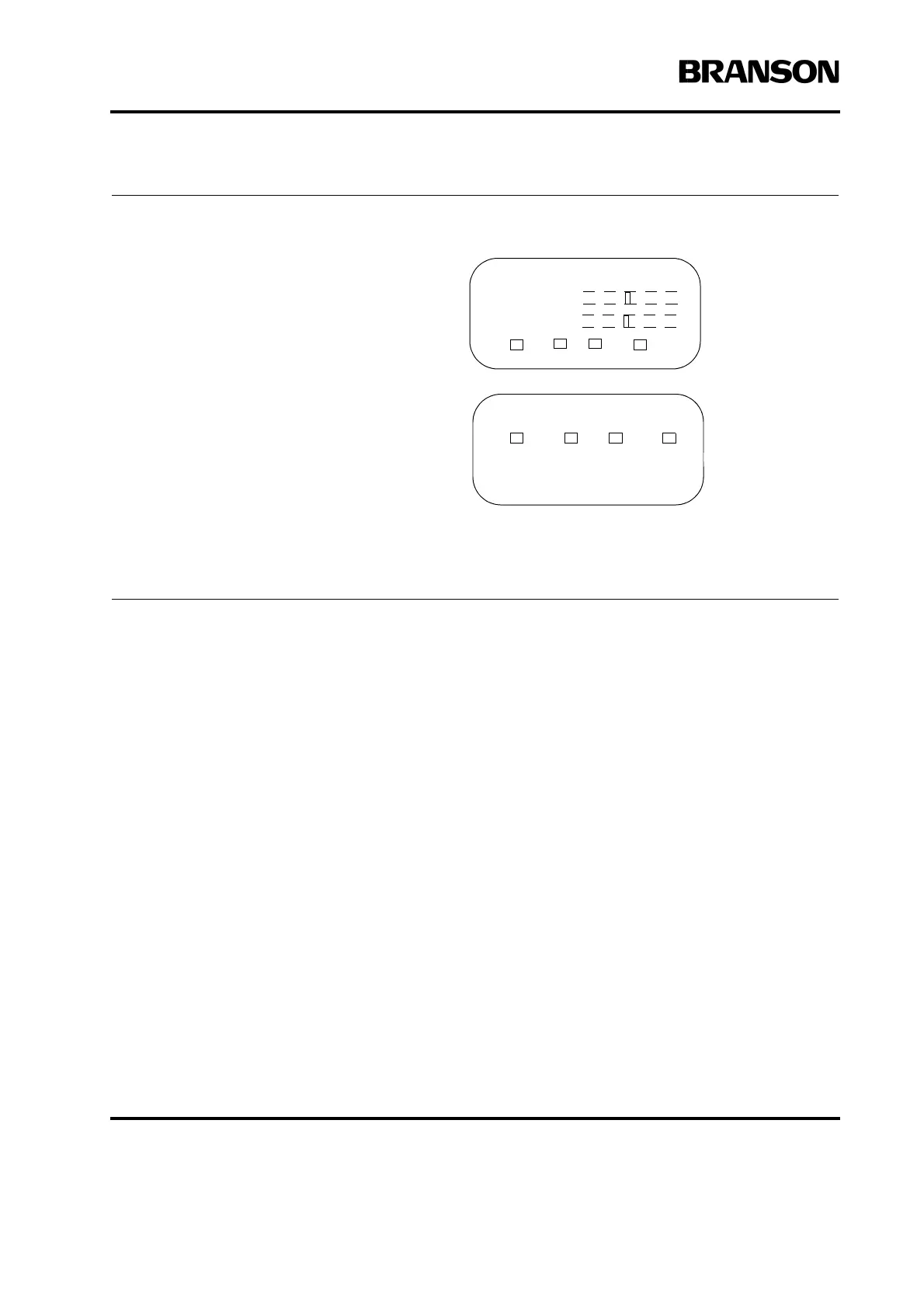
You can scroll through the Diagnostics
menu using the arrow keys. These displays
are viewable during a weld cycle.
• F Memory: This bar graph represents the
stored frequency at the end of the last cycle.
This is the frequency the power supply will
start at for the next cycle.
• F Actual: This bar graph represents the
running (natural)frequency of the stack in
real time.
• R (Run): Indicates that ultrasonic energy
is on.
• Sk (Seek): Indicates the power supply is
running at 5% amplitude for the purpose of
finding the resonant frequency of the stack.
• C (Clear): Indicates there was an over-
load in Run or Test Mode and memory was
cleared.
• St (Store): Indicates the running fre-
quency of the system is stored into memory
at the end of a cycle or at the end of a seek.
DIAGNOSTICS Pg1of3
F Memory
F Actual
R= Sk= C= St=
DIAGNOSTICS Pg3of3
R= Sk= C= St=
Digital Tune> Off
Horn Scan










 To Next Page