2000X energy Power Supply Chapter 6: Operation
Instruction Manual Using the Diagnostics Menu
011-003-991 EN 6-83
Setting Digital Tune
You can select whether to use Digital Tune to change the frequency at which your stack
will start. If you select On, you must also set the Frequency (in Hz) at which the 2000X will
start ultrasonics.
Do not use this feature unless advised to do so by Branson.
It is not required for most applications.
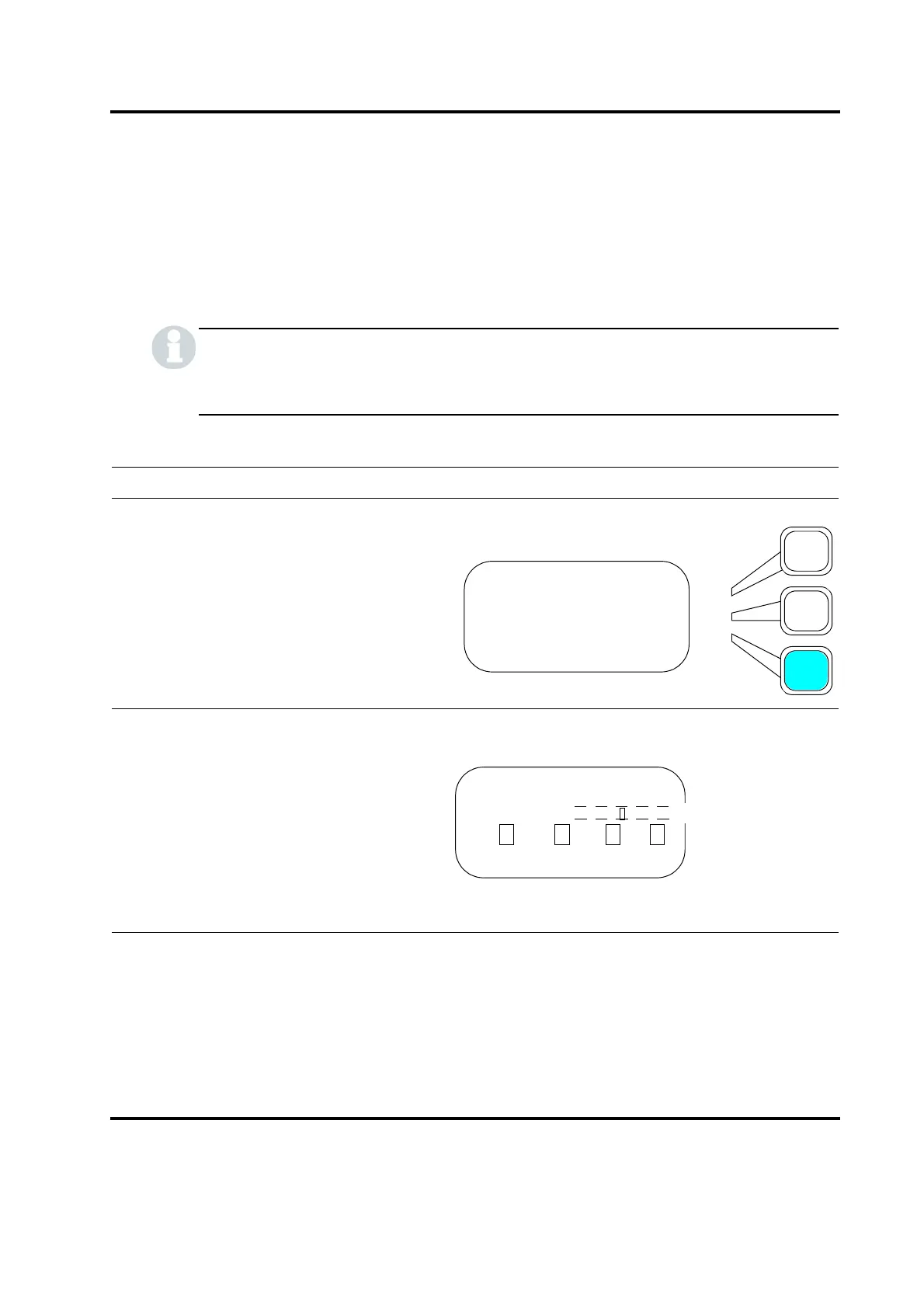
Take this action… To get this result…
Using the arrow keys, scroll downward
through the menu until you see
Diagnostics. Press the Select key that cor-
responds to Diagnostics.
Using the arrow keys, scroll downward
through the menu until you see
Digital Tune. Press the Select key that cor-
responds to Digital Tune.
MAIN MENU Pg3of6
Save/Recall Presets
Print Menu
Diagnostics
DIAGNOSTICS Pg1of3
F Actual
R= Sk= C= St=
Digital Tune> On










 To Next Page