Chapter 6: Operation
Using the Diagnostics Menu
6-84 011-003-991 EN
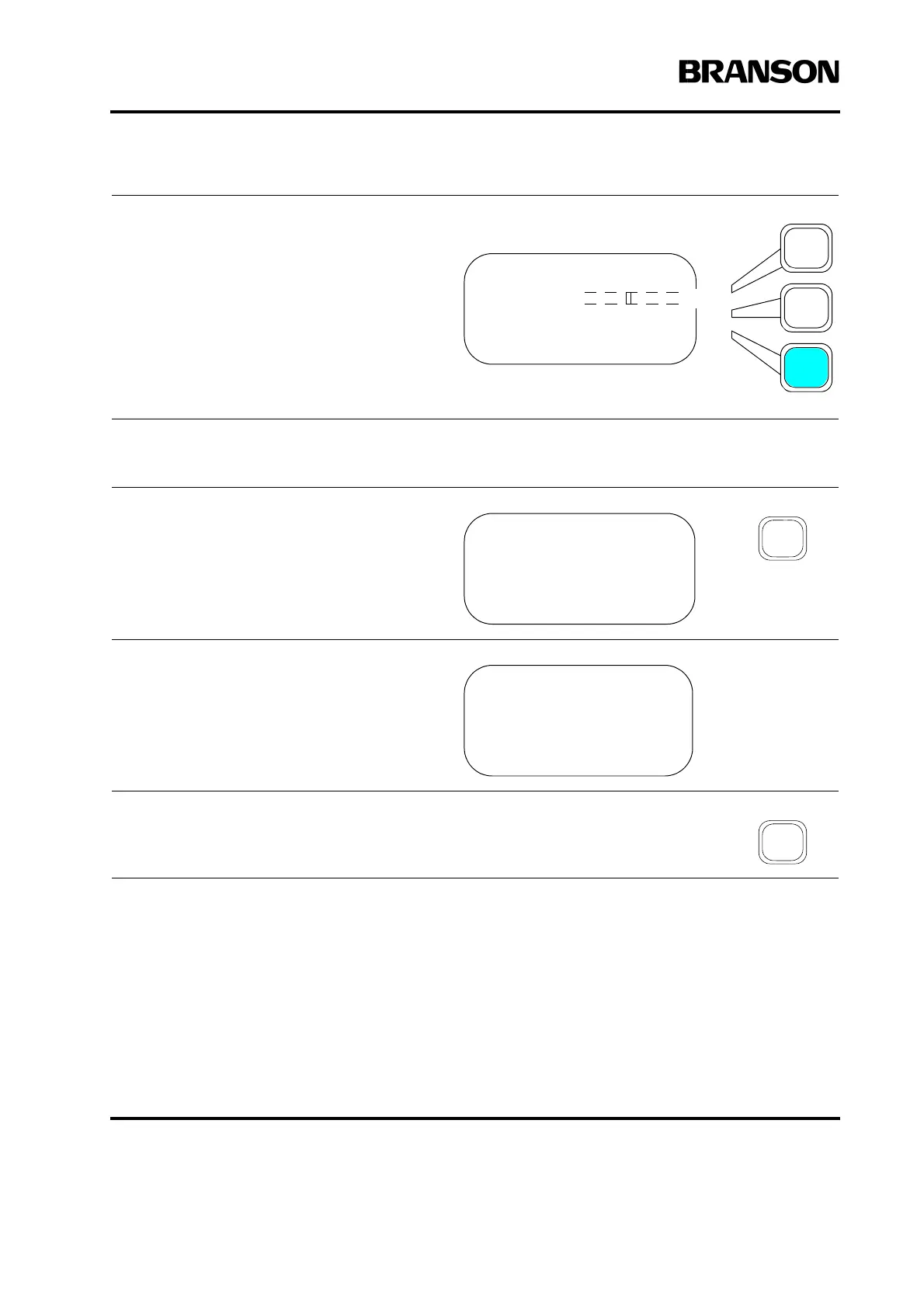
Press the same Select key again to toggle
between On and off.
Press Enter on the numeric keypad to save
the new value, or press Go Back/Esc to
make no change to the value.
Use the numeric keypad to enter the fre-
quency (in Hz) that you want to use then
press Enter on the numeric keypad to save
the new value.
Press a menu key or go back to exit the
Digital Tune screen. The Display will show
“Please wait.” After four seconds, the dis-
play changes to Press Test to Confirm
Operation.
Press the Test Key to store the new value.
DIAGNOSTICS Pg1of3
F Actual
R=? Sk=? C=? St=?
Digital Tune> On
DIGITAL TUNE Pg1of1
Start Freq (Hz) =19950
Press Test To
Confirm Operation










 To Next Page