2000X energy Power Supply Chapter 6: Operation
Instruction Manual Using the Diagnostics Menu
011-003-991 EN 6-85
Performing a Horn Scan
You can perform a Horn Scan to enhance selection of operating frequency and control parameters. This
feature is available in the DUPS only.
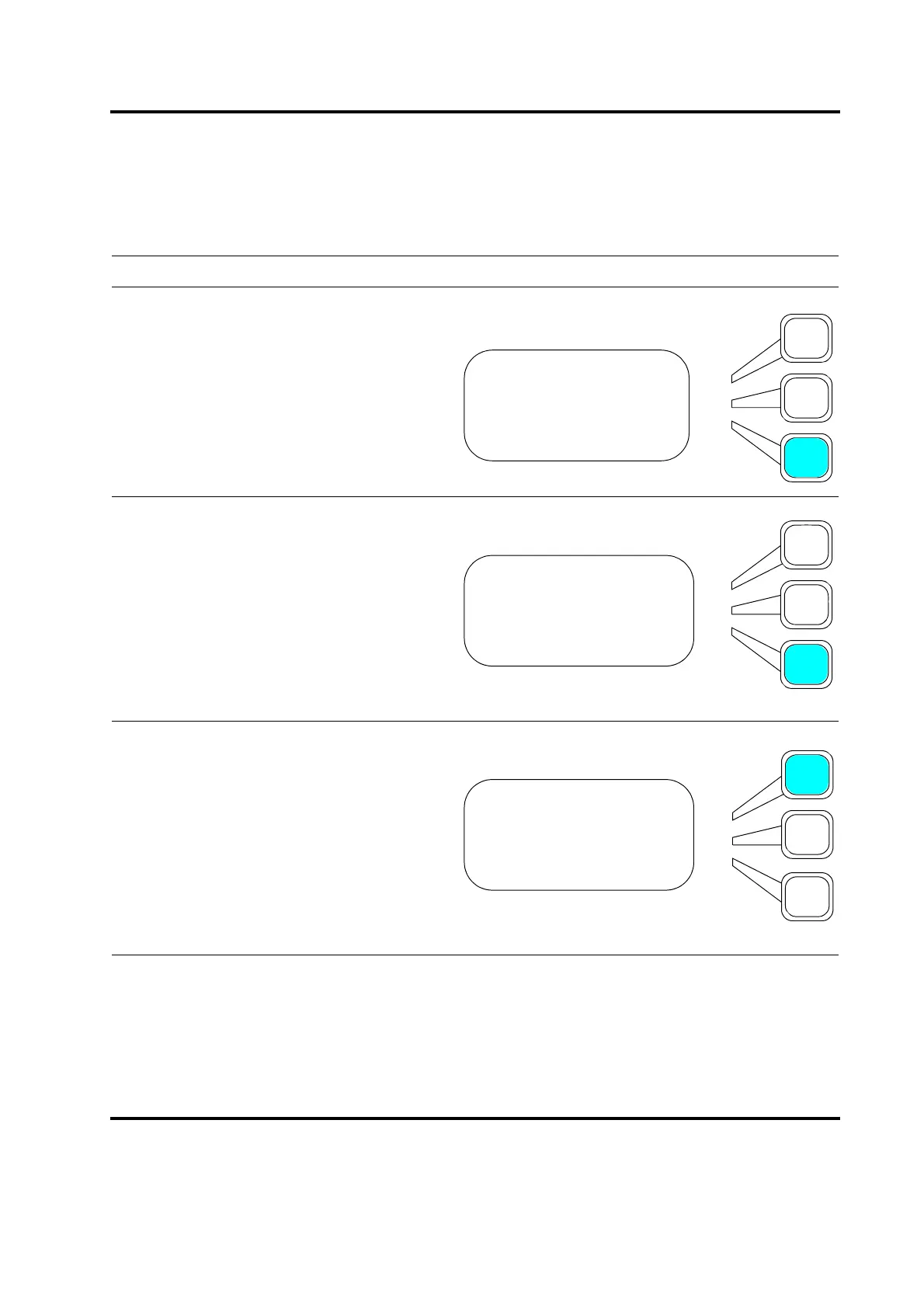
Take this action… To get this result…
Using the arrow keys, scroll downward
through the menu until you see
Diagnostics. Press the Select key that cor-
responds to Diagnostics.
Using the arrow keys, scroll downward
through the menu until you see
Horn Scan. Press the Select key that cor-
responds to Horn Scan.
You will view the Horn Scan submenu.
Press the Select Key that corresponds to
Start Scan. A scan of horn reactance will
be generated showing resonant frequen-
cies at the zero crossover from capacitive
to inductive reactance. Ideally there will be
only one resonant frequency.
MAIN MENU Pg3of6
Save/Recall Presets
Print Menu
Diagnostics
DIAGNOSTICS Pg1of3
R=? Sk=? C=? St=?
Digital Tune> On
Horn Scan
HORN SCAN Pg1of6
Start Scan
Print Scan Graph
Freq1(Hz)=










 To Next Page