Chapter 6: Operation
Using the Diagnostics Menu
6-86 011-003-991 EN
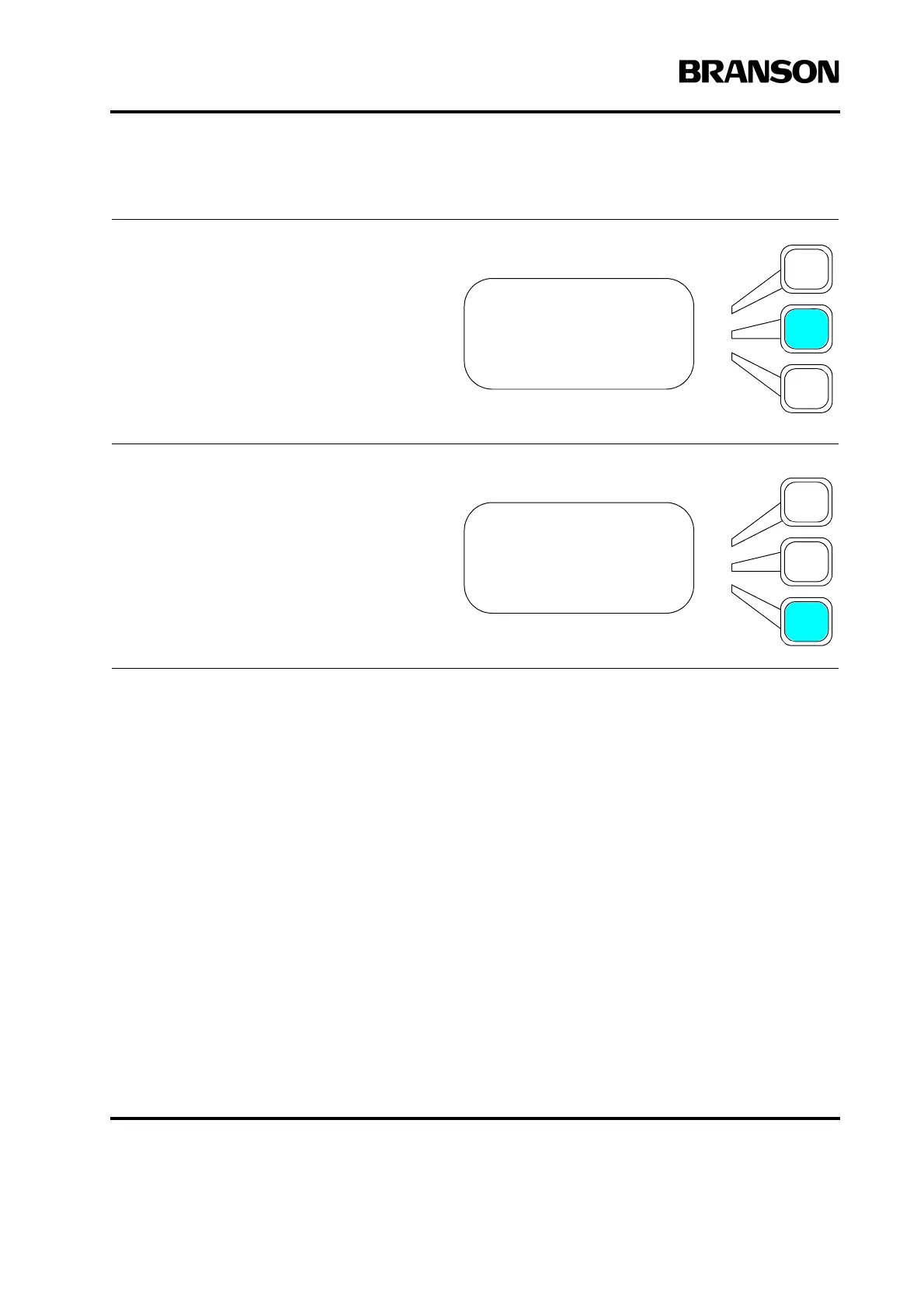
If you are connected to a printer, use
the arrow keys to scroll downward to Print
Scan Graph. Press the Select key that cor-
responds to Print Scan Graph. Up to six
resonant frequencies within a window of +/
- 2 1/2 % of the center frequency will be dis-
played as they cross zero.
Using the arrow keys, scroll downward
through the menu to Freq1(Hz). A fre-
quency will be displayed if a scan was per-
formed. If more than one resonant
frequency was found in the scan window,
they will be shown by continuing to scroll
using the arrow keys. Up to six frequencies
can be displayed.
HORN SCAN Pg1of6
Start Scan
Print Scan Graph
Freq1(Hz)=
HORN SCAN Pg1of6
Start Scan
Print Scan Graph
Freq1(Hz)=










 To Next Page