2000X energy Power Supply Appendix A Remote Terminal
Instruction Manual Using the Remote Terminal
011-003-991 EN A-5
A.4 Using the Remote Terminal
The Remote Terminal must be powered up before the Power Supply. This will ensure that the
system is configured correctly.
Once you have enabled the Remote Terminal as described above, the keypad on the Power Supply Front
Panel will continue to function and you can also control menu navigation and selection using the Remote
Terminal and keyboard.
A.4.1 Remote Terminal Keyboard Equivalents
Each key on the Power Supply Front Panel has a corresponding key on the keyboard that performs the
same function. The same menus that appeared on the Power Supply display now appear on the Remote
Terminal in their entirety, thus eliminating the need for scrolling. Keyboard templates describing the key-
board functions are provided on the Branson-supplied Remote Terminal device.
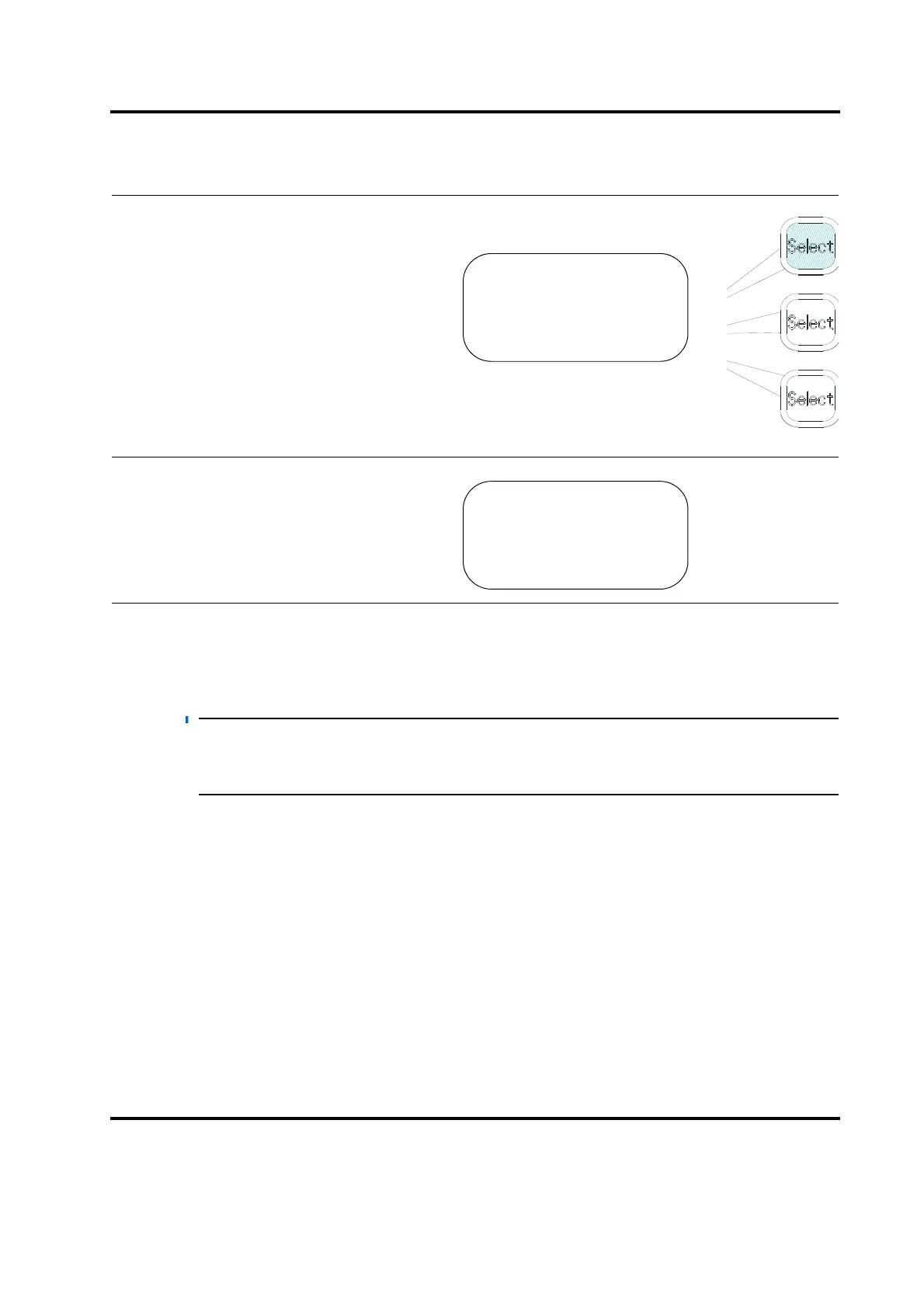
Press the Enter key on the numeric key-
pad. You will see the SERIAL PORT sub-
menu. Press the Select key that
corresponds to Remote Terminal to toggle
it to On.
The Remote Terminal is now active; the
Power Supply front panel and the Remote
Terminal will both operate.
SERIAL PORT Pg1of1
Remote Terminal> On
Remote Computer> Off
SERIAL PORT Pg1of1
Remote Terminal> On
Remote Computer> Off










 To Next Page