Appendix A Remote Terminal
Control by the Remote Terminal
A-4 011-003-991 EN
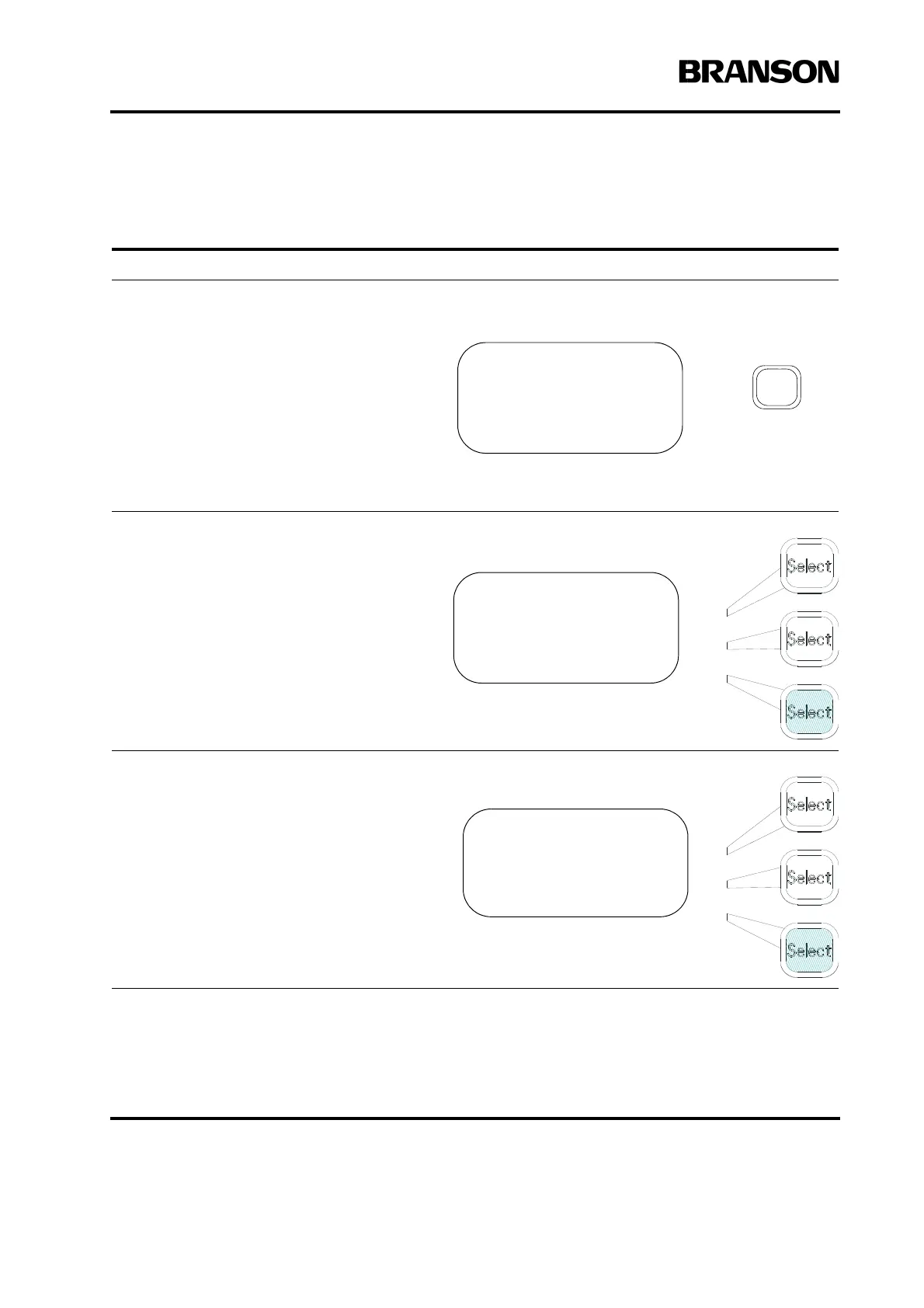
To switch control to the Remote Terminal, take the following steps:
Take this action… To get this result…
Press the Main Menu key on the front of
the 2000 Power Supply.
Using the arrow keys, scroll downward
through the Main Menu until you see
System Configuration. Press the Select
key that corresponds to System Configu-
ration.
Using the arrow keys, scroll downward
through the System Configuration menu
until you see Serial Port. Press the Select
key that corresponds to Serial Port to tog-
gle it to On.
MAIN MENU Pg1of5
Run Screen
Weld Setup
Save/Recall Preset
MAIN MENU Pg5of5
Diagnostics
System Information
System Configuration
SYS CONFIG Pg4of19
Start Screen =Run
Preset Counter>
RS232> On










 To Next Page