EasyManua.ls Logo

Branson 2000X - Page 172

Branson 2000X
317 pages
Print Icon
To Next Page IconTo Next Page
To Previous Page IconTo Previous Page
Loading...
Chapter 6: Operation
Using the Diagnostics Menu
6-80 011-003-991 EN
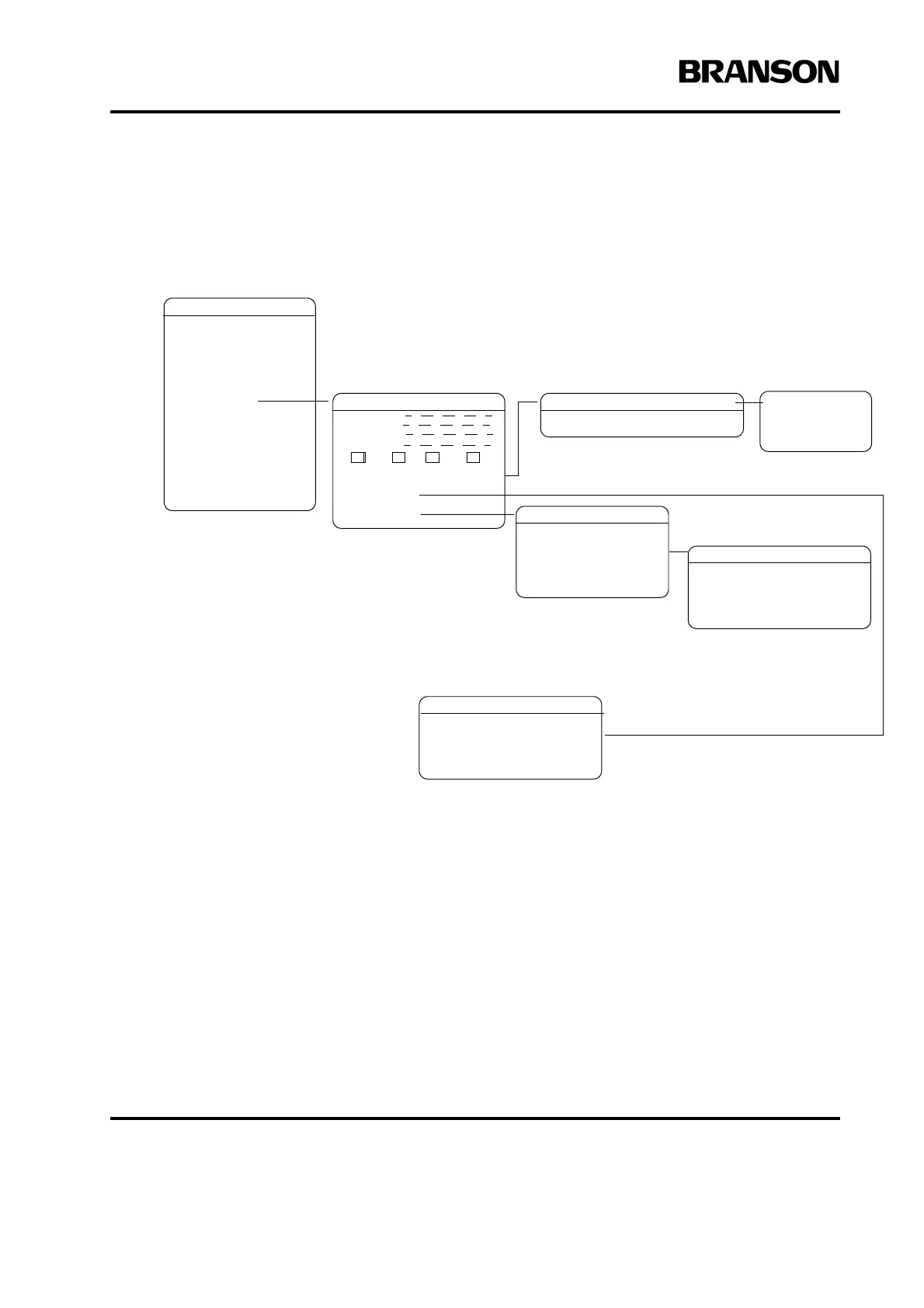
2000X ea Power Supply Main Menu: Diagnostics Menu
Note: The menu items separated by dotted lines in the menu map appear in series on the Power Supply display.
MAIN MENU
Pg1of6
Run Screen
Weld Setup
Save/Recall Presets
Print Menu
Diagnostics
System Information
System Configuration
View Setup
DIAGNOSTICS
Pge1of3
F Memory
F Actual
R= Sk= C= St=
Digital Tune> Off
COLD START
Pg1of1
This will clear your
Present Setup. OK
COLD START
Pge1of1
Cold Start
in Process
Press Test to
confirm
operation
DIGITAL TUNE Pg1of1
Start Frequency(Hz)= 19950
HORN SCAN
Pge1of6
Start Scan
Print Scan Graph
*

Table of Contents

Related product manuals