2000X energy Power Supply Chapter 6: Operation
Instruction Manual Front Panel Controls
011-003-991 EN 6-5
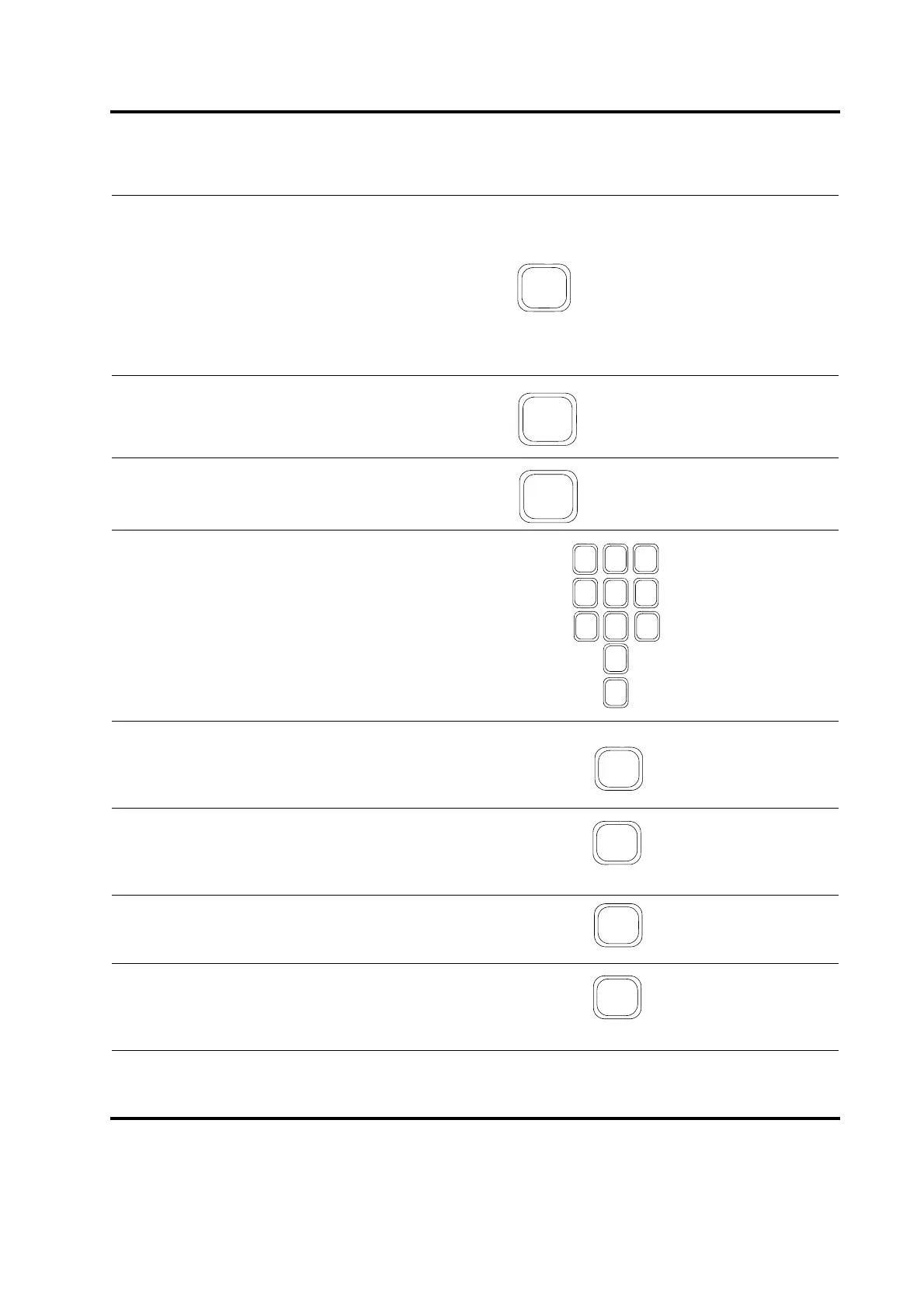
From any submenu, including a particular Weld Mode
menu, press the Go Back/Esc key to return to one
level higher in the menu structure. You can also use
the Go Back/Esc key to return to the previous value
for a particular parameter if you have made a change
to the value but do not want to accept the new value.
This will remove the blinking cursor from the value for
that parameter. Repeated pressing of Go Back/Esc
returns you to the Main Menu.
To decrease the numeric value of a parameter, select
it using a Select key and press the – Decrease key.
To increase the numeric value of a parameter, select
it using a Select key and press the + Increase key.
To enter a specific numeric value for a parameter,
select it using a Select key and use the numeric key-
pad. Any time that you begin using the numeric key-
pad, you can no longer use the Decrease or
Increase keys unless you first select the Clear key.
To clear the entry field for a particular parameter,
select it using a Select key and press the Clear/
Delete key. The cursor remains in the most significant
position of the field.
Once you have made a change to the value of a
parameter in a menu, press the Enter key on the
numeric keypad to accept the value. This removes
the blinking cursor from the value for that parameter.
When you encounter an alarm condition requiring
that you reset the Power Supply before performing
another weld operation, press the Reset key.
When you want to check the position of your fixture by
bringing the horn down to the part with no ultrasonics,
press the Horn Down key. System Pressure setting
is viewable in the display screen.










 To Next Page