2000X energy Power Supply Chapter 6: Operation
Instruction Manual Printing
011-003-991 EN 6-75
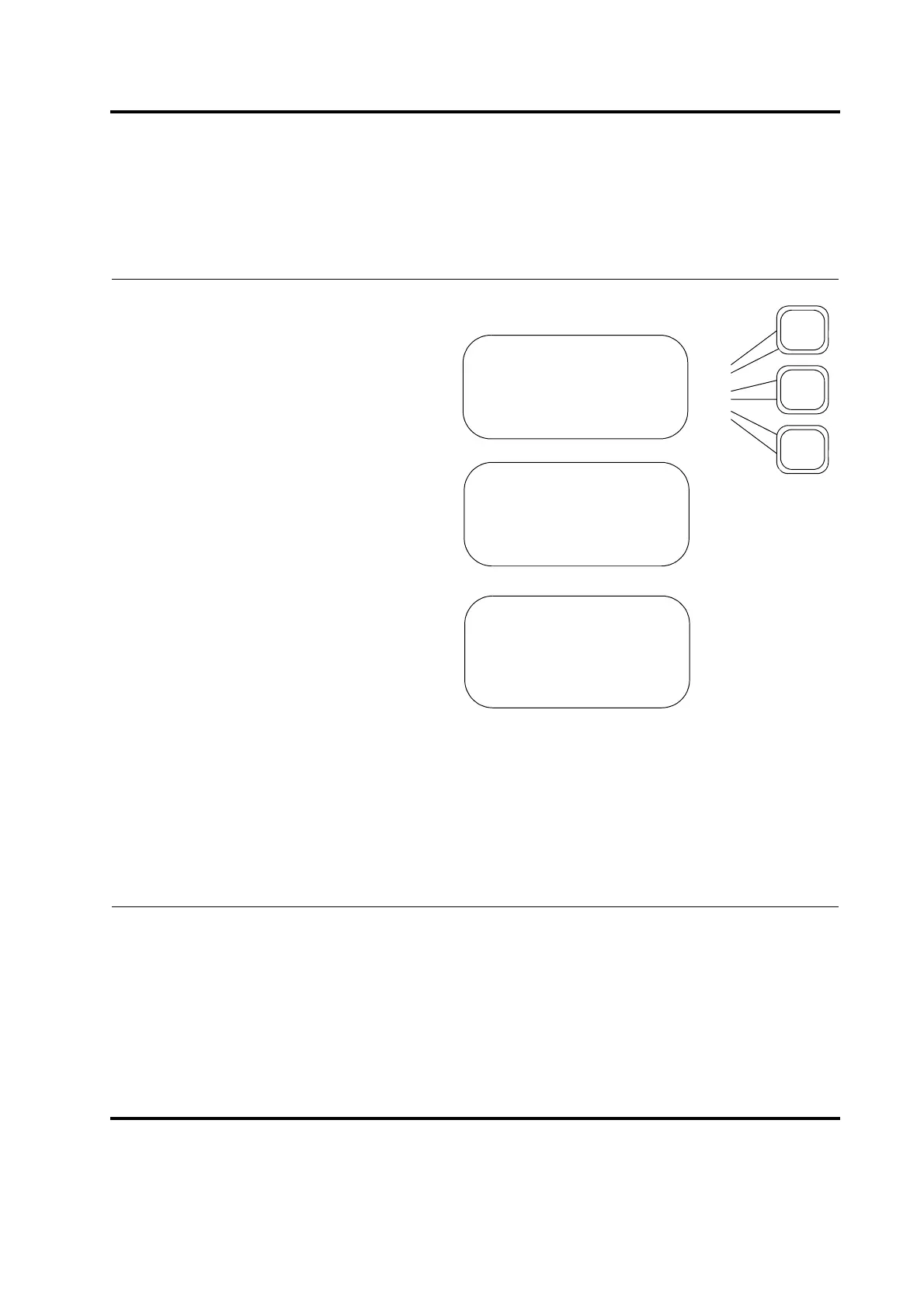
The items you can print from the Select Print Item submenu
are summarized below:
Select Setup to print your current weld
setup.
Select Weld Data to print a summary of
information about the most recent
weld.
Select Weld History to print informa-
tion for up to the previous 50 welds.
Select Power Graph to print a graph of
the percentage of Peak Power that was
used over time (in seconds) in the most
Select Amp Graph to print a graph of
the percentage of maximum amplitude
over time (in seconds) in the most
recent weld.
Select Freq Graph to print a graph of
the horn frequency (in kHz) over time
(in seconds) in the most recent weld.
Select X Scale(s) to set the value for
the time in seconds to which you want
to scale if Auto Scale is Off.
Note: Displayed only when Auto Scale
is Off.
PRINTOUT Pg1of9
Setup>
Weld Data>
Weld History>
PRINTOUT Pg4of9
Power Graph>
Amplitude Graph>
Frequency Graph>
PRINTOUT Pg7of9
X Scale(s) ***










 To Next Page