Chapter 6: Operation
Printing
6-74 011-003-991 EN
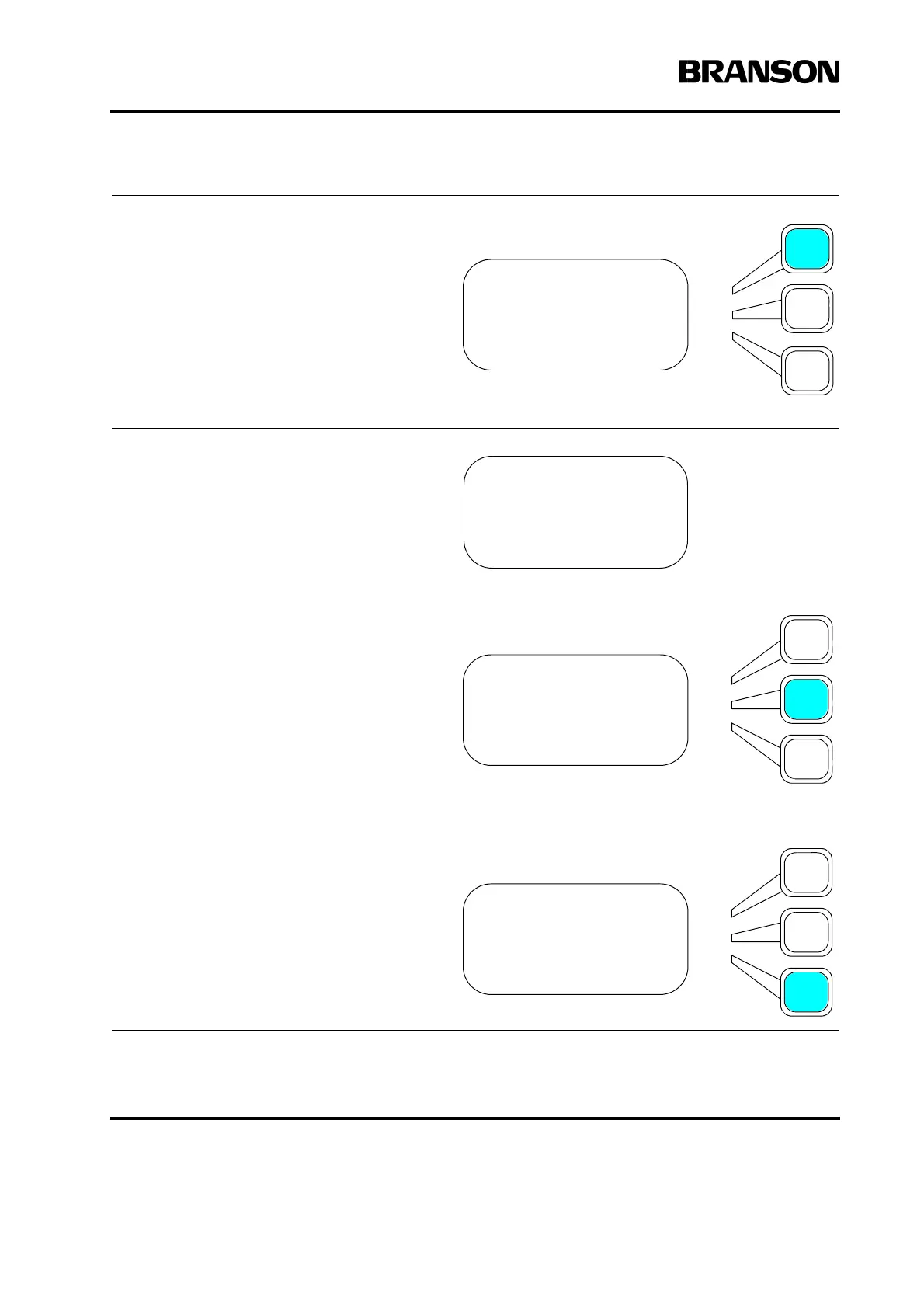
Select one of the choices according
to the following:
If you want to print information, for
example your current setup, immedi-
ately, press the Select key that cor-
responds to Print Now.
You will see a message on
your display confirming that
your selection is being
printed.
If you want to print information, for
example your current setup, after a
particular number of sample pieces
have been welded, press the Select
key that corresponds to Print On
Sample, and use the numeric key-
pad to enter the number of samples
required to trigger printing. The
range of values is 1 to 99999.
If you want to print information, for
example your current setup, any
time there is an alarm, press the
Select key that corresponds to Print
On Alarm.
SETUP Pg1of1
Print Now
Print Sample =Off
Print on Alarm =Off
SETUP Pg1of1
Print Now
Print Sample =1
Print on Alarm =Off
SETUP Pg1of1
Print Now
Print on Sample =Off
Print on Alarm =On










 To Next Page