2000X energy Power Supply Chapter 6: Operation
Instruction Manual Printing
011-003-991 EN 6-73
Printing an Item
Take this action… To get this result…
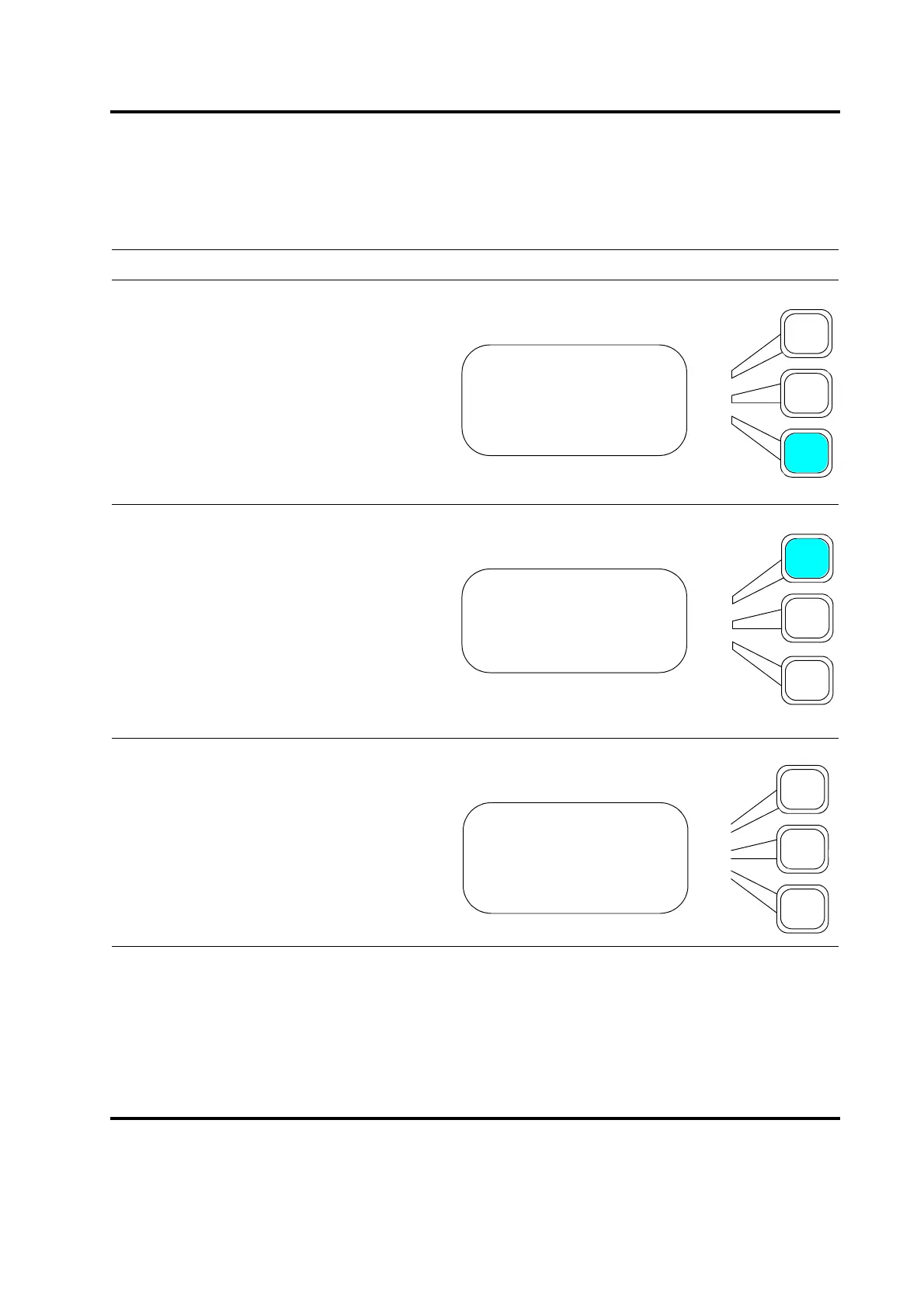
Use the down arrow key to scroll through
the PRINT menu until you see Choose
Printout. Press the Select key that corre-
sponds to Choose Printout on the Print
menu.
You will see a submenu from which you can
select print items. Press the Select key that
corresponds to any or all of the items you
want to print, for example, Setup, Power
graph, Amplitude and Frequency.
You will see a submenu of printing choices.
PRINT MENU Pg2of3
Printer is Online
Abort Printing
Choose Printout>
PRINTOUT Pg1of9
Setup>
Weld Data>
Weld History>
SETUP Pg1of1
Print Now
Print Sample =Off
Print on Alarm =Off










 To Next Page