Chapter 6: Operation
Printing
6-72 011-003-991 EN
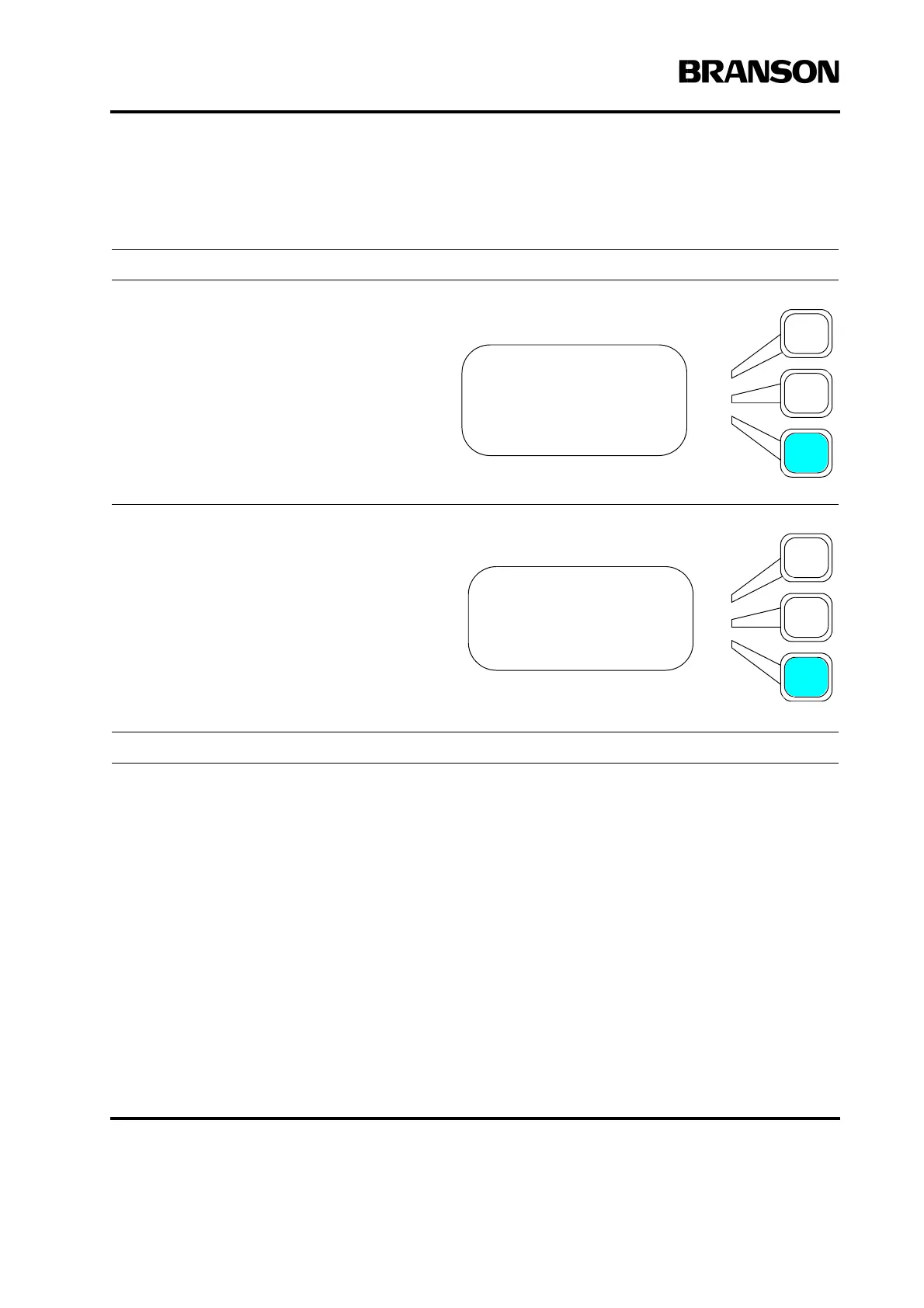
Aborting Printing
Take this action… To get this result…
Press the Select key that corresponds to
Abort Printing on the Print menu.
Note: All printers excepting the Branson
supplied Okidata 520 may not stop printing
when Abort is selected from the menu.
After two seconds you will see a message
to realign the top of page. After resetting the
top of the paper on the printer, press the
Select key corresponding to the line that
displays Continue.
You now return to the Print menu.
PRINT MENU Pg1of3
Printer is Online
Printing = On
Abort Printing
Abort Printing
Realign top of page
Continue










 To Next Page