2000X energy Power Supply Chapter 6: Operation
Instruction Manual Printing
011-003-991 EN 6-71
Turning Printing On or Off
Take this action… To get this result…
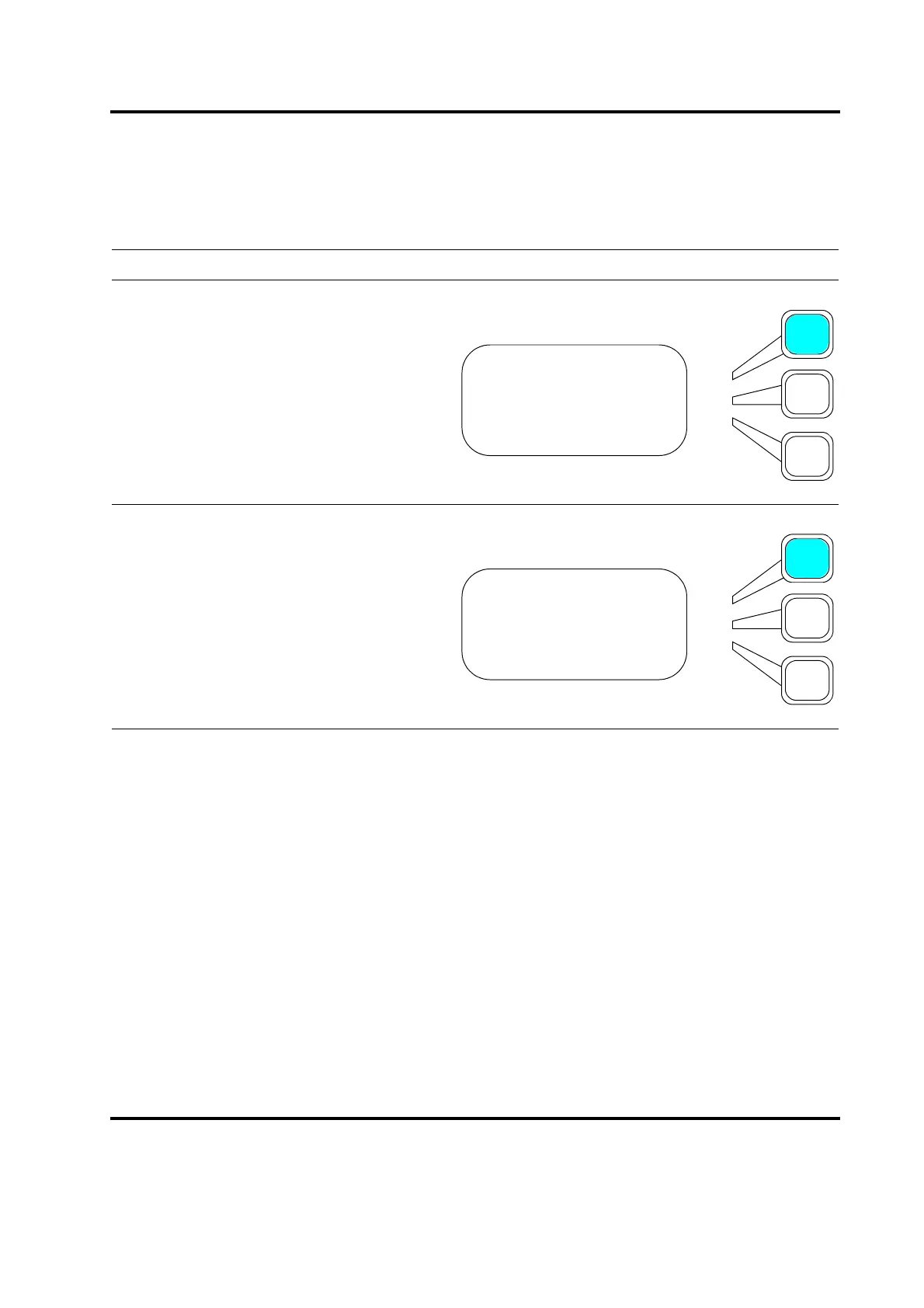
Press the Select key that corresponds to
Printing on the Print menu.
Press the Select key repeatedly to toggle
between On and Off. If you set this param-
eter to Off, it will override Print Sample
and/or Print on Alarm, which you can set
from the PRINTOUT>Setup Menu.
Press the Enter key on the numeric keypad
when you have set Printing to the selection
you want.
PRINT MENU Pg1of3
Printer is Online
Printing = Off
Abort Printing
PRINT MENU Pg1of3
Printer is Online
Printing = On
Abort Printing










 To Next Page