2000X energy Power Supply Chapter 6: Operation
Instruction Manual Setting Other Weld Parameters
011-003-991 EN 6-31
Setting Hold Time
You can select the duration (in seconds) of the Hold step (the step during which there is
no ultrasonic energy transmitted to your part, but pressure is maintained) in welding your
parts, or select not to have a Hold Time.
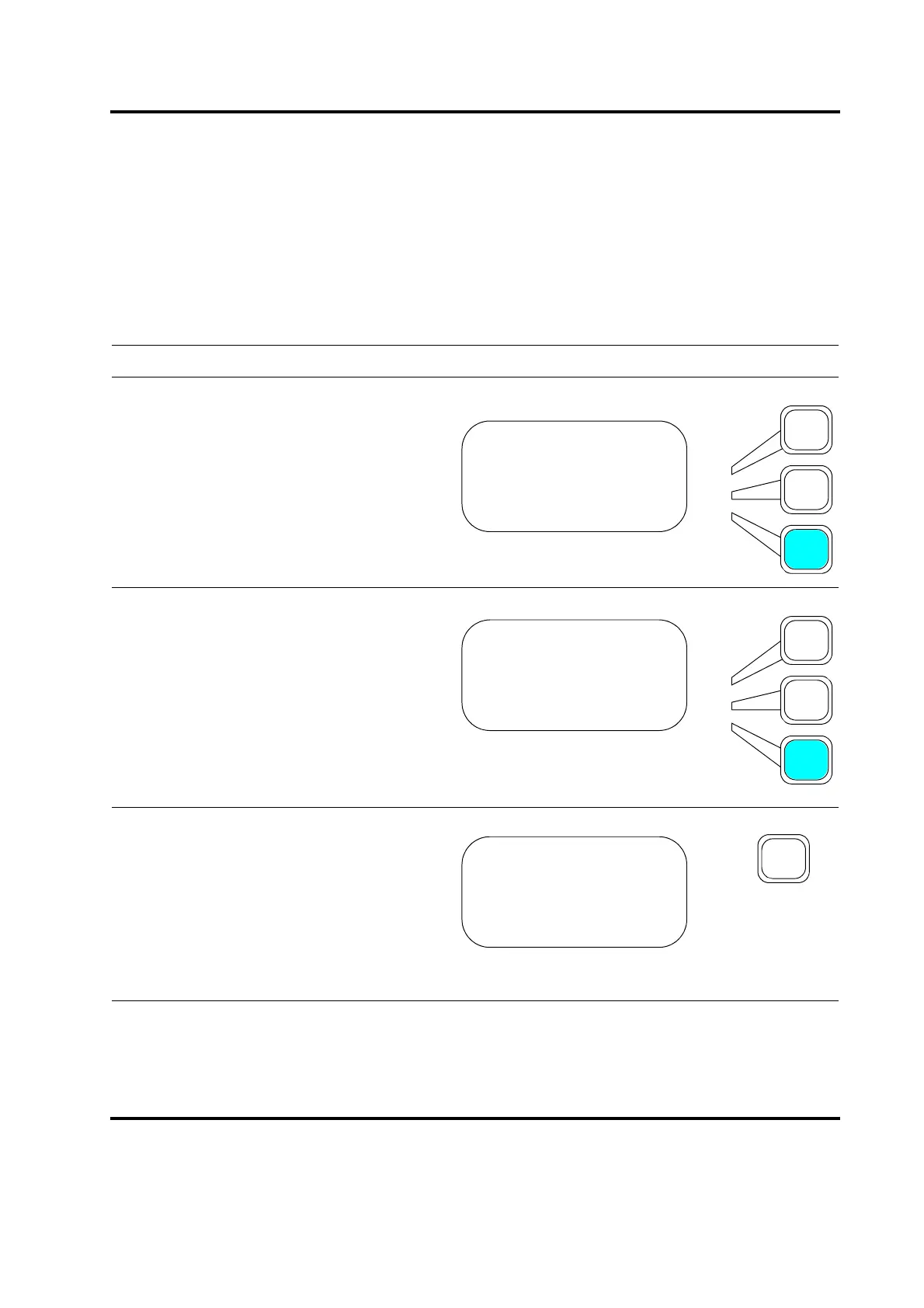
Take this action… To get this result…
Press the Select key that corresponds to
Hold Time(s).
Use the numeric keypad to enter the Hold
Time (in seconds) that you want to use, or
press the same Select key repeatedly to
toggle between the minimum value (0.010
second), and the maximum value (30.000
seconds) for Hold Time or Off to disable
the Hold Time.
Press Enter on the numeric keypad to save
the new value, or press Go Back/Esc to
make no change to the value.
WELD SETUP Pg1of13
Weld Mode> Time
Weld Time(s) = 1.500
Hold Time(s) = 0.100
WELD SETUP Pg1of13
Weld Mode> Time
Weld Time = 1.500
Hold Time(s)= 0.100
WELD SETUP Pg1of13
Weld Mode> Time
Weld Time(s)= 1.500
Hold Time(s) = 0.100










 To Next Page