Write In Fields
Write In Fields allow the assignment of a unique alphanumeric of up to 10 characters to a specific weld setup
and cycle that can be viewed on a Terminal or Printout.
Take this action… To get this result…
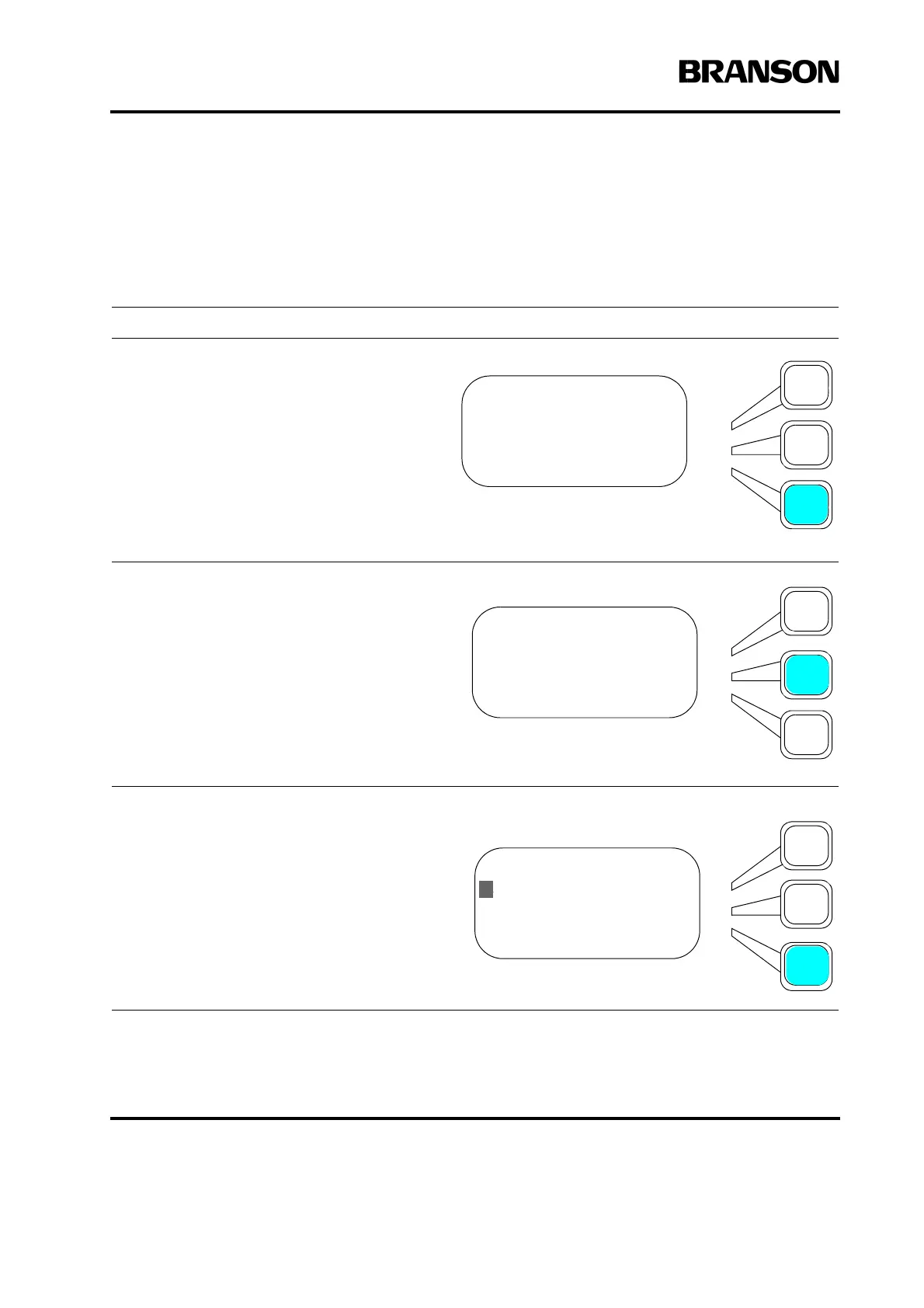
Using the arrow keys, scroll downward
through the menu until you see Write In
Fields. Press the Select key that corre-
sponds to Write In Fields. The following
screen will appear.
Press a Select key to correspond to Text1
or Text2. The following screen will appear.
Use the right arrow to move to and select
up to 10 alphanumerics by pressing Enter
for each text entry. Select Done when fin-
ished. This output shows up on Terminal
and Printout only.










 To Next Page